One ledger · three kinds of screen
The same day page, on paper-like ink and on glass.
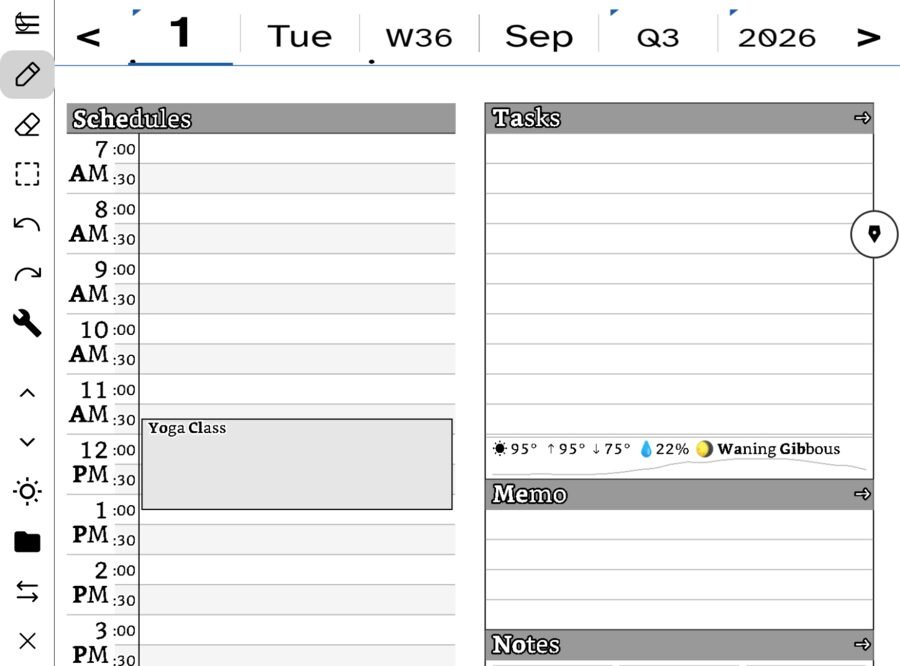
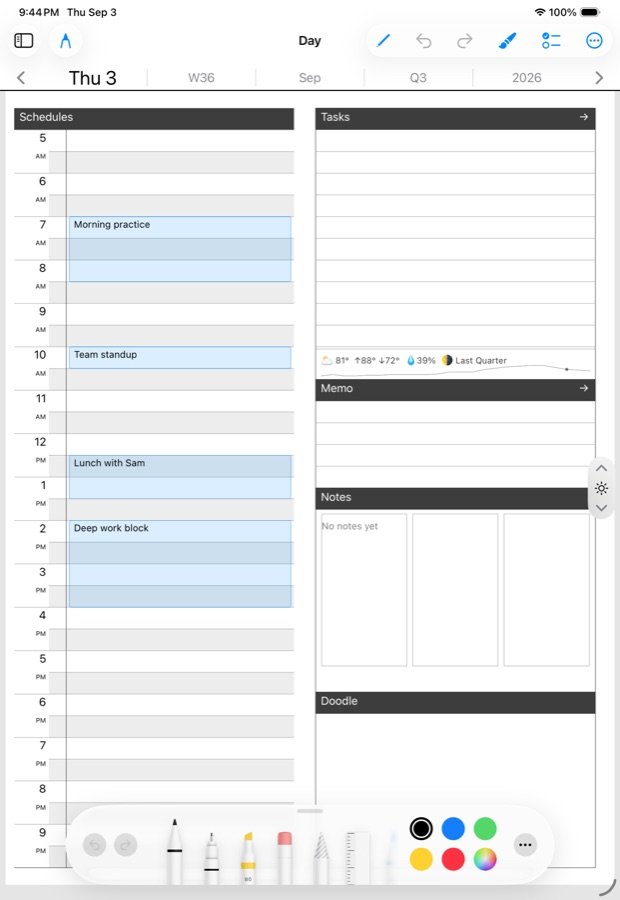
Ledgable is one app on an e-ink tablet and on an iPad, an iPhone and an Apple Watch. The pages are the same files, the rooms have the same names, and a note written on one shows up on the others. Below, each room on a Boox Go 6 beside the same room on an iPad.
iPadOS · Apple Pencil
iOS · the phone in your pocket
watchOS · capture on the wrist
The day page
Hours down the left, tasks and notes down the right, a doodle at the bottom. On e-ink you write with the tablet’s own pen; on the iPad with Apple Pencil. Either way the strokes land in the same day file, so a schedule written on the tablet at breakfast is on the iPad by lunch.
The papers a day can wear
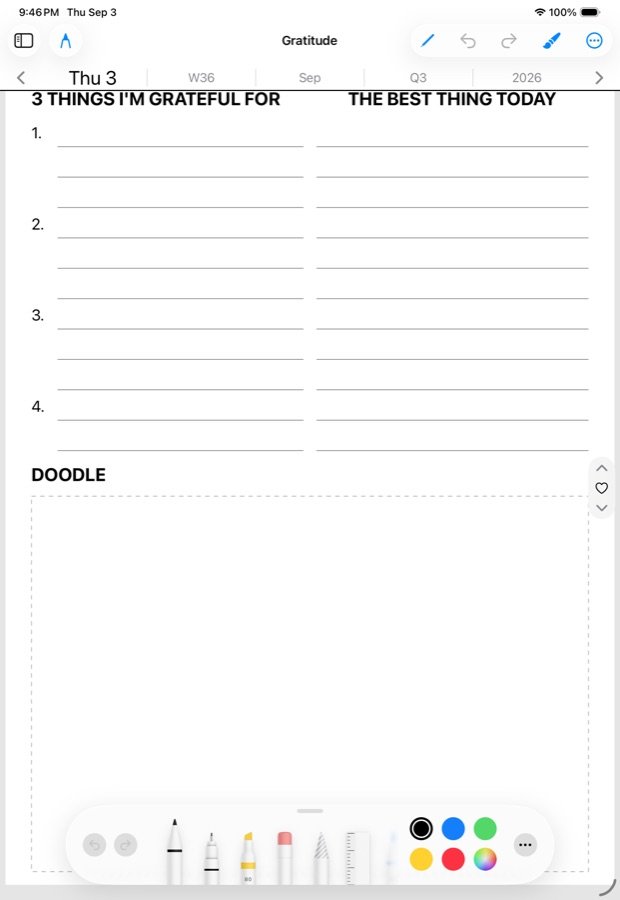
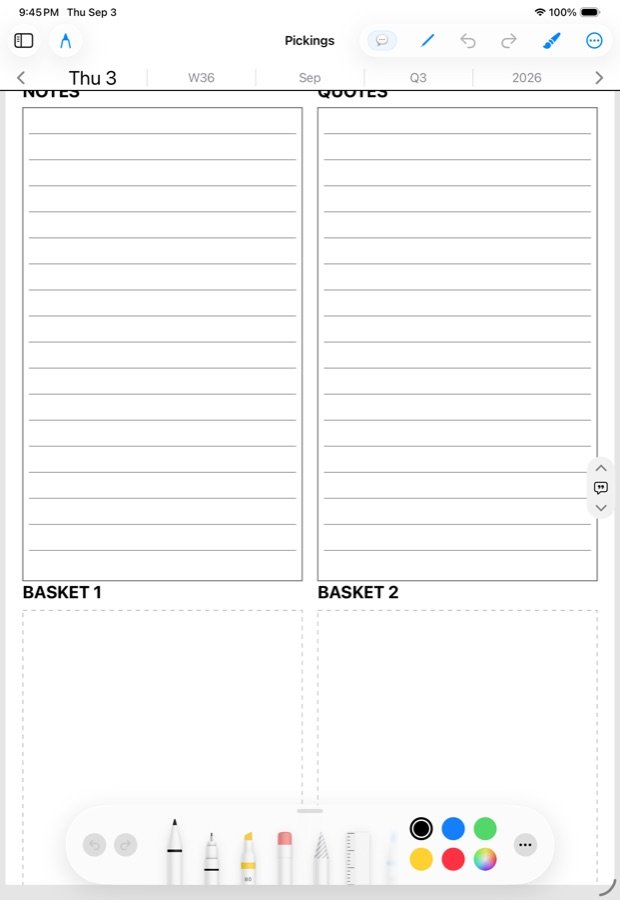
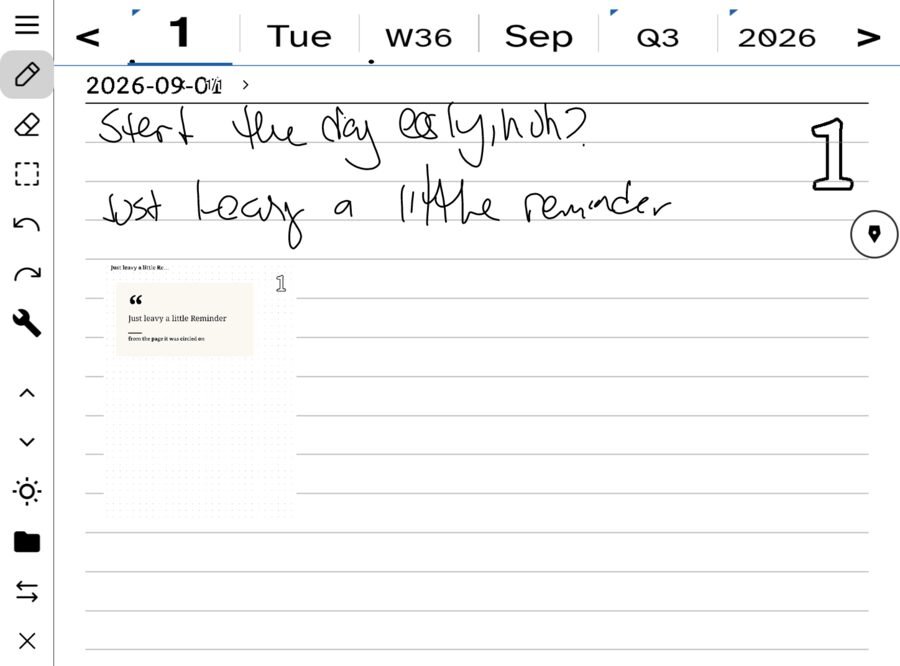
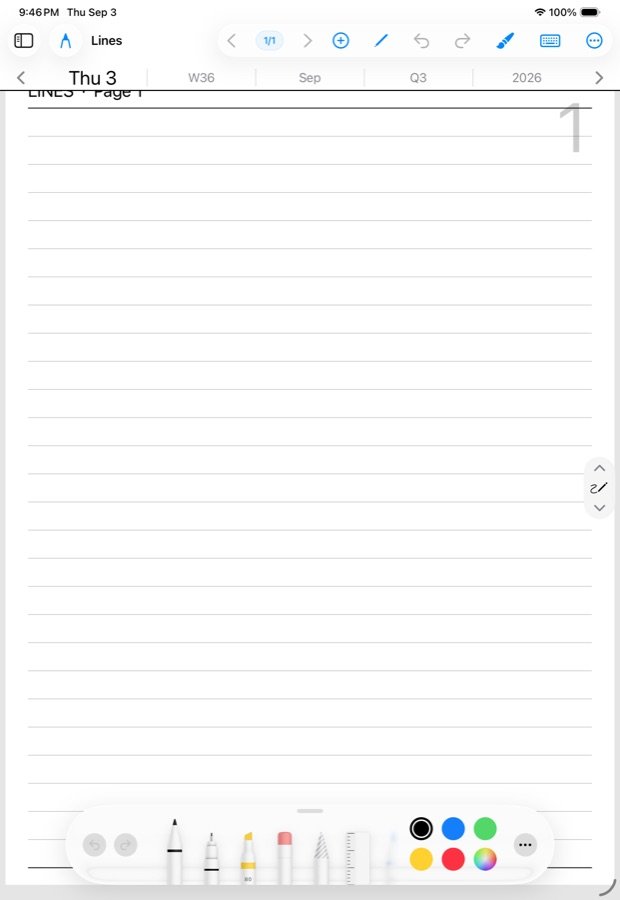
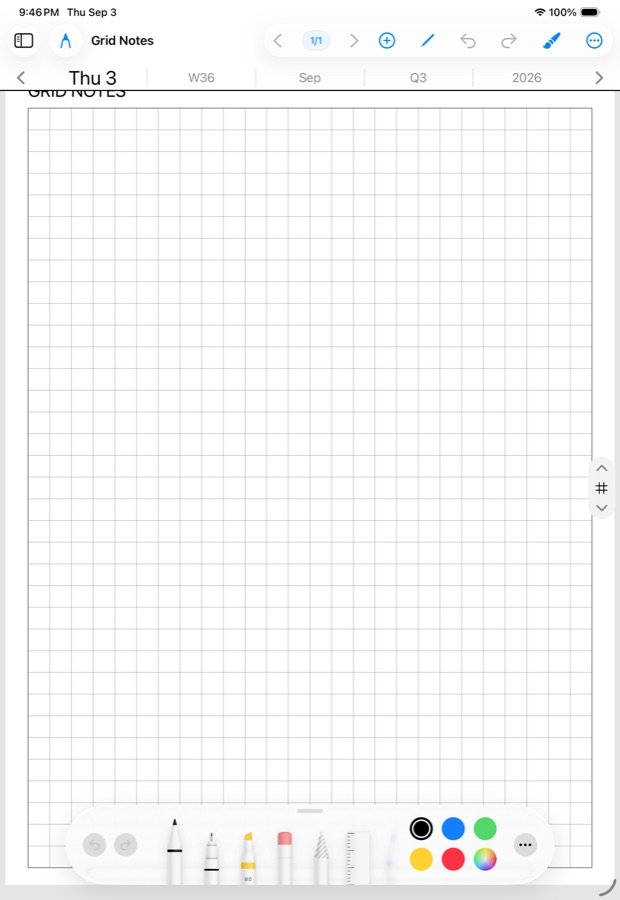
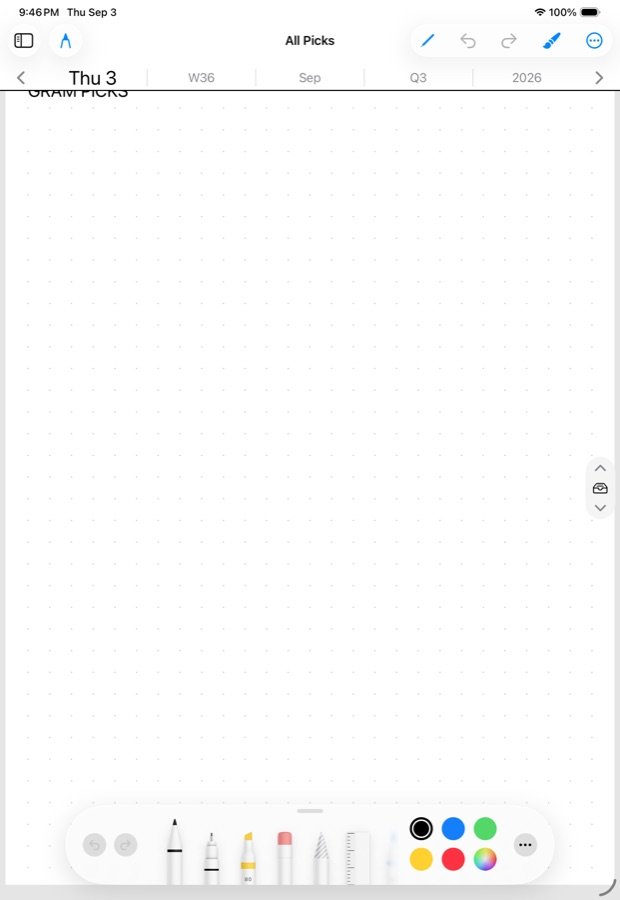
Every page of a day can wear a different sheet: lines, a grid, dots, a pickings board for what you clipped, gratitude, a synthesize page where the assistant writes back. The sheets are the same on both.
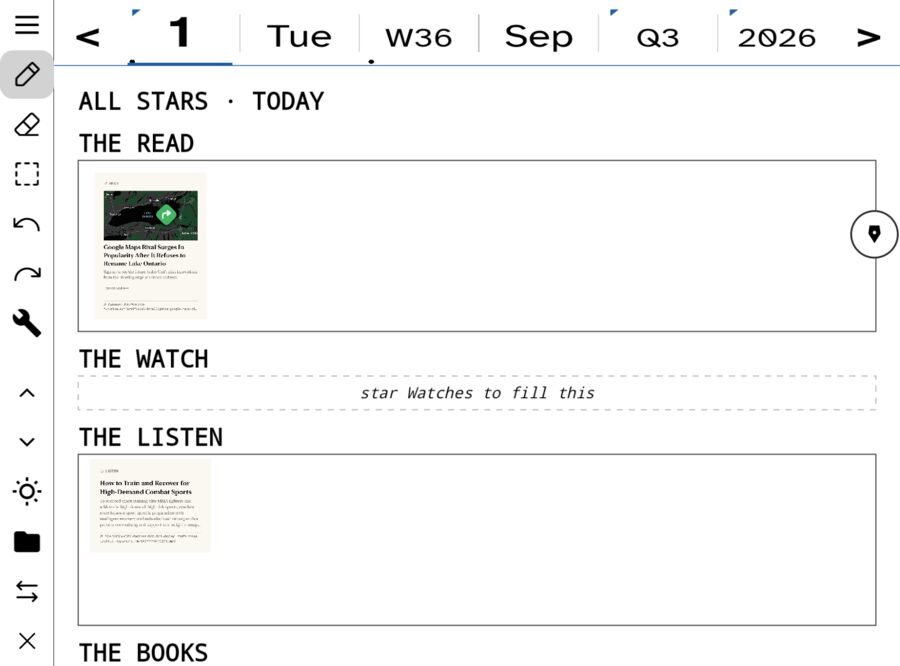
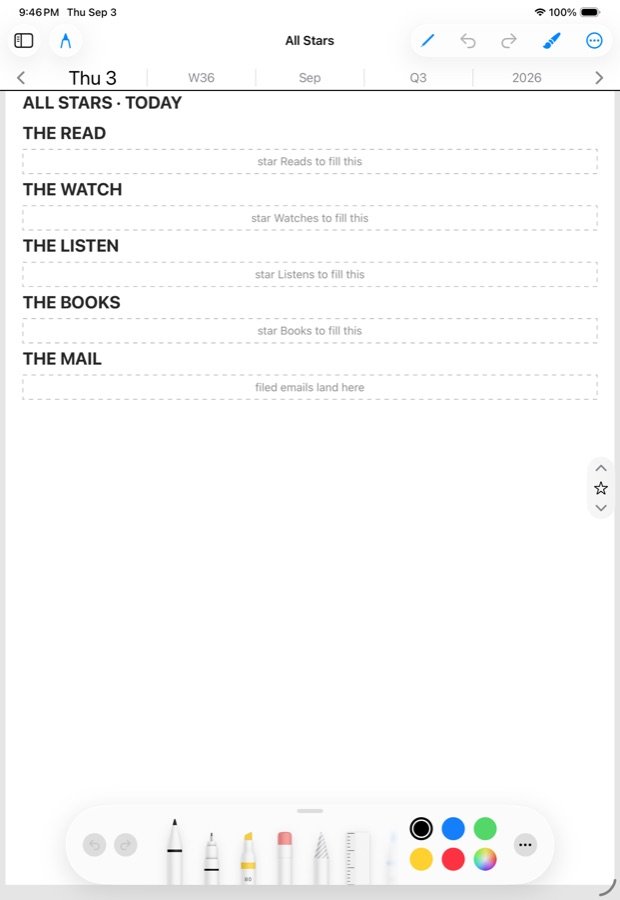
Daily — All Stars and All Picks
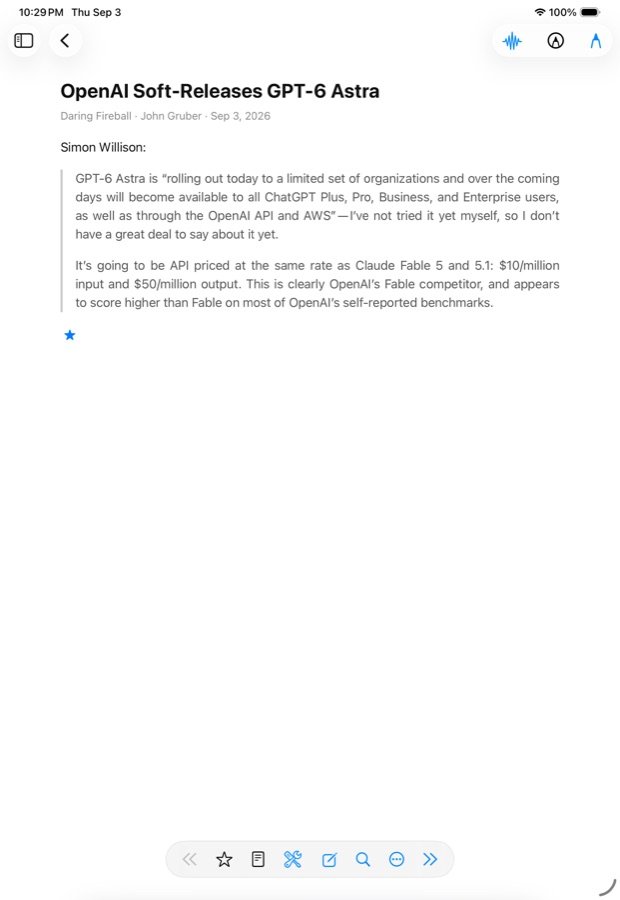
What you starred while reading gathers on All Stars; what you clipped gathers on All Picks. Both are pages of the day, so they sit on the walk from the day page outward, and both exist on both platforms.
Notes
A classic notebook on both: named notes, dated notes, folders as a lens over one flat list, tags and links harvested from what you wrote.
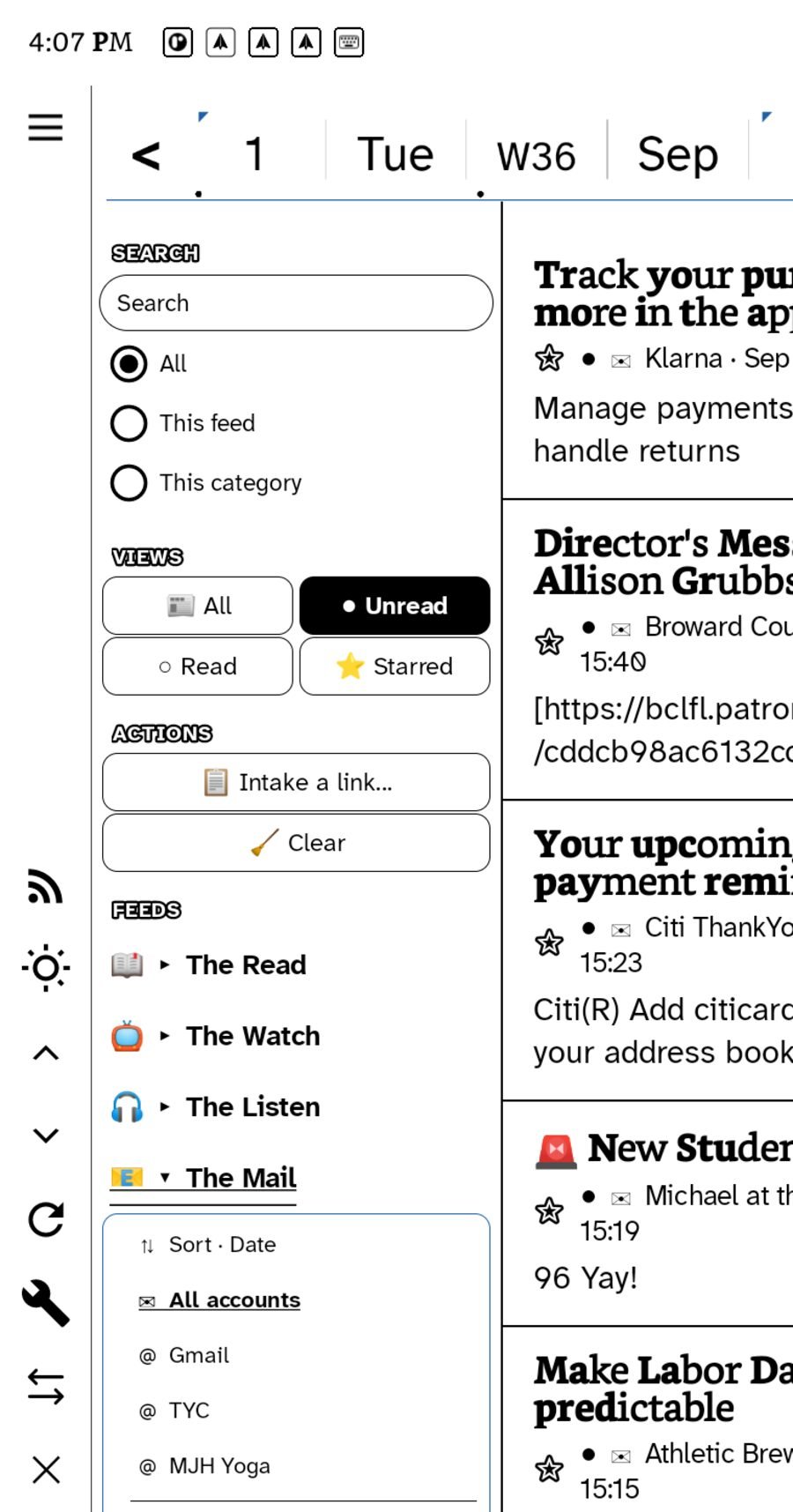
Incoming — your feeds, in the same reader
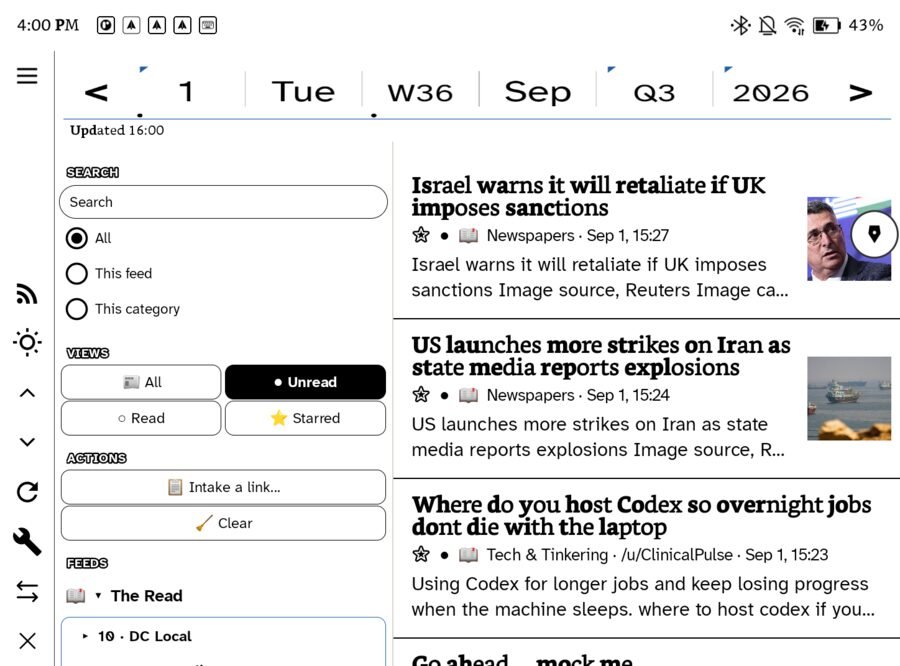
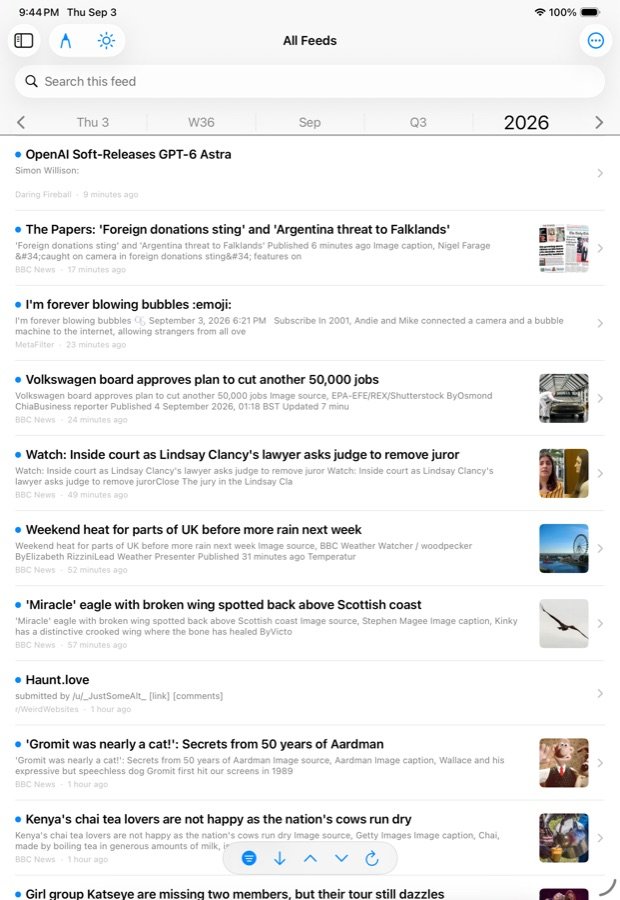
Point both at the same feed server and the unread list is the same list. Read on one, it is read on the other. Star it, and it is on All Stars everywhere.
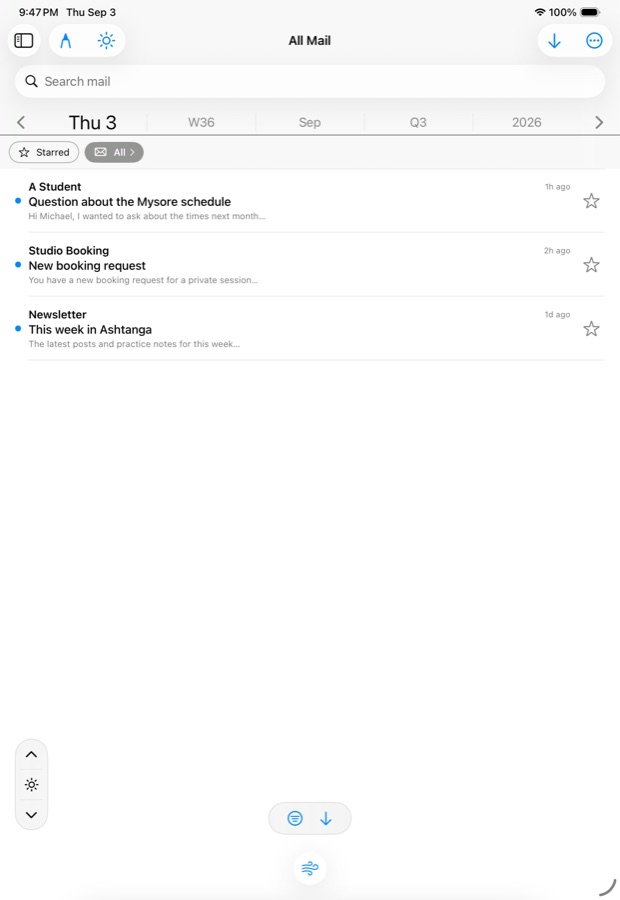
Your own mail accounts, read in one inbox on either device. Star a letter into a task, send it to All Picks, reply by hand or by keyboard, or send a page of notes as an email with the picture inline.
Desk — the people
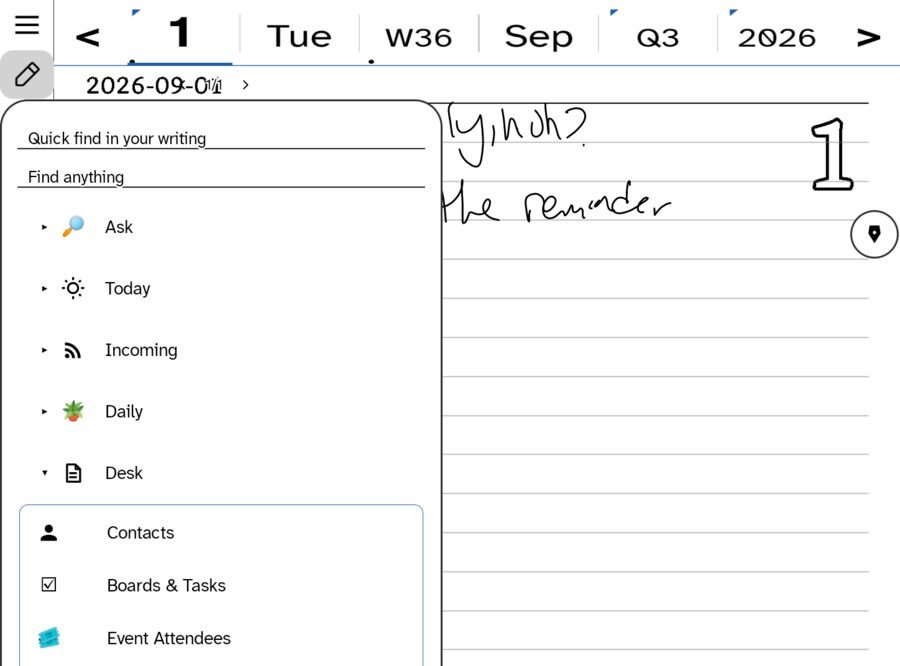
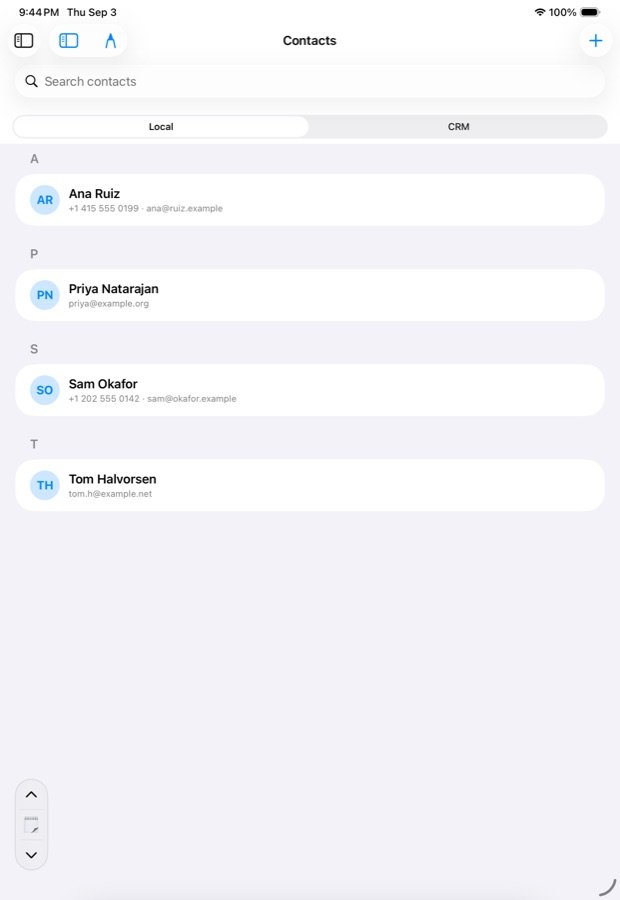
A rolodex that syncs between devices, with a CRM tab when a site is connected. Every contact reads as a correspondence: all the letters in and out with that person, and a compose door on it.
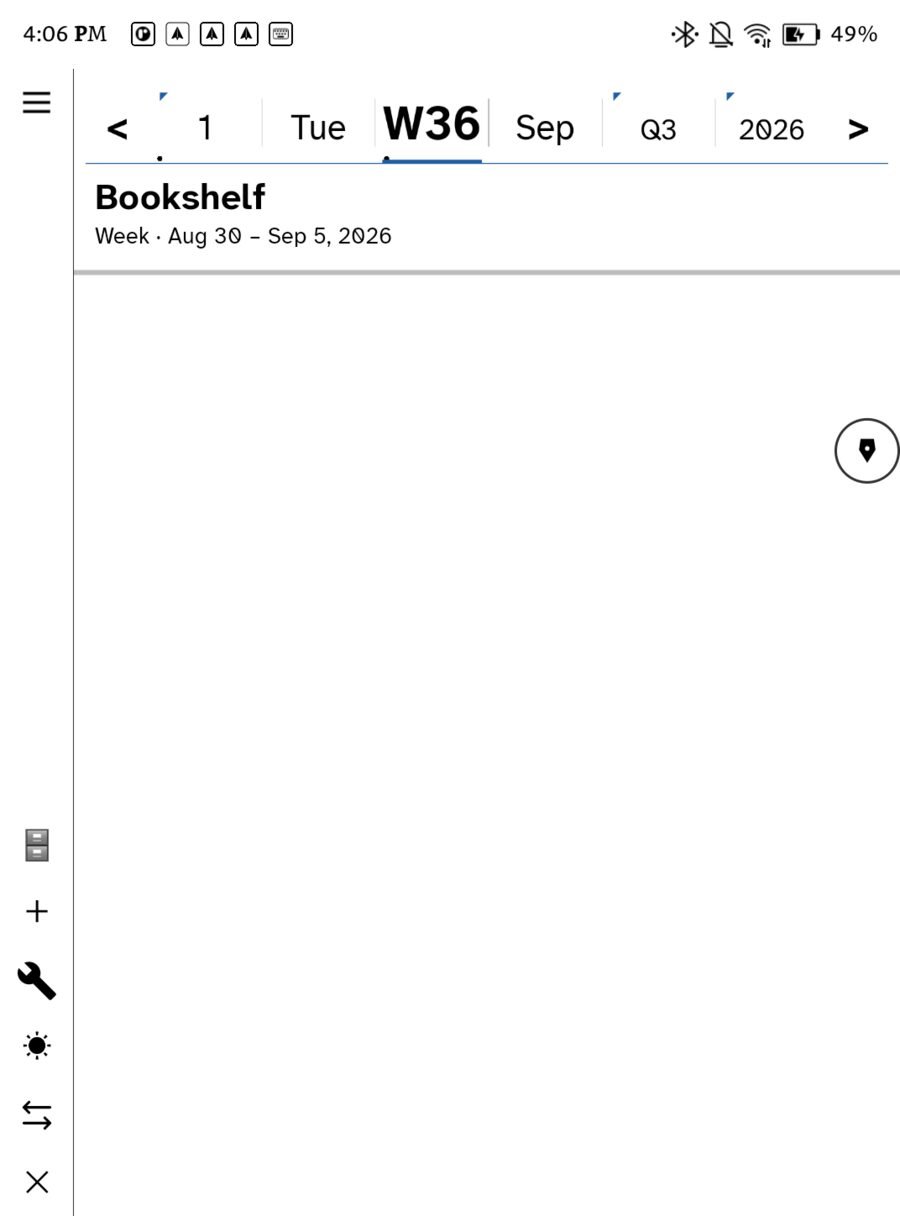
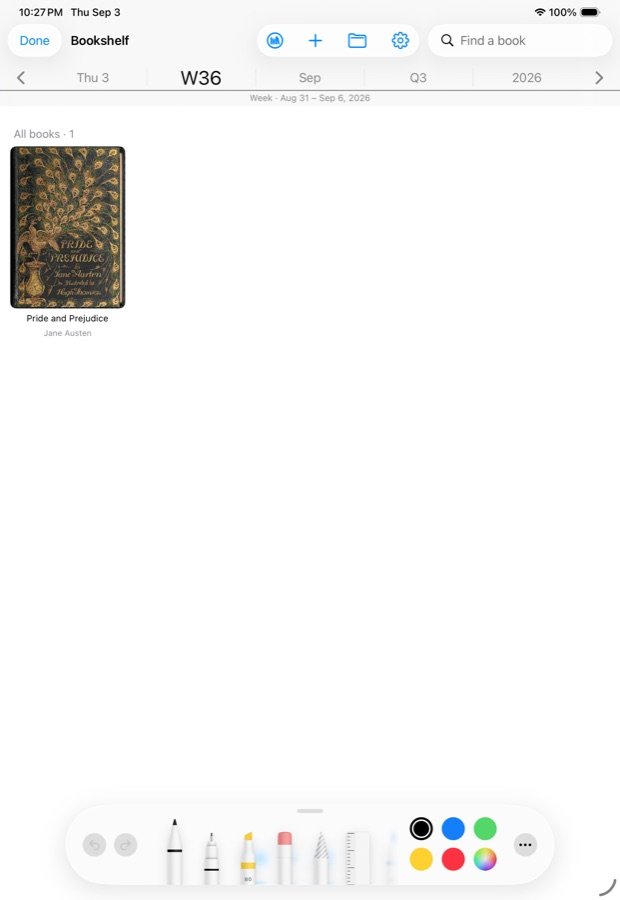
Bookshelf
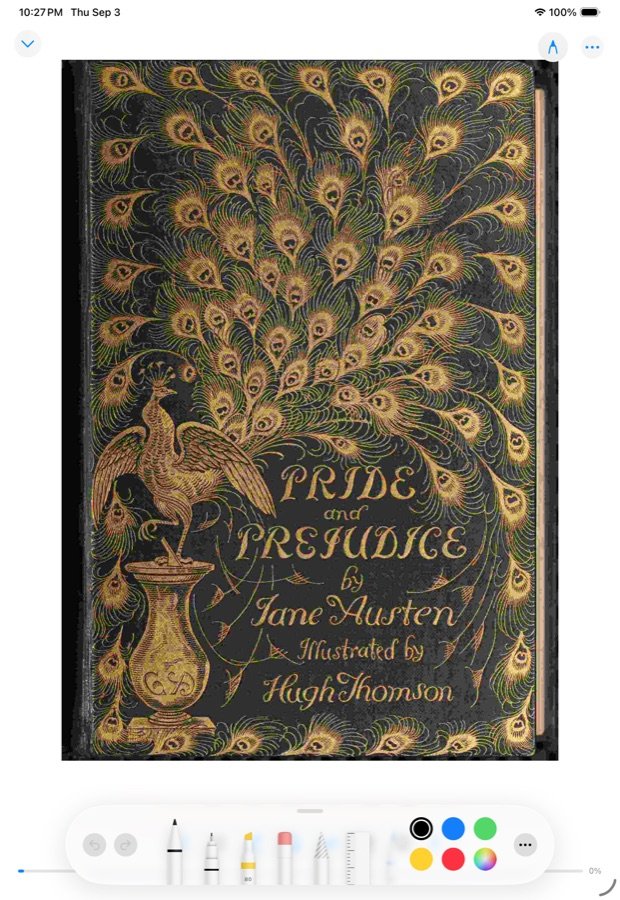
Books and comics on the same shelf, progress synced between devices, the next comic in a series fetched ahead of you on a tablet with the room for it.
Settings, the same on both
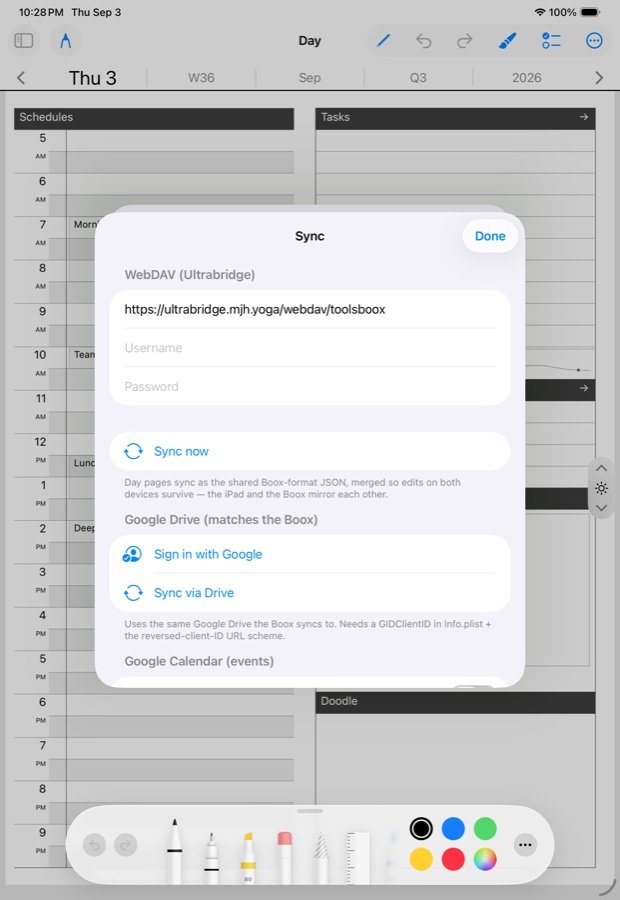
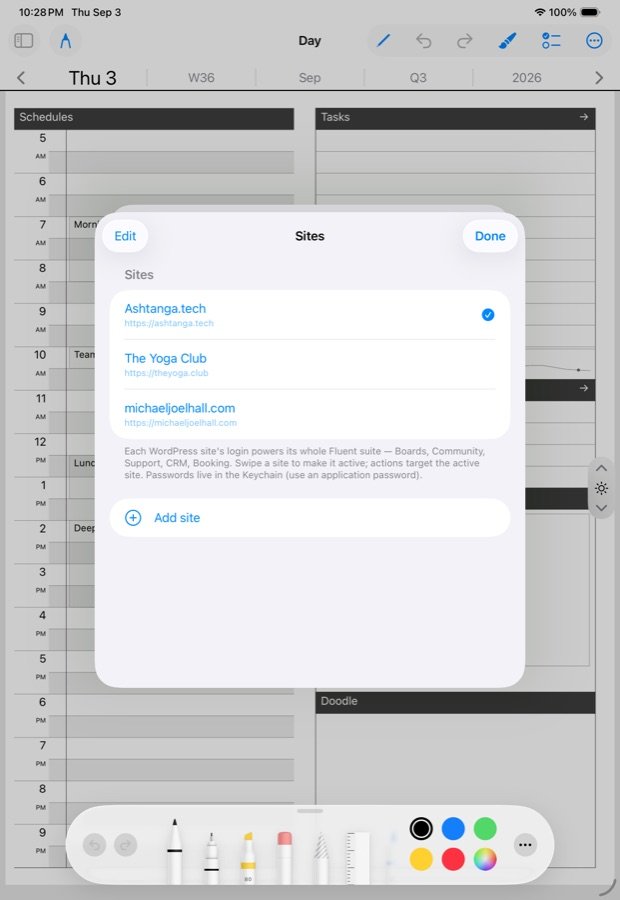
Sync, feeds, mail and sites each get one room. Fill it once, and the other devices follow through sync.
The small screens
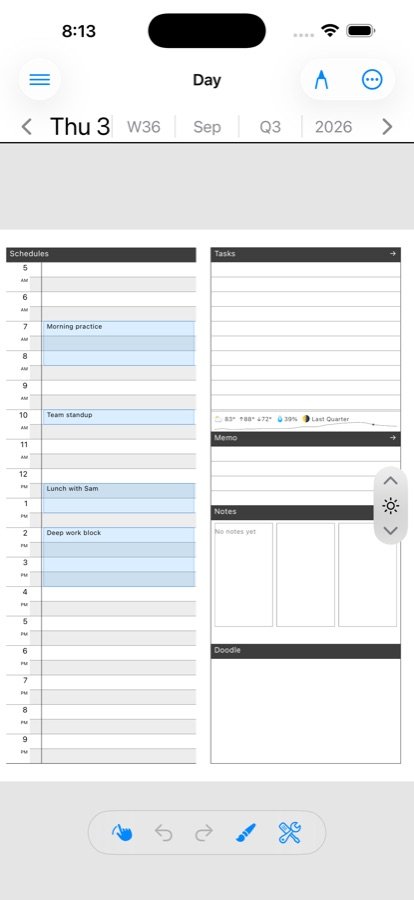
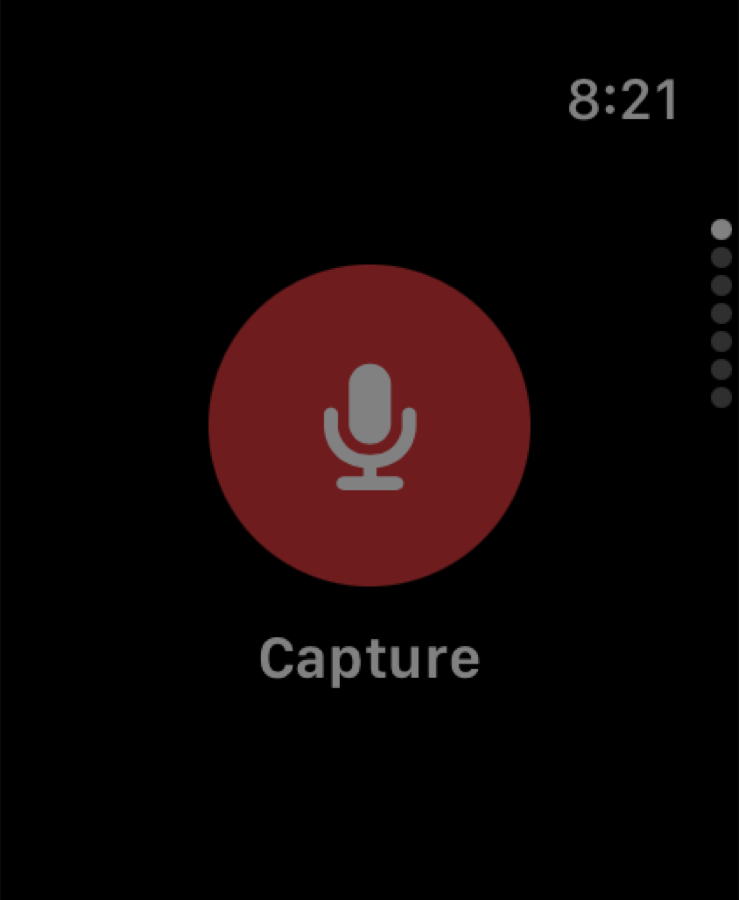
The phone carries the whole day page, fitted to its width, and everything else the iPad has. The watch carries the parts a wrist is for: one big Capture button, today’s tasks to tick, the mail pile read aloud, and the spoken lens that reads articles and letters to you on a walk.
What is honestly different
Only on e-ink
The tablet’s own pen, drawn by the panel itself, with no lag at all. A calligraphy nib, the lasso that lives on the pen, hand-written tasks that stay ink. Home-screen widgets that draw your actual handwriting. The device left on your desk is the notebook, open at today.
Only on Apple
Apple Pencil with pressure and the system pencil tray. Home-screen widgets for schedule, tasks, feeds, mail, the pile and the book you are reading, sized to whatever space you give them. An Apple Watch. Your device calendar and reminders wired straight into the day page.
Everything else is the same app: the same Hub, the same rooms, the same files.
Get it
Ledgable — cozy and transgressive