Knowledge base
One question, one answer.
Short answers for the things people actually ask, with the screen beside the words — Boox, iPad, iPhone and e-ink phone wherever the picture exists.
Start here
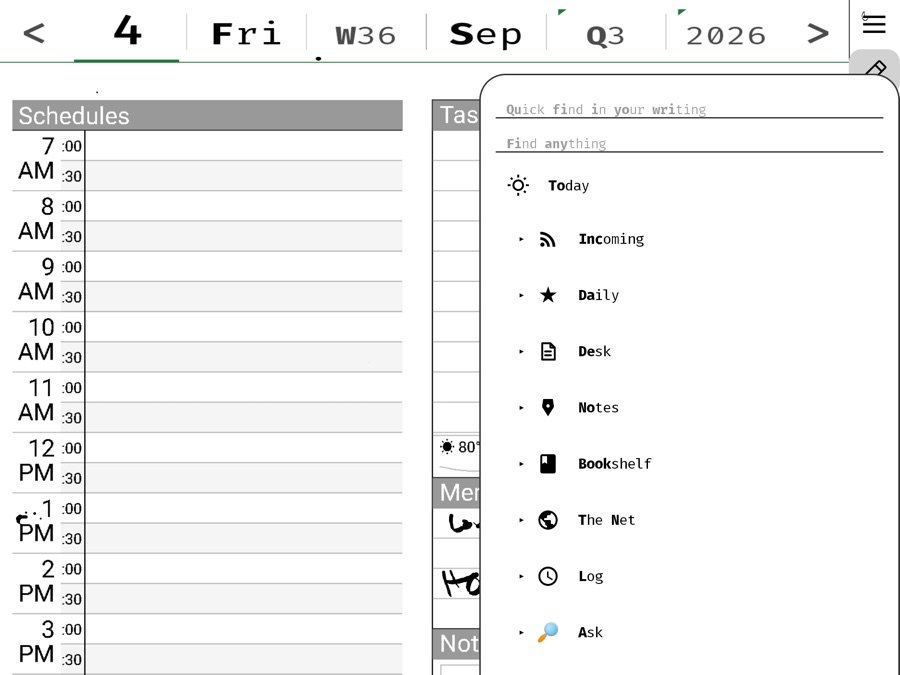
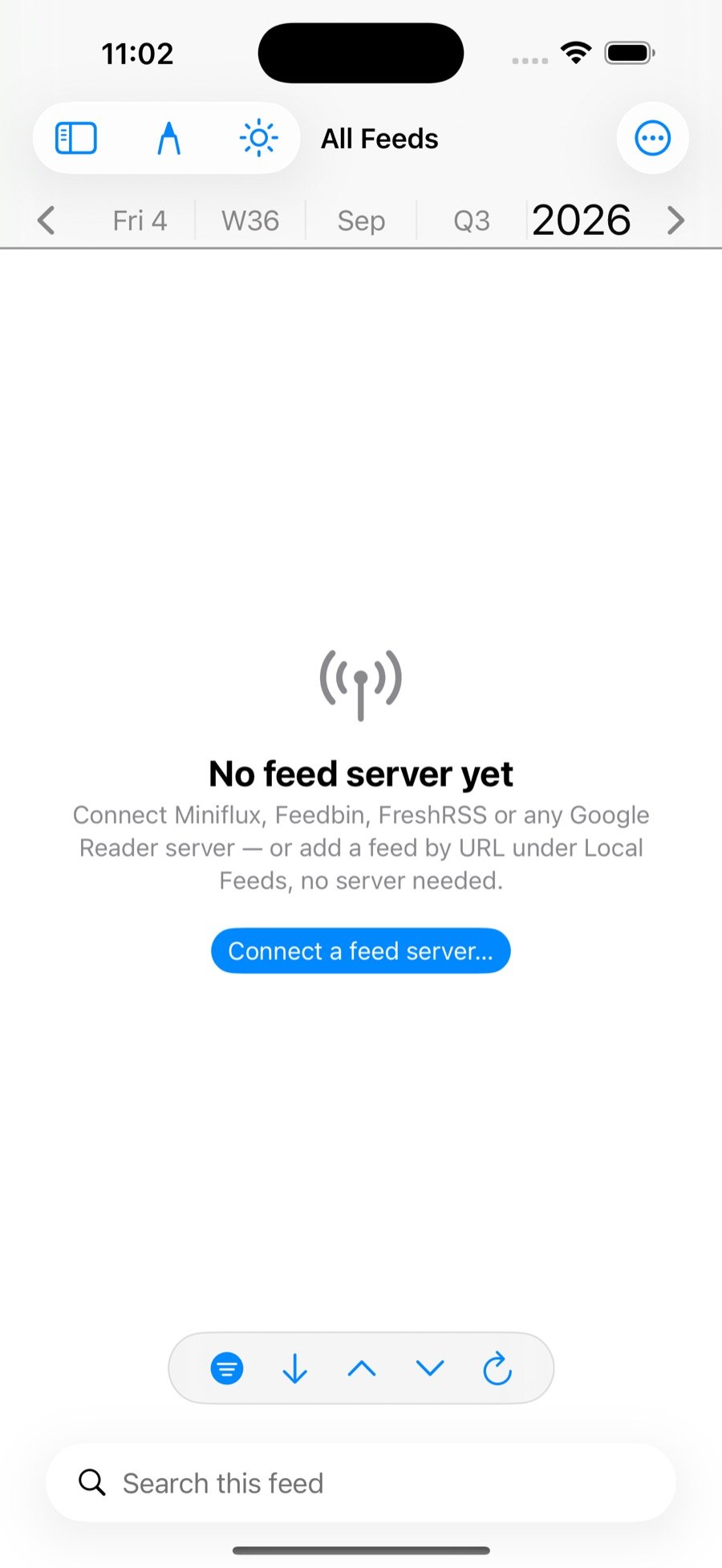
Finding RSS feeds
Where feeds hide on every kind of site, newsletters as feeds, and what to do when a site has none.
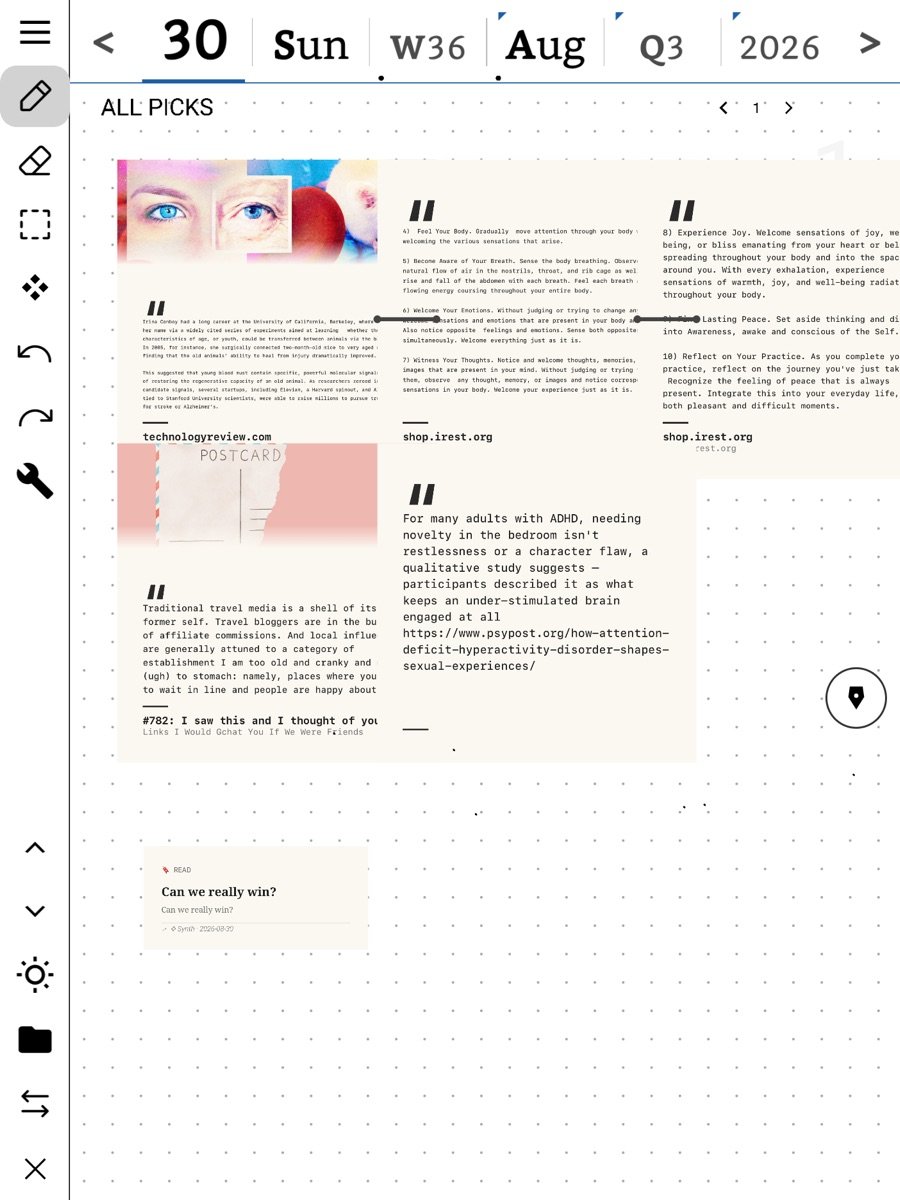
Why you would pick something
A pick is the smallest unit of thinking: a piece with its source, on a page you own, dated.
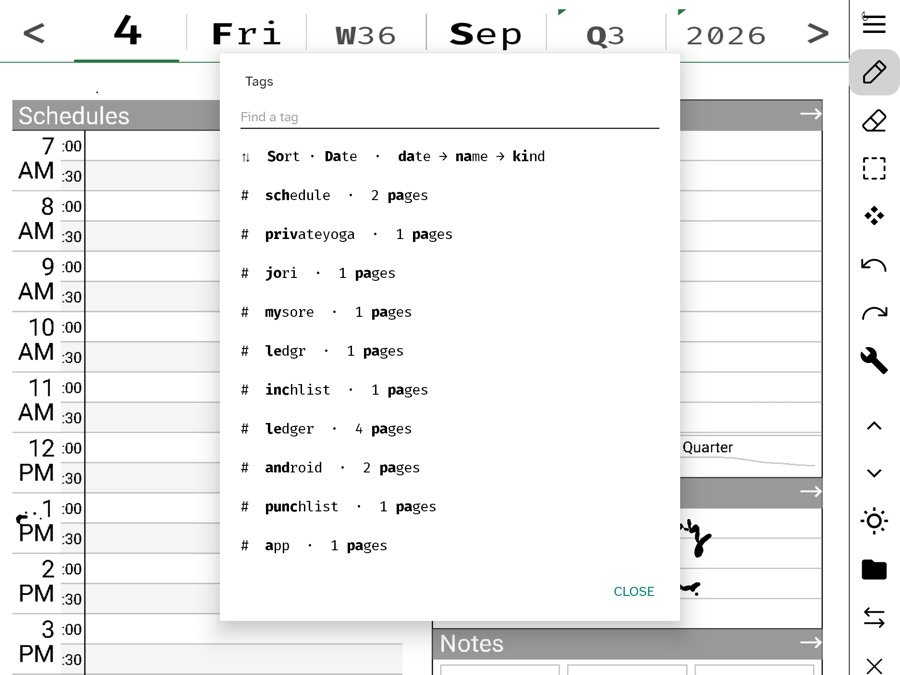
Tags and links
Write #word or [[Name]] anywhere, in ink or type; Jump to a tag, Pull the thread, the Links row.
Share on Bluesky
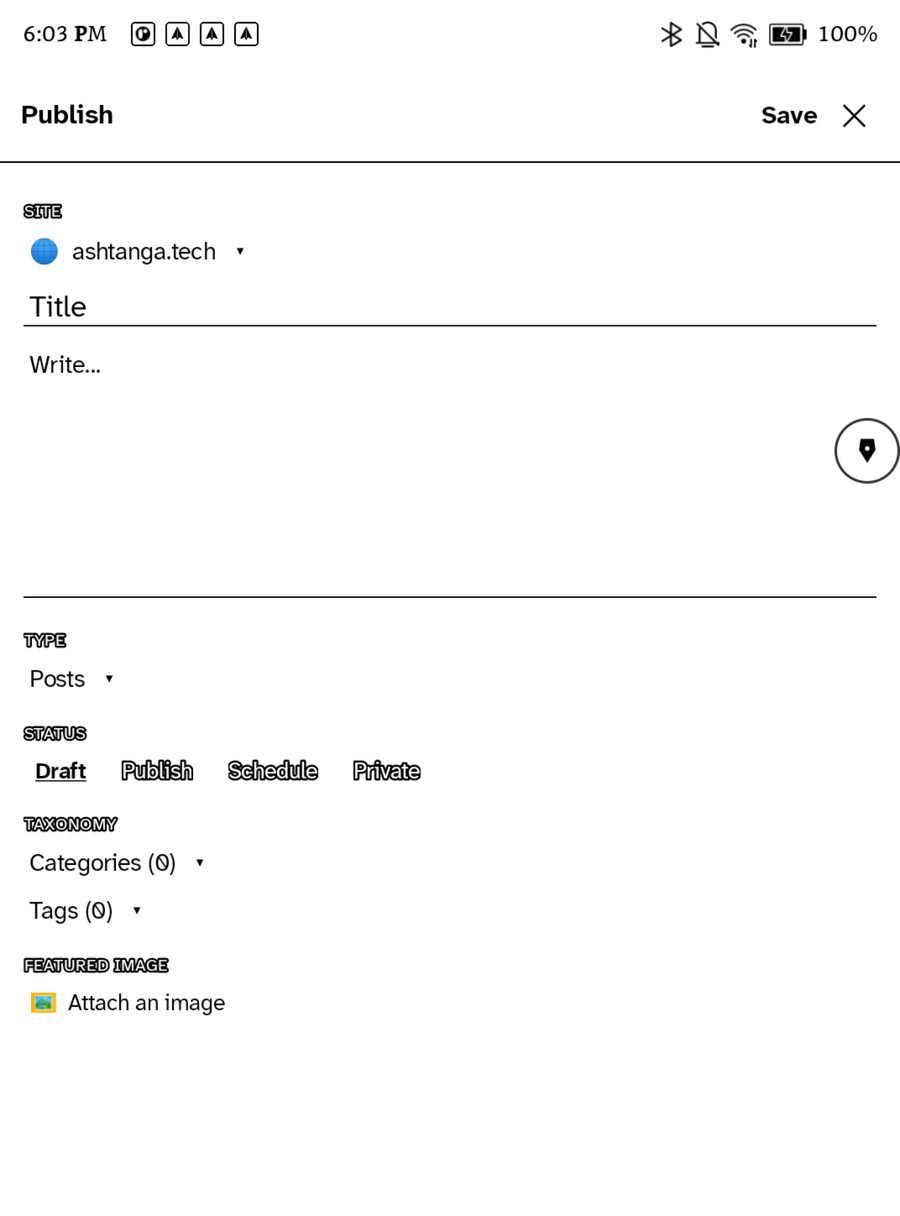
Write a post by hand, syndicate a page through your site, and answer replies in Correspondence.
Everything, by room
Grouped the way the sidebar is grouped. Every article opens with the answer, a picture of the screen, and where to find it; the steps come after.
☀Getting started
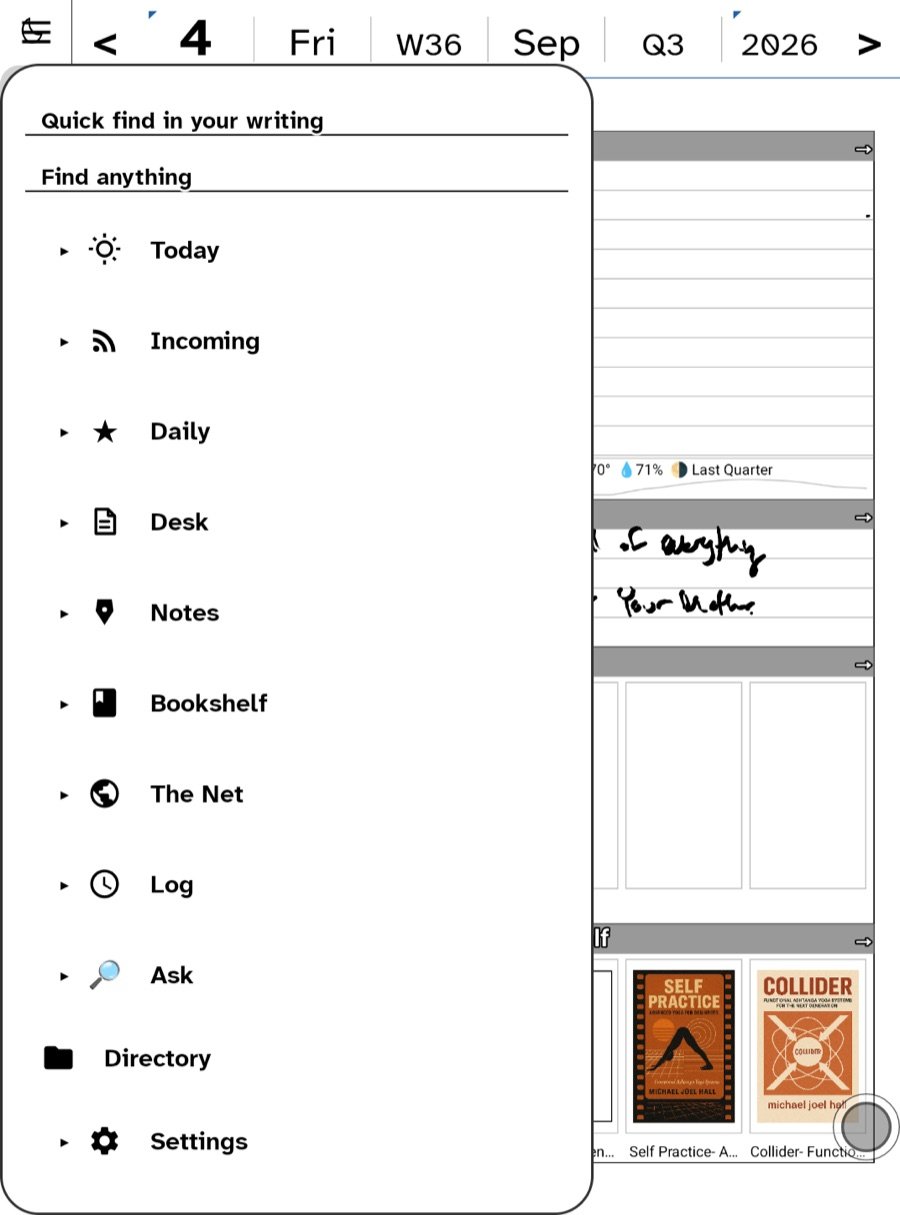
- Start hereWhat Ledgable is, the day page, and the sidebar in one screen.
- Installing on iPhone, iPad and Apple WatchApp Store or TestFlight, and what each permission on first launch is for.
- Installing on Boox, Bigme and other e-ink tabletsAPK install, sideloading, updates, and the fast-ink path per device.
- Your first day pageWrite in each zone, tick a task, flip the page, move through time.
- Join the communityThe rooms at ledgable.cc/community, what goes where, and how the app reaches them.
📅The day page
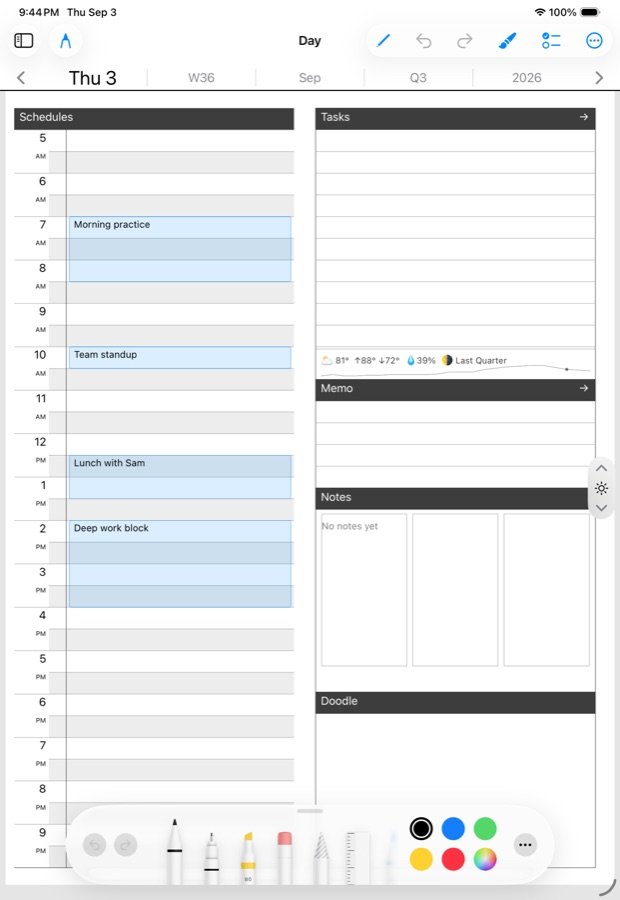
- The zones: Schedules, Tasks, Memo and NotesWhat each zone of the day page does with your ink.
- The almanac stripDay, week, month, quarter, year — one control that navigates the page and filters every list.
- All Stars and All PicksWhat a star and a pick are, and the walk from Today to the day's note.
- Templates and paperLined, grid, jot, text and pickings; your own templates and regions on iPad.
✎Notes
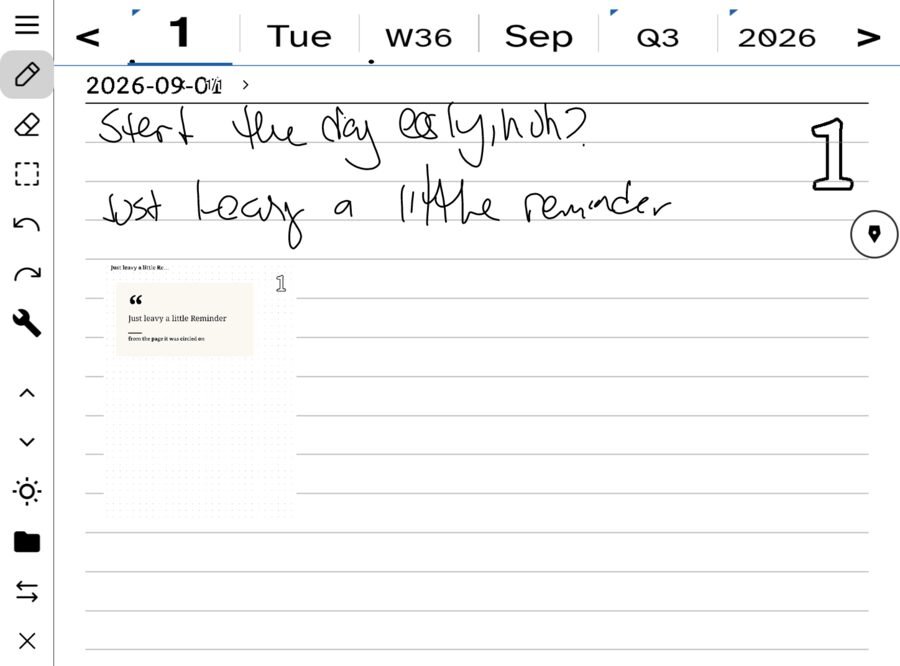
- The NotebookNamed and dated notes in one flat list; tags and links as lenses; pins.
- Exporting a pagePicture, linked PDF, email, WordPress, community and Bluesky from one sheet.
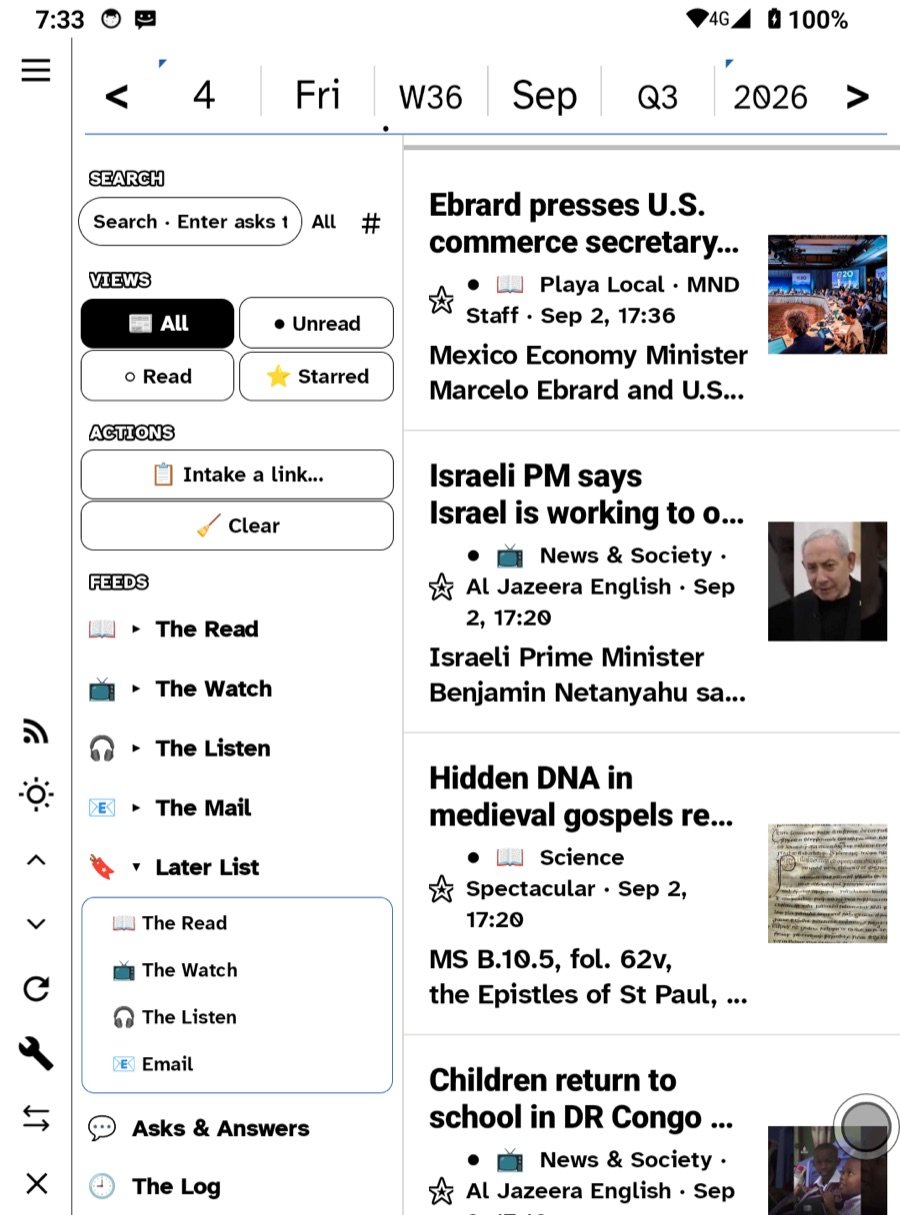
📖Reading
- Connecting your feedsMiniflux, the hidden beta server types, and Local Feeds with no server at all.
- Podcasts and ContinueSubscribe, queue, sleep timer, downloads, and picking up where you left off on any device.
- The Net: the browserKeeps, picks, bookmarks, links to Later, and saving a page as a book.
- Page with the buttonsOn e-ink the volume rocker turns every page: books, comics, web, articles, lists. Double-press goes back.
🧭Sources
- Finding RSS feedsWhere feeds hide on every kind of site, newsletters as feeds, and what to do when a site has none.
- YouTube as a feedPaste any YouTube link and follow the channel in The Watch, with no algorithm and nothing recommended.
- MichaelFilter: a presorted ledgerPlug in a feed list a person already curated: the free edition, the daily PDF, and Full RSS you connect directly.
- Music, podcasts and audioWhat The Listen plays: podcasts, shows published as podcasts, audio in any feed, audiobook files, and read-aloud.
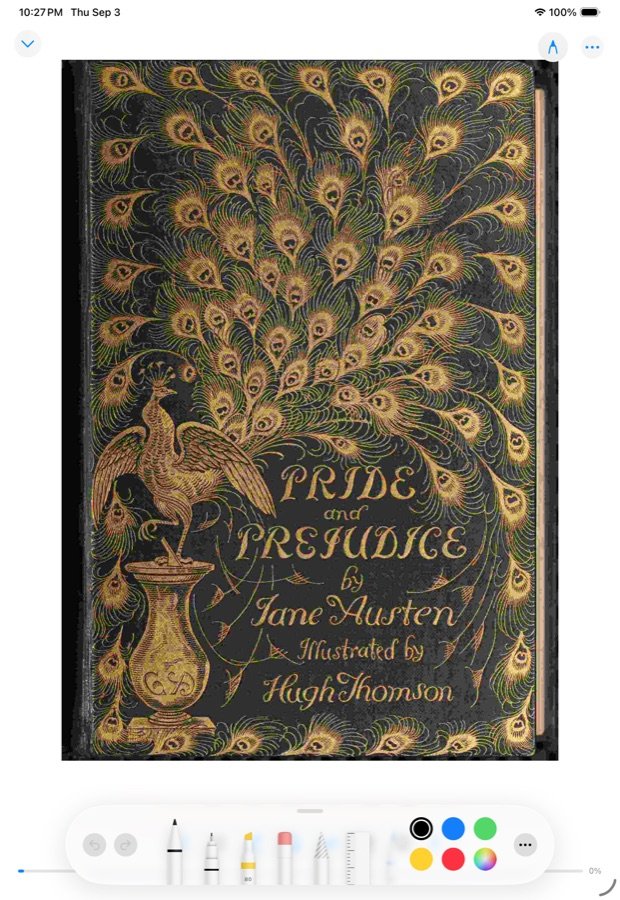
- Books, with or without AmazonWhat Kindle does and does not give you, and every place that sells or gives you a plain file.
- Where comics come fromCBZ files, webcomics as feeds, comic servers over OPDS, and comic sources on Android.
📚Books & comics
- Adding books and comicsFiles, an OPDS catalog, and the WebDAV library hub.
- Reading across devicesReading position sync, read-ahead for series, and the library hub.
- Comics: balloons and panelsThe balloon index, the panel walk, and long-hold capture.
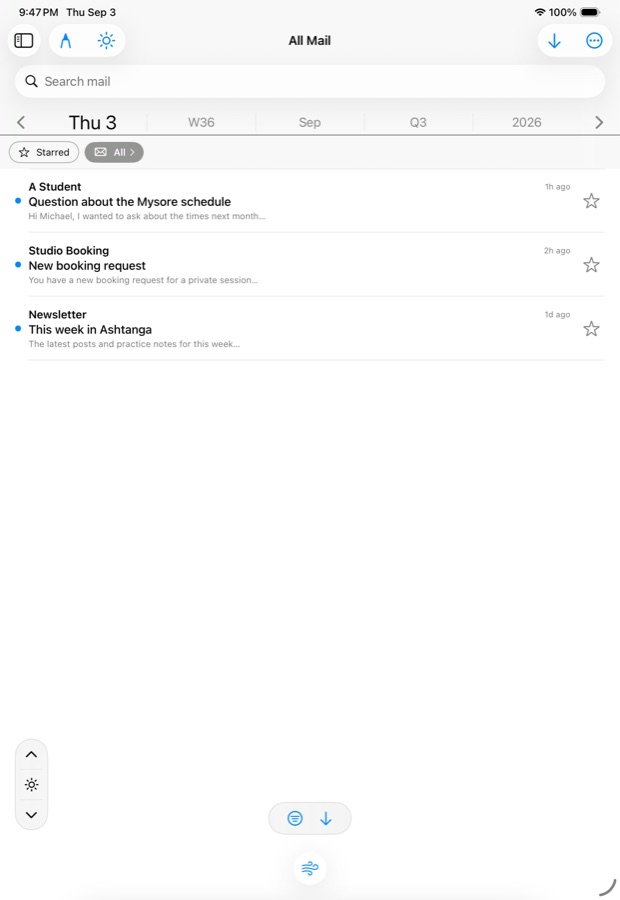
- Adding a mail accountIMAP and SMTP, provider presets, and pinning the default send address.
- Replying by hand or keyboardType it, handwrite it on stationery, or draft it on a board first.
- Send a page as emailThe Send/Export sheet's email row: picture inline, text and links real, PDF attached.
- Letters and picksStar to task, Send to All Picks, Links to Later, save the sender.
👤People
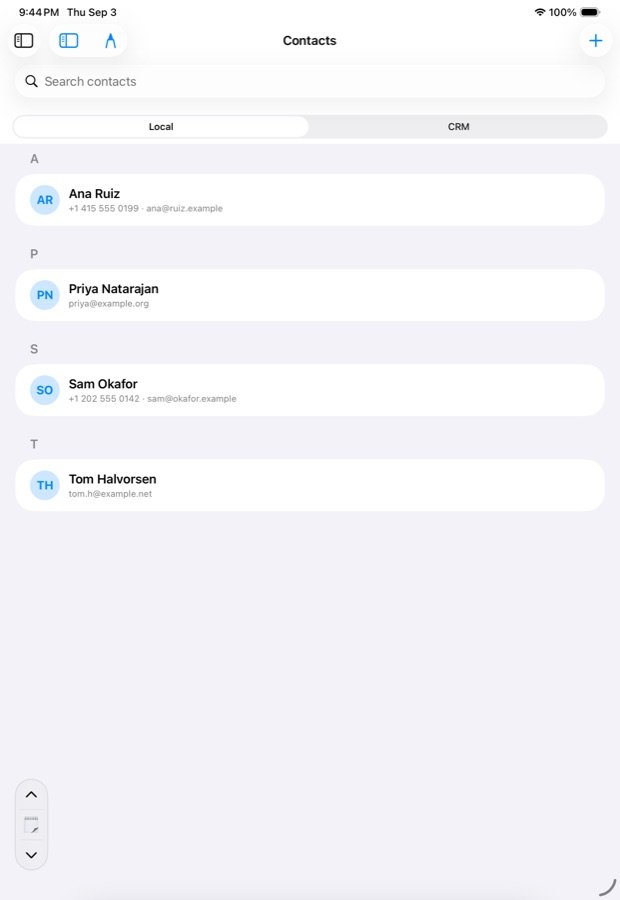
- Contacts and the CRMThe rolodex, import from device contacts, the CRM tab, saving a CRM person.
- Every contact is a correspondenceAll our letters, Write to, and the To line that knows everyone.
🌐Sites & publishing
- Reclaim your years from MetaTurn your Facebook or Instagram export into a private ledger on a site you own: one page per day, on this day, threads.
- Publish to WordPressA page you wrote becoming a post on your own site; the short version.
- Keeping your ledger privateSync is not publishing; the three site settings that decide who sees a page, all closed by default.
- The Correspondence roomReplies to your posts, community answers, and Bluesky replies answered by hand.
- Messages, boards and bookingsCommunity chats, site boards you can drag, and the day's booking roster.
- Run your own ledger and shareFeeds, webmentions, neighbours and the directory: how self-hosted ledgers find each other, with ledgable.cc as the first hub.
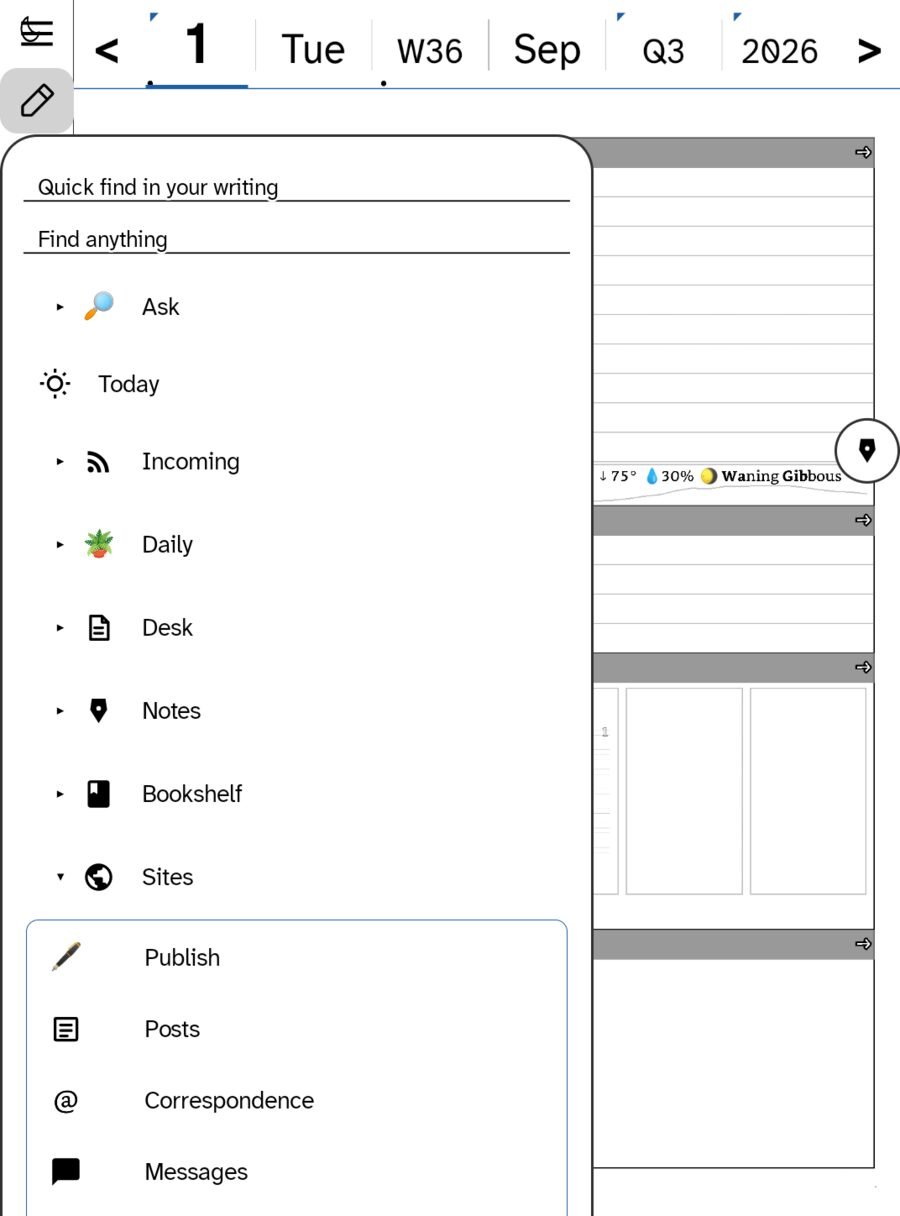
🦋Sharing
- Share on BlueskyWrite a post by hand, syndicate a page through your site, and answer replies in Correspondence.
- Share handwriting to the communityPost a handwritten page to ledgable.cc's community from the page itself, and answer from the app.
- Your own gardenA community space on ledgable.cc that you admin, with a door in the app. $5 a month on the web, never in the app.
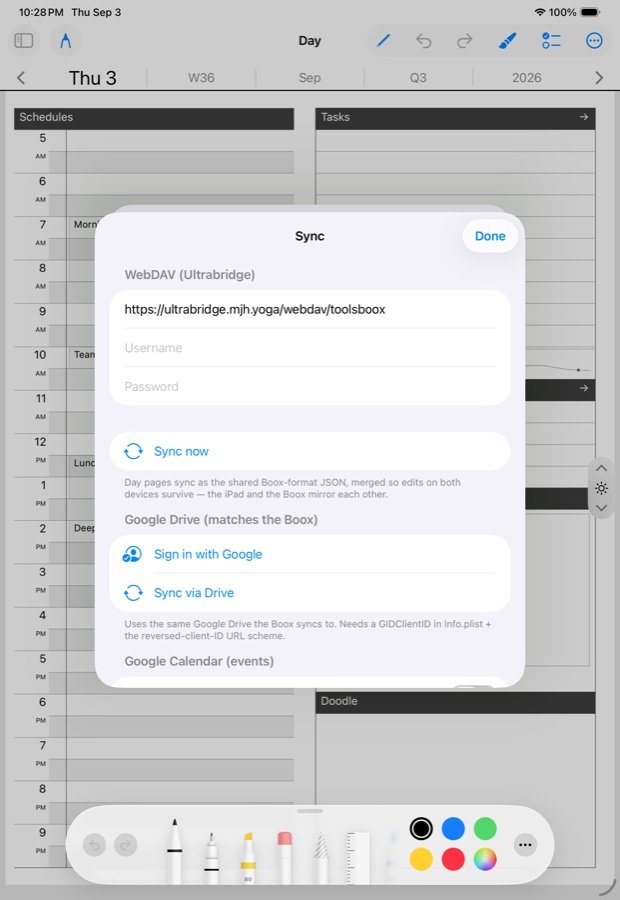
⇄Sync & backup
- How sync worksWebDAV or Google Drive, plain day files at the same path everywhere, and the union merge.
- Choosing a WebDAV hostYour own box, a NAS, a rented share or a Nextcloud; what to type, and which big-name drives do not speak WebDAV.
- Google Drive as your syncSign in once per device, the same plain files in a visible Drive folder, and what differs from WebDAV.
- Backup and restoreThe ledger, your settings, and names and structure; restoring on a new device.
- Using Ledgable on several devicesSame folder everywhere, settings carried across once, what follows you and what stays.
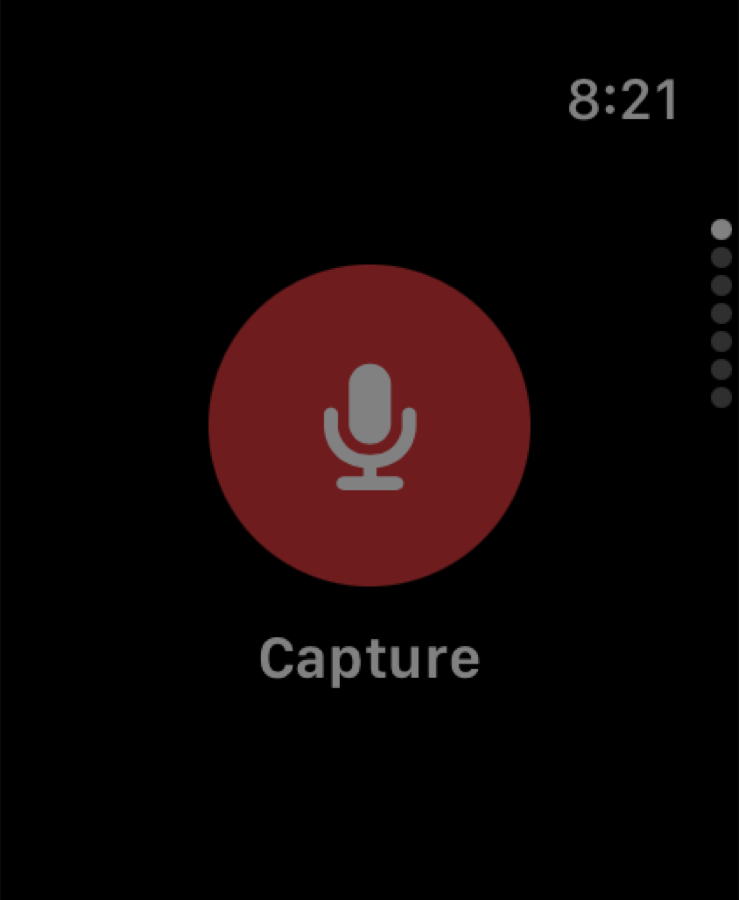
⌚Widgets & Watch
- Home screen widgetsThe iOS widget families and what each shows; the Android widgets.
- Apple WatchCapture, the spoken lens, Today, Ask, Feeds, Mail and Listen on the wrist.
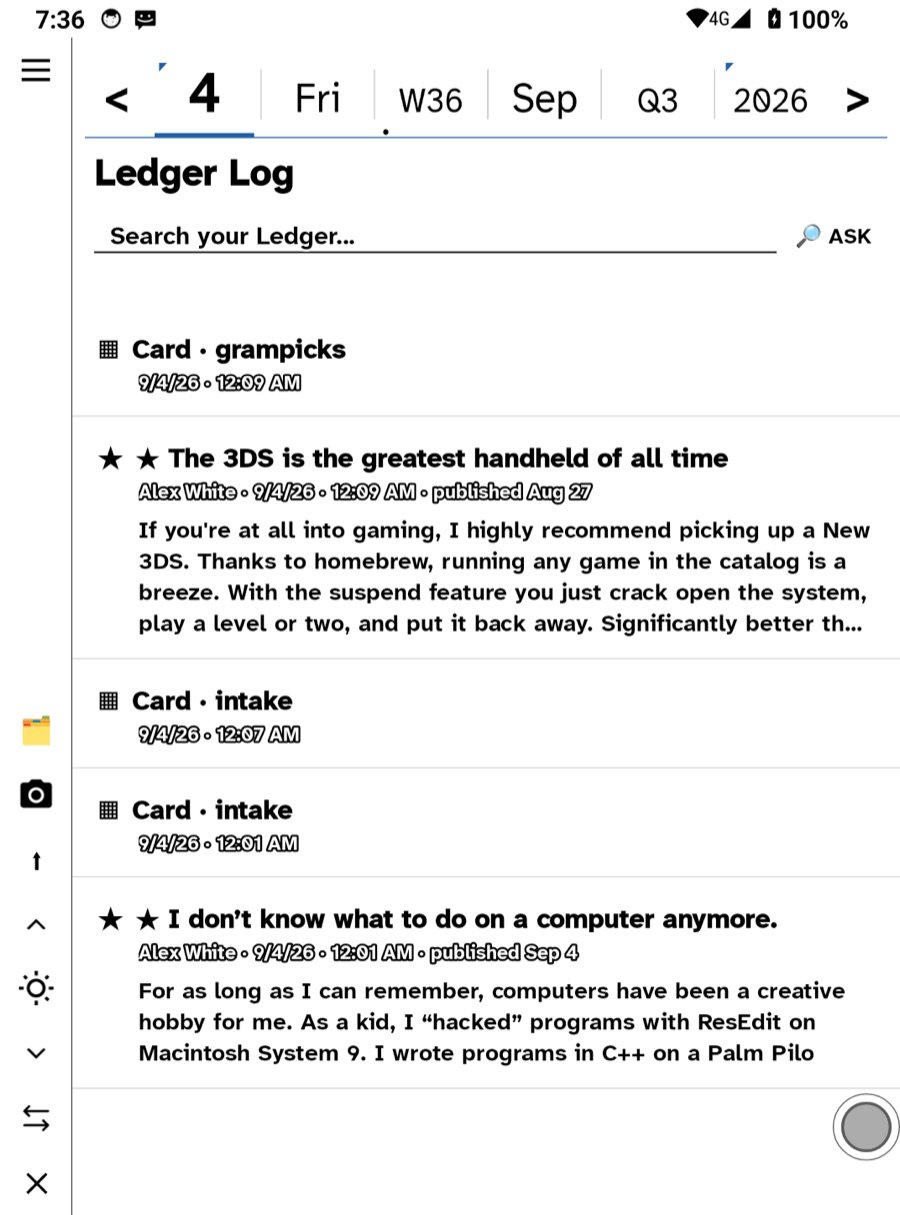
🌿Thinking with it
- Why you would pick somethingA pick is the smallest unit of thinking: a piece with its source, on a page you own, dated.
- A Pickings board for a topicMake a board with the Pickings paper, fill it from anywhere you read, find it by name, tag or Directory.
- Tags and linksWrite #word or [[Name]] anywhere, in ink or type; Jump to a tag, Pull the thread, the Links row.
- Creative emergenceRoots, Missed Connections, Threads and Synthesize: how a linked ledger starts telling you things, and the three ideas behind it.
- Learn more elsewhereThe links and videos we send people to: RSS, feed servers, podcasts, Bluesky, WordPress, unlocked books, Zettelkasten, rhizome, systems.
🛠Troubleshooting
- Something did not syncRead the status line, check the folder and credentials, and the one caveat about erasures.
- The pen stopped drawing (Android)Check the stock notes app first; a wedged e-ink pen needs a real power-off.
- Mail will not sendApp-specific passwords, the sending host, the attachment limit, the From line.
- Feeds look emptyThe almanac strip, the Unread view, no account, and the fetch cycle.
- Report a bugWhat to include and where to send it.
- Credits and licensesThe open projects Ledgable ships and the apps that taught it.
Still stuck?
The field guide walks the whole app in order, Devices shows every room on iPad, iPhone and e-ink side by side, and Support is where a bug becomes a ticket.
Ledgable — cozy and transgressive