Knowledge base › Thinking with it
A Pickings board for a topic
Make a board with the Pickings paper, fill it from anywhere you read, find it by name, tag or Directory.
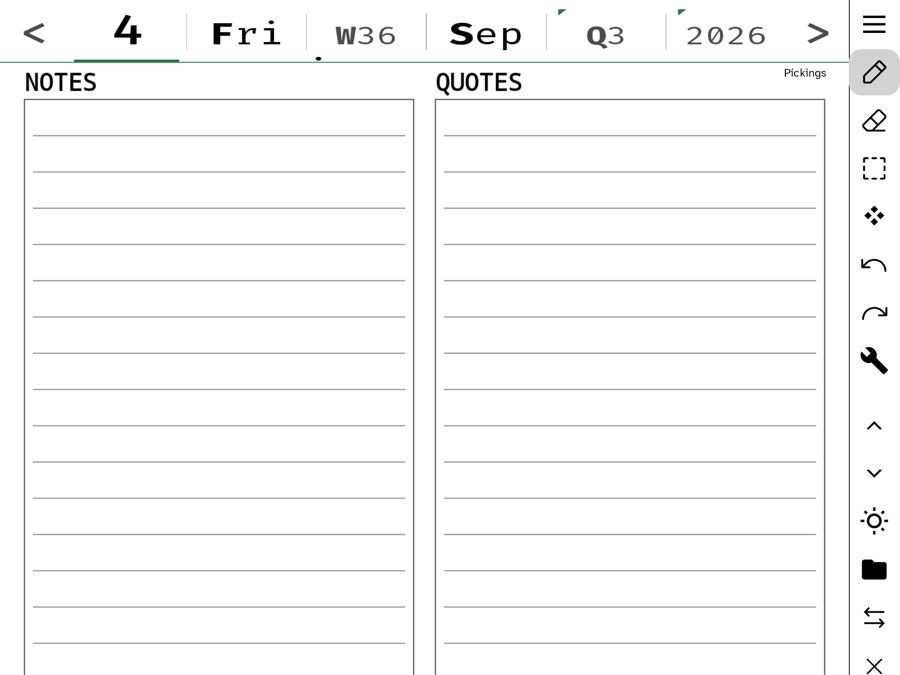
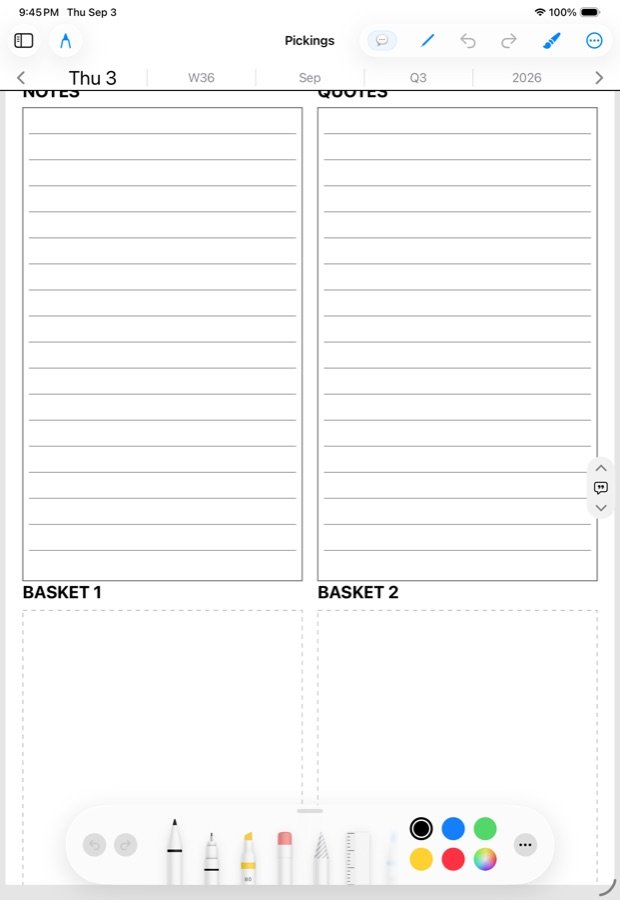
A Pickings board is a note wearing the Pickings paper: notes and quotes on top, two baskets for cards underneath. Make one for a topic you keep returning to, and picks from anywhere in your reading have a home.
Make one
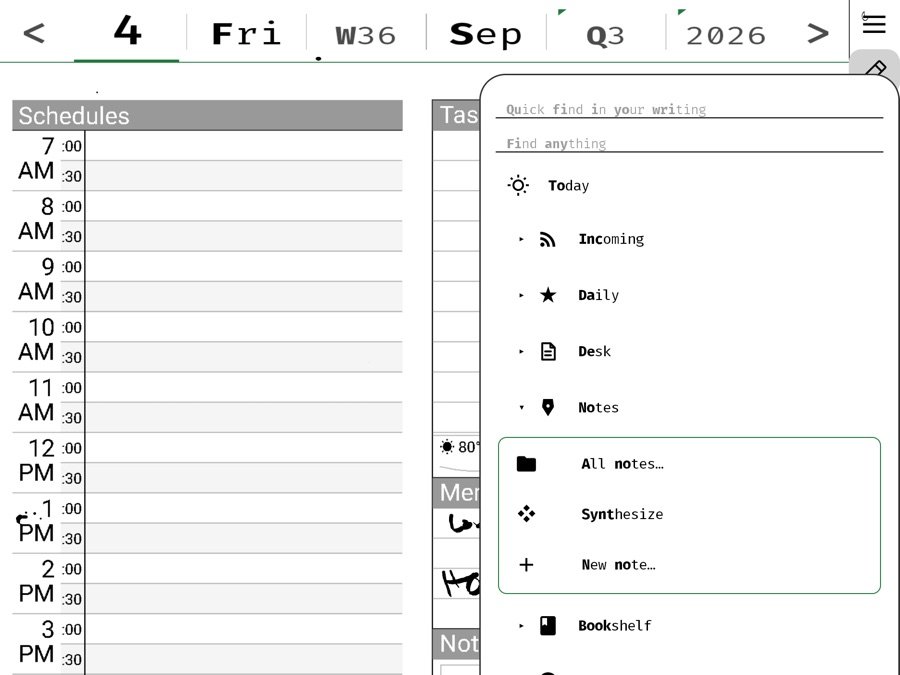
- Hold the note button (or the New note row in the Hub) and choose Pickings as the paper. A tap takes the last paper you used; the hold is where you choose.
- Give it a name: the topic. “Attention”, “Mysore”, “The book”. A name is what makes it findable by name later; leave it blank and it is filed under the day.
- Write in the Notes column what you already think. Leave Quotes for what others said.
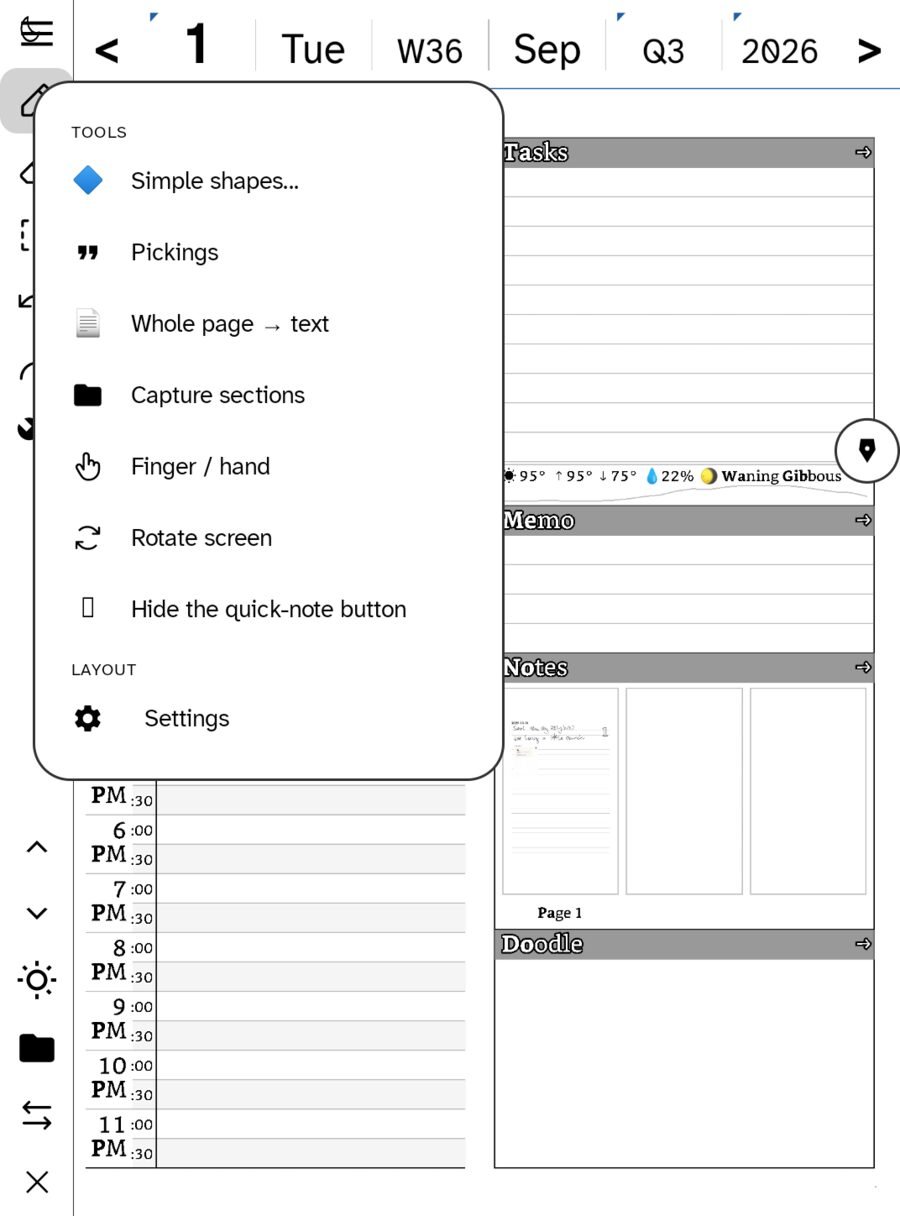
The day page can wear the paper too: Pickings sits in the wrench, so a day that turned into research can switch paper without losing its ink.
Fill it
- From All Picks, send a card onto the board. It lands in a basket.
- From the reader, select a passage and Pick straight to the board you name.
- Write beside the cards. Handwriting and cards share the page; that is the point.
- Add a page when the baskets fill. A board is a note and a note has pages.
Find it again
- By name, in the Notebook’s search.
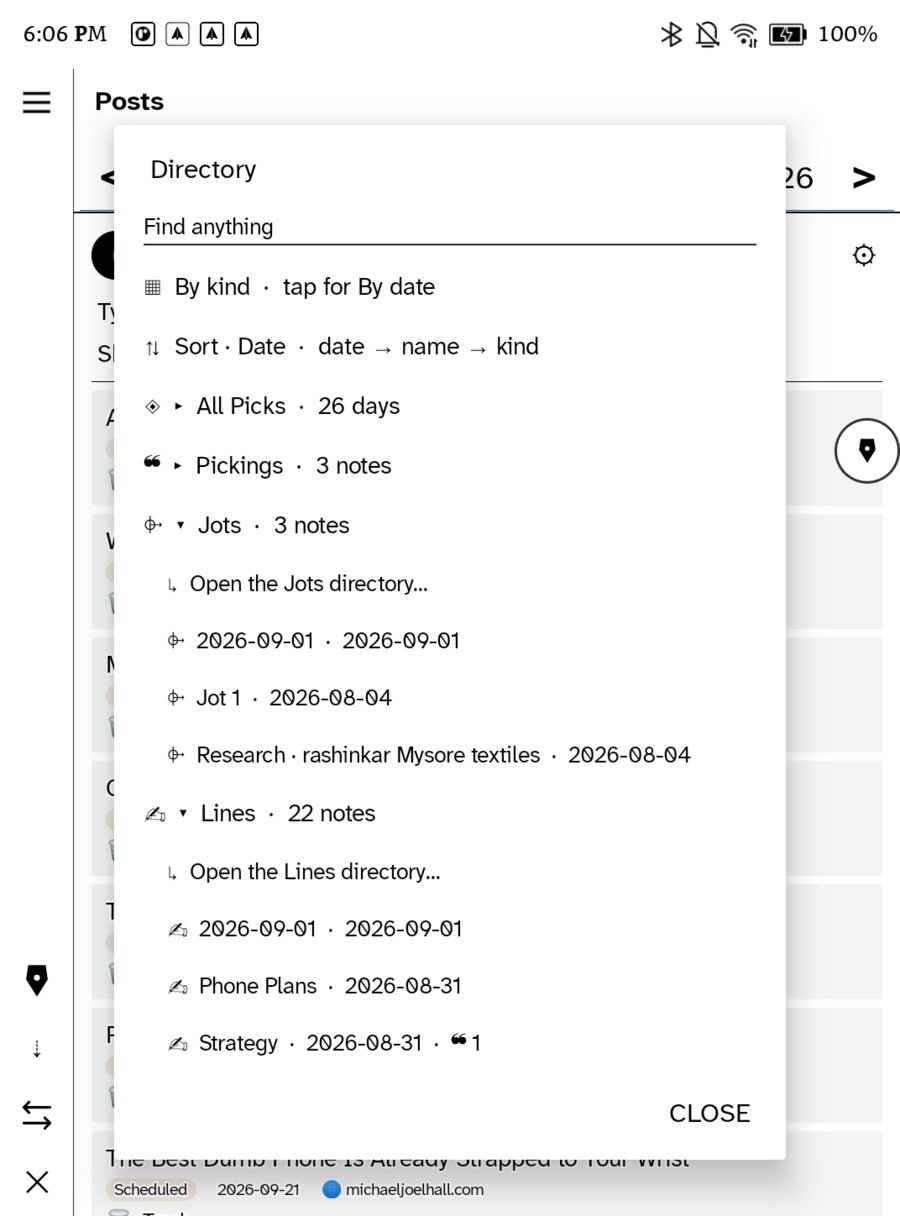
- In the Directory under Pickings, with a count, beside All Picks by day.
- By tag: write
#topicanywhere on it and it joins that tag’s thread. See Tags and links.
Use it
A board is a draft that does not know it is one yet. When it is full enough, Synthesize on the page uses everything on it as the basket, or hand a passage to Ask with the board in view. Export it as a PDF for a desk, email it to a collaborator, or publish it to your site as a research post. The cards keep their sources through every door.
In this section: Thinking with it
- Why you would pick something
- A Pickings board for a topic
- Tags and links
- Creative emergence
- Learn more elsewhere
Ledgable — cozy and transgressive