Templates and paper
Lined, grid, jot, text and pickings; your own templates and regions on iPad.
A template is the paper printed under your ink. It changes how a page looks, not what it is or where it files. A grid note and a lined note sit in the same ledger, on the same date, found the same way.
The papers
- Lined — ruled paper for sentences. The default.
- Grid — graph paper for diagrams, tables and anything that needs to line up.
- Jot — blank. A sketch surface for drawing and mind-mapping.
- Text — a typed page rather than an ink one, for when handwriting is the wrong tool.
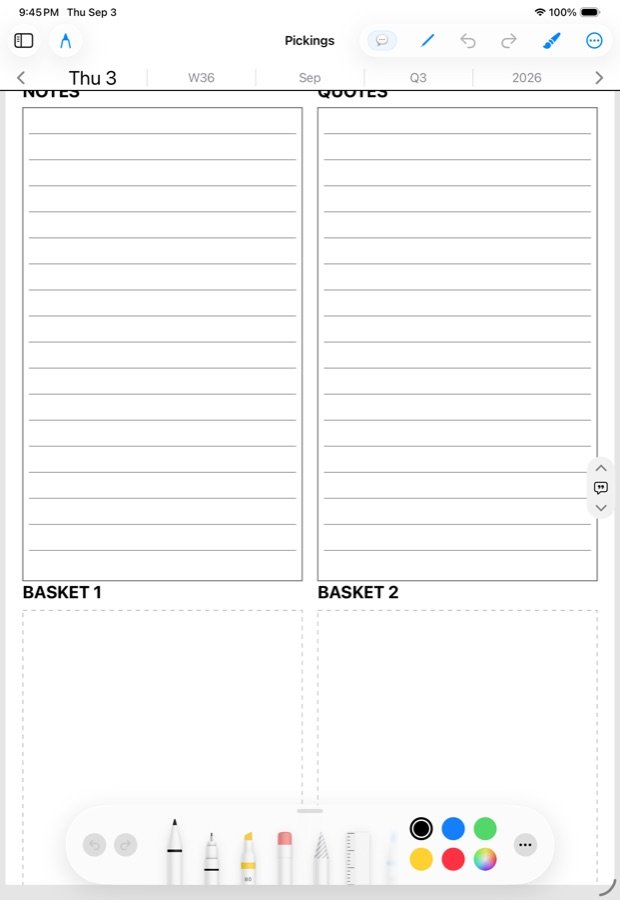
- Pickings — a board seeded with a quote or fragment you pulled out of something you were reading.
The day page itself is a template: Schedules, Tasks, Memo and Notes are regions on it. Week, month, quarter and year pages have their own.
Changing the paper
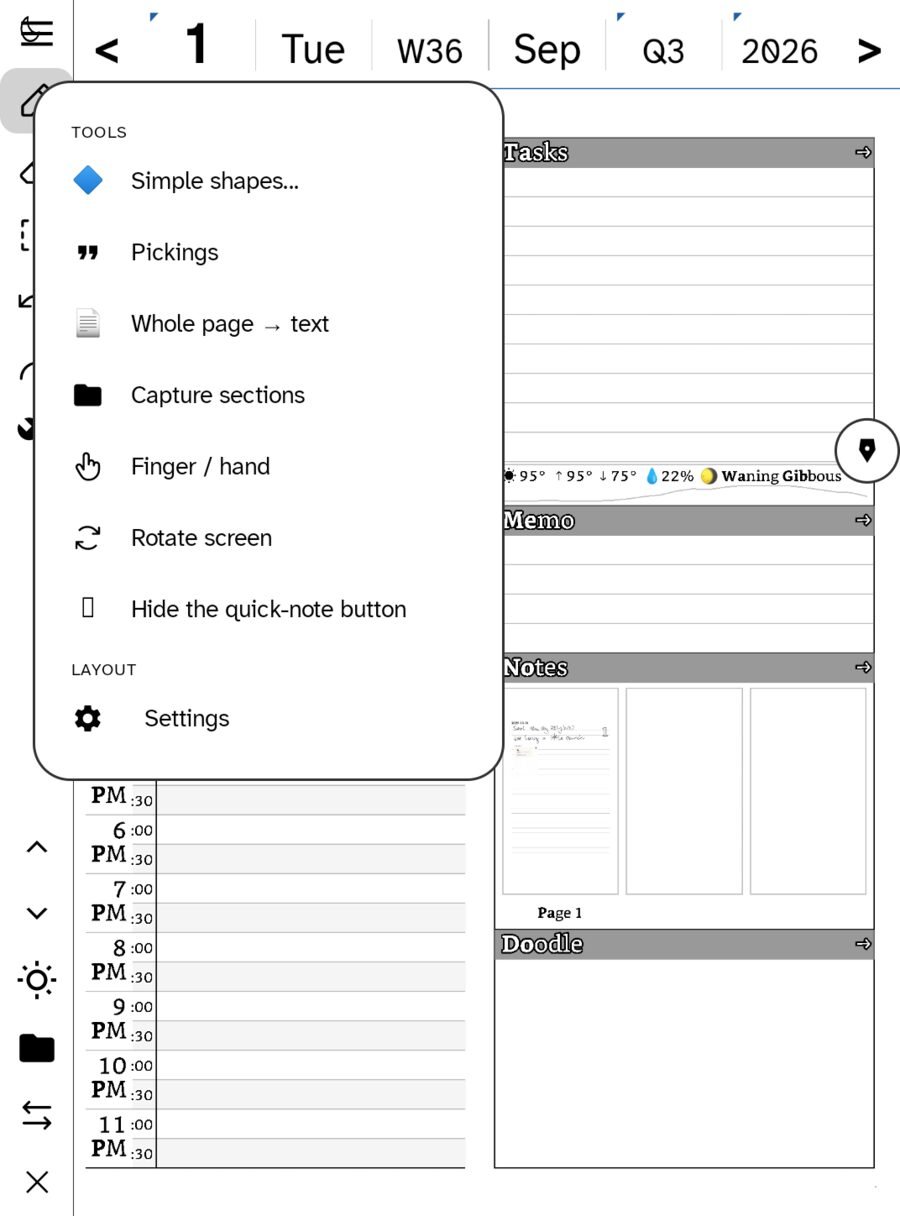
Use a template… lives in the wrench (Quick tools). Change it on a page that turned out to want graph paper and the ink stays where it is. Each page of a note can wear its own paper.
When you make a new note, tap for the last paper you used, or hold the note button to choose. The Notebook never shows the paper on a row, because “college-ruled” is not a fact worth printing on a notebook’s spine.
Your own templates (iPad)
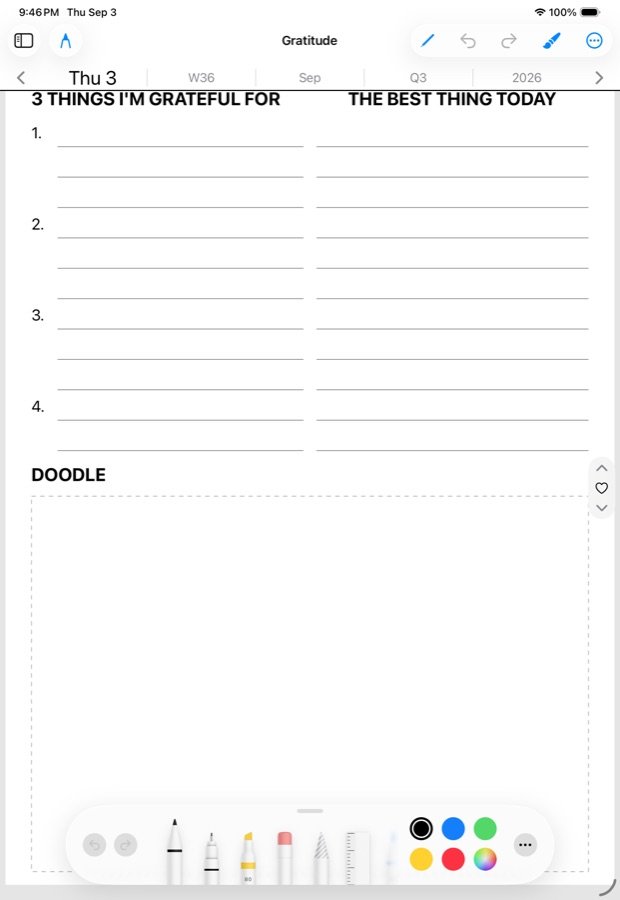
On iPad you can bring in any PNG or PDF page as a template. It is fitted onto the page shape, so ink lines up regardless of the source’s proportions. Import once, apply anywhere.
A template can also carry regions. Drag a rectangle on the background and say what it is for:
- What is inside — ink to transcribe, an image, or a checkbox.
- Where it goes — shareable, or sent to a web address you set.
Regions are saved on the template and travel with it. This is how the day page’s zones work, and how you would make a form of your own: a workout sheet, a class register, a reading log.
Shapes
Simple shapes… in the wrench gives straight lines, boxes and circles, for when a drawn one will not do.
What paper does not do
- It does not make a folder. Find a page by name, date, tag or search, not by which paper it is on.
- It does not change export. A grid page exports as a picture, a linked PDF or an email like any other.
- It does not affect sync. Paper choices ride along as a small side file; older builds ignore them.
In this section: The day page
- The zones: Schedules, Tasks, Memo and Notes
- The almanac strip
- All Stars and All Picks
- Templates and paper
Ledgable — cozy and transgressive