The Notebook
Named and dated notes in one flat list; tags and links as lenses; pins.
The Notebook is one flat list of every note you have made, newest first, whatever kind of page made it. Open it from Notes in the sidebar.
What a row is
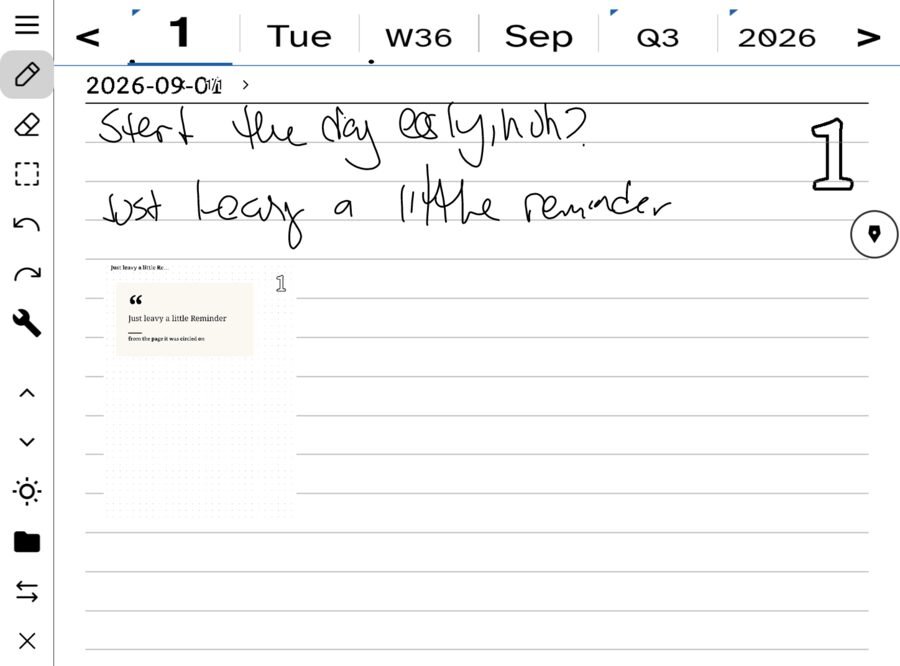
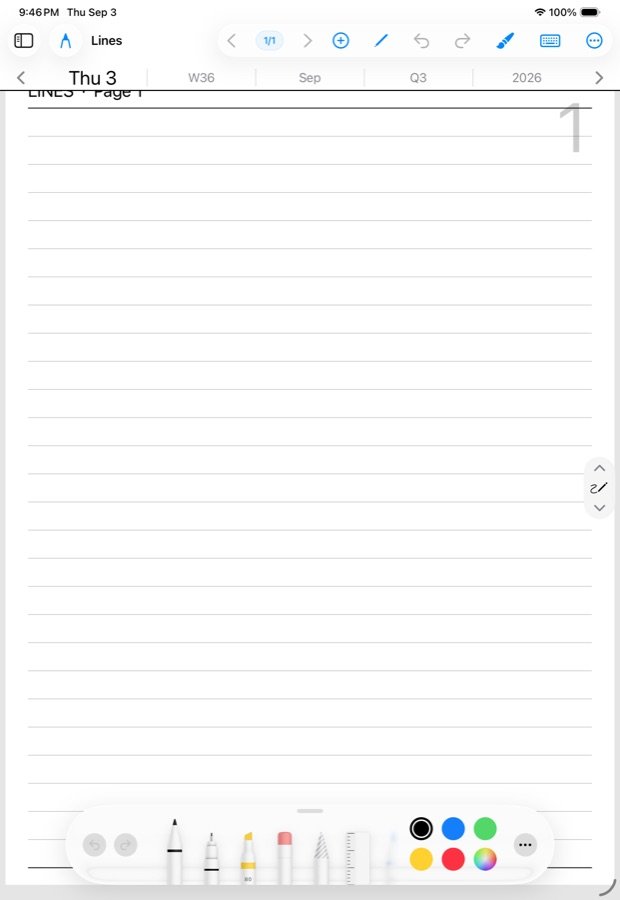
A title, or a humane date; when; how many pages; its tags. Nothing else. Named notes show their name. Dated notes — the ink you wrote on a day, a week or a month without naming it — show the date and a small calendar mark: Today, Yesterday, a weekday inside the last seven days, “Aug 25” inside the year, the full date beyond that.
The list does not say which paper a note is on. Lined, grid, jot and pickings are paper, and paper is not a fact about a note.
Named and dated
- A dated note is the day’s own note page, or the week’s, or the month’s. It exists as soon as you write on it. It never needs a name and cannot be deleted; it is part of the day.
- A named note is one you gave a title to — an essay, a punchlist, a project. It still carries the date it was made, so it also appears in your ledger in order, but you reach it by name.
Leave the name blank when you make a note on a day and it is named for the day, with -1, -2, -3 added for the second and third of that day.
Making a note
The note button on the day page: tap opens today’s note; tap again while on it and you flip back to the day page. Hold opens the chooser: Today’s note · This week’s note · This month’s note · New named note · Text note · All notes.
Holding a row
Hold any row for the classic verbs: Pin · Name · Export · Pages · Delete. Pinned rows stay at the top of the list and never fall out of it, however old they get. Delete applies to named notes only.
Folders, tags and links
There are no folders to file into. The Notebook is flat and recent things are always first. Tags and links are lenses over it: tap # to narrow the list to a tag, or Links to see the notes that mention a name in double brackets and what links back to them. A note can carry any number of tags, and the week view gathers days by the tags they share.
Search
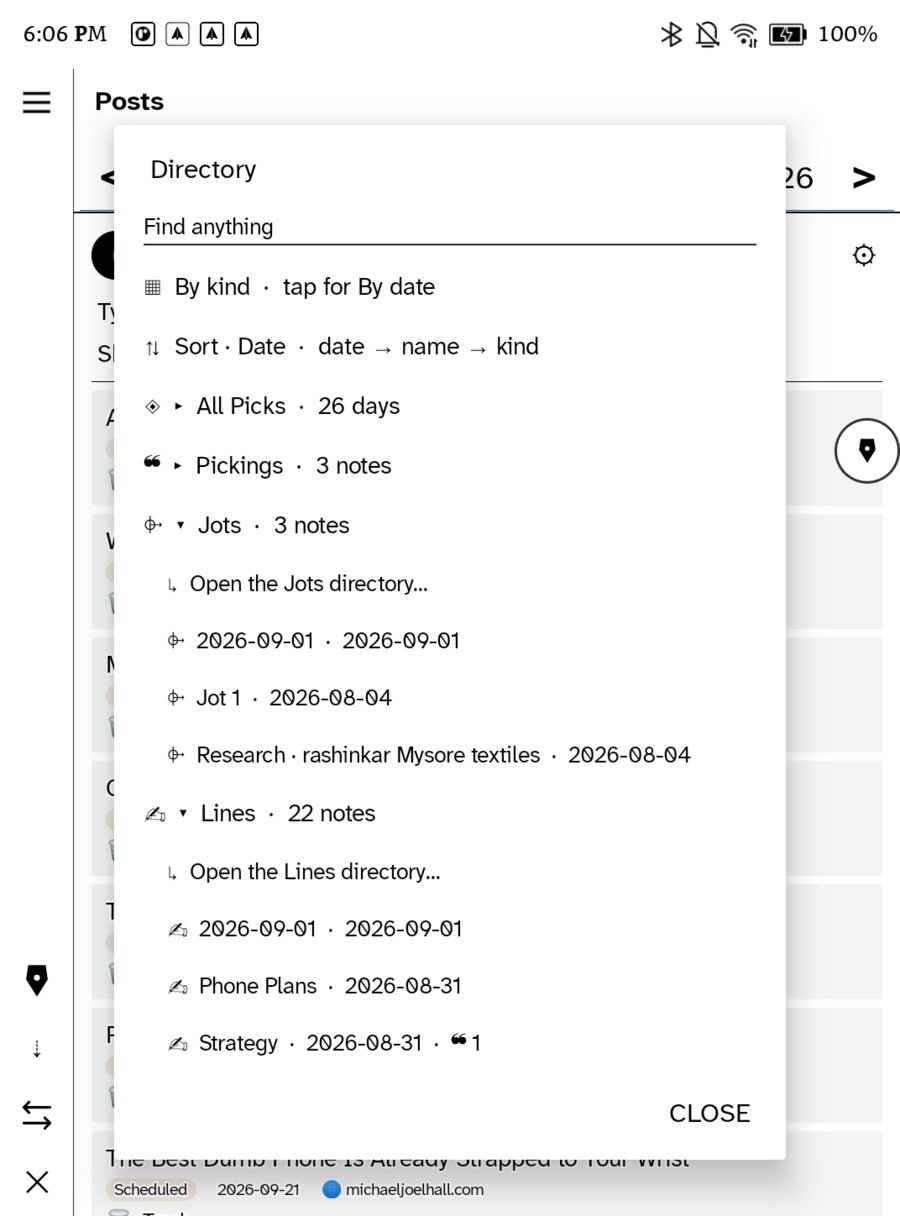
Find anything at the top of the sidebar searches titles and the transcribed text of your ink. The Directory, beside Search and Ask, is the other way in: every kind of document grouped by kind, with counts, for the moments when the kind is the question.
On two devices
Notes are pages in the day files, so they sync exactly as days do. Pins are per device for now.
Leaving
Export from a row hold, or open the note and use Send/Export: picture, linked PDF, email, WordPress, Bluesky, community. See Exporting a page.
In this section: Notes
- The Notebook
- Exporting a page
Ledgable — cozy and transgressive