Finding RSS feeds
Where feeds hide on every kind of site, newsletters as feeds, and what to do when a site has none.
Almost every site that publishes anything has a feed, whether it advertises one or not. Give Ledgable the site’s address and it usually finds the feed itself; when it cannot, these are the places a feed hides.
The short version
- Copy the address of the site, the newsletter, the channel or the show.
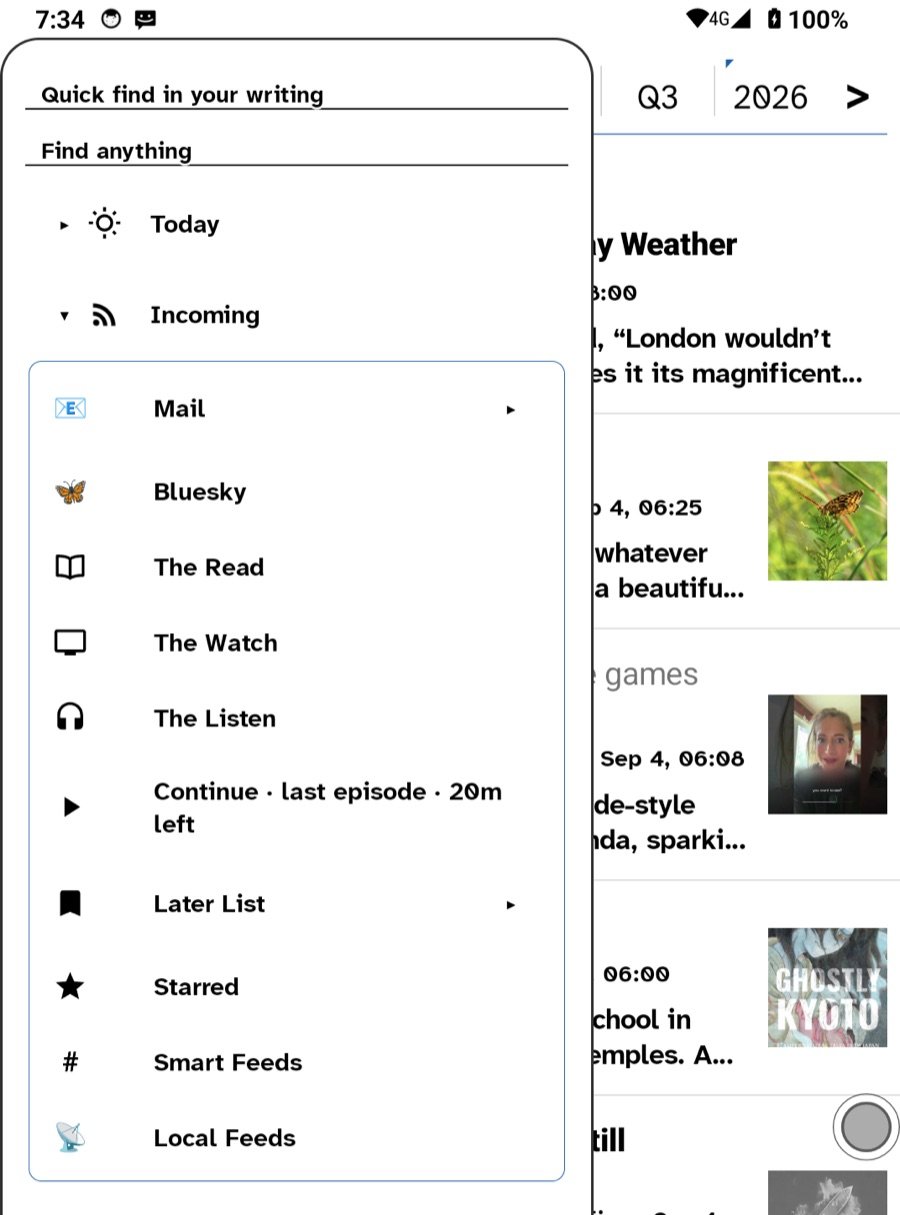
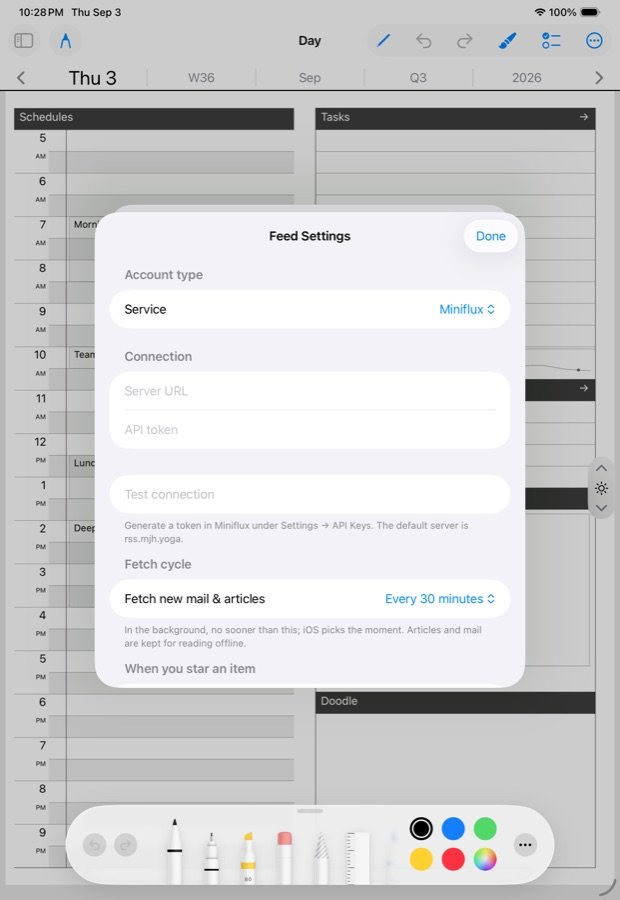
- In Ledgable, open Incoming and choose Add a feed by URL under Local Feeds, or paste it into your feed server’s own Add page. Both accept a plain site address and go looking for the feed.
- If nothing is found, try the address patterns below.
Where feeds hide
- WordPress sites — add
/feed/to the address. Every WordPress site has one, including every Ledgable site:yoursite.com/ledger/feed.xml. - Substack — add
/feedto the publication’s address. - Ghost, Medium, Blogger, Tumblr, Squarespace —
/rssor/feed. Medium ismedium.com/feed/@name. - Mastodon — add
.rssto a profile address. - Bluesky —
bsky.app/profile/handle/rssfor any public account. - Reddit — add
.rssto a subreddit or user page. - GitHub — a project’s releases page plus
.atom. - YouTube — every channel has one; see YouTube as a feed.
- Podcasts — the show’s feed address is on its host page, or search the open podcast index from The Listen. See Music, podcasts and audio.
- News sites — look for an RSS link in the footer, or try
/rss,/feed,/rss.xml,/atom.xml,/index.xml.
Sites with no feed at all
Open RSS makes a feed for many pages that lack one: put openrss.org/ in front of the address. For anything else, hold a link in The Net and send it to the Later List; the list is itself a feed, so a site you check by hand still ends up in the same reader.
Newsletters
An email newsletter is a feed wearing a disguise. Kill the Newsletter gives you a throwaway email address and a feed address; subscribe with the email, read in Ledgable with the feed. Make one inbox per newsletter so you can drop one without dropping the rest. Some large platforms refuse those addresses; then the newsletter can stay in Mail, where Links → Later turns each issue’s links into feed entries anyway.
Finding good ones
Blogrolls are back: many personal sites list who they read, and each one is a feed. The Ledgable directory is a list of ledgers, each with a feed. And if you would rather start from a list someone already sorted, MichaelFilter is one.
Learn the idea
Never used RSS? About Feeds explains it in one page. The video below is a good half hour on why people are coming back to it.
Watch: The Ultimate Beginner’s Guide to RSS
Related
In this section: Sources
Ledgable — cozy and transgressive