Knowledge base › Getting started
Installing on Boox, Bigme and other e-ink tablets
APK install, sideloading, updates, and the fast-ink path per device.
On Android e-ink tablets, Ledgable installs from an APK file, not from a store. Download the APK, open it on the device, and allow the install when the tablet asks.
Which devices
The Android build is made for e-ink. It runs on Boox tablets (Go 6, Palma, Tab, Note and others), on Bigme devices, and on the Viwoods AiPaper Mini. Each family gets the fastest pen path the hardware offers: Onyx’s raw drawing on Boox, Bigme’s ink layer on Bigme, and the timing-controller fast ink on Viwoods. You do not choose this; the app detects the device.
Installing on a Boox or Bigme
- Download the APK on the tablet, or copy it across.
- Open it from the Downloads folder or your file manager.
- If the tablet says installs from this source are blocked, allow it for the browser or file manager you used, then go back and tap Install again.
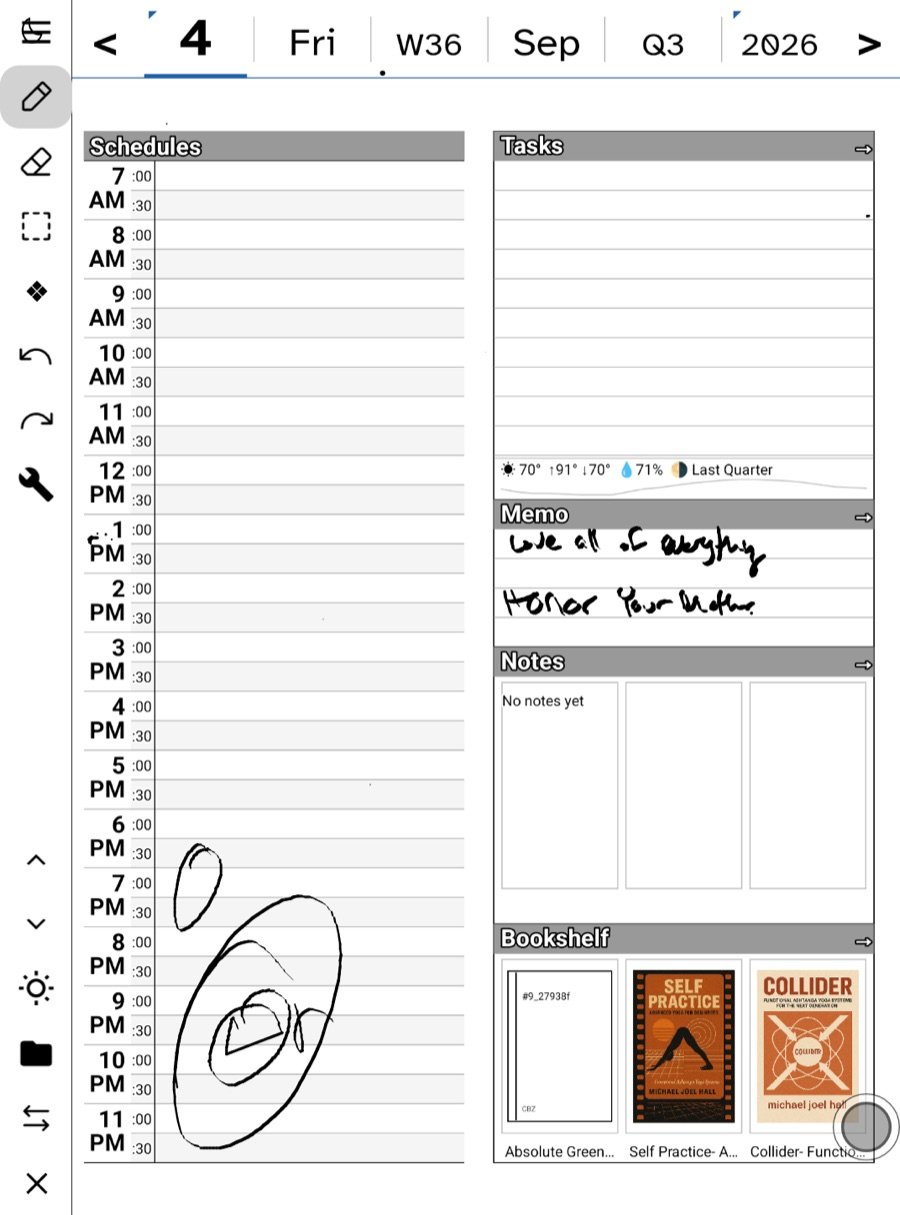
- Open Ledgable. It goes straight to today’s page.
Installing on a Viwoods Mini
The Mini’s debugging port is locked down, so it will not take an install over a cable. Copy the APK to the device’s Download folder over USB (Android File Transfer on a Mac), then open it on the device and tap to install. Use the Viwoods build of the APK, not the standard one.
Updating
Install the newer APK over the old one the same way. Your pages, settings and books stay where they are; an update never wipes the app’s data. Do not uninstall first unless you mean to start clean.
Full-screen and gestures
The page fills the whole screen with no system bars. Swipe in from a screen edge to briefly reveal Back and Home. By default the app needs two fingers to swipe between days or up to the notes, so a resting hand does not turn the page; the hand button on the toolbar switches to one-finger navigation if you prefer it.
Widgets
Long-press the home screen and look under the Ledgable name. The full-page widget shows today’s page in your own handwriting, refreshed every half hour and whenever you save. See Home screen widgets.
Sync
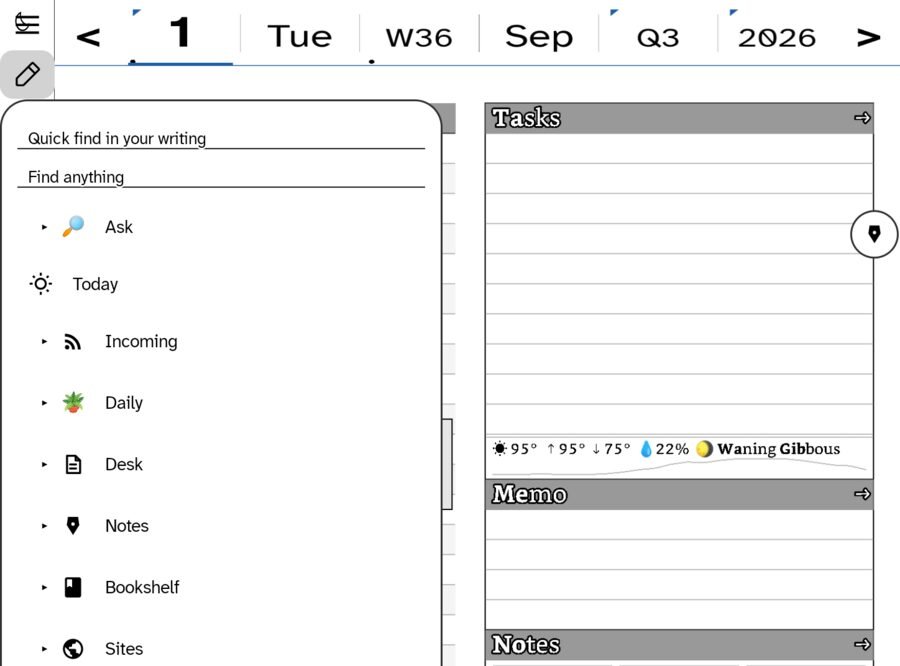
Open Settings from the toolbar wrench. Sign in to Google Drive, or enter a WebDAV address and password. The Android and Apple apps write the same files to the same paths, so a page written here opens on an iPad because it is the same file. See How sync works.
If the pen stops drawing
E-ink pens can wedge at the hardware level. Check the tablet’s own notes app first; if the pen is dead there too, the device needs a real power-off. See The pen stopped drawing (Android).
Related
In this section: Getting started
- Start here
- Installing on iPhone, iPad and Apple Watch
- Installing on Boox, Bigme and other e-ink tablets
- Your first day page
- Join the community
Ledgable — cozy and transgressive