Knowledge base › Books & comics
Reading across devices
Reading position sync, read-ahead for series, and the library hub.
Your place in a book follows you because every device writes it to the same small file on your sync hub. Set the hub up once per device and the rest is automatic.
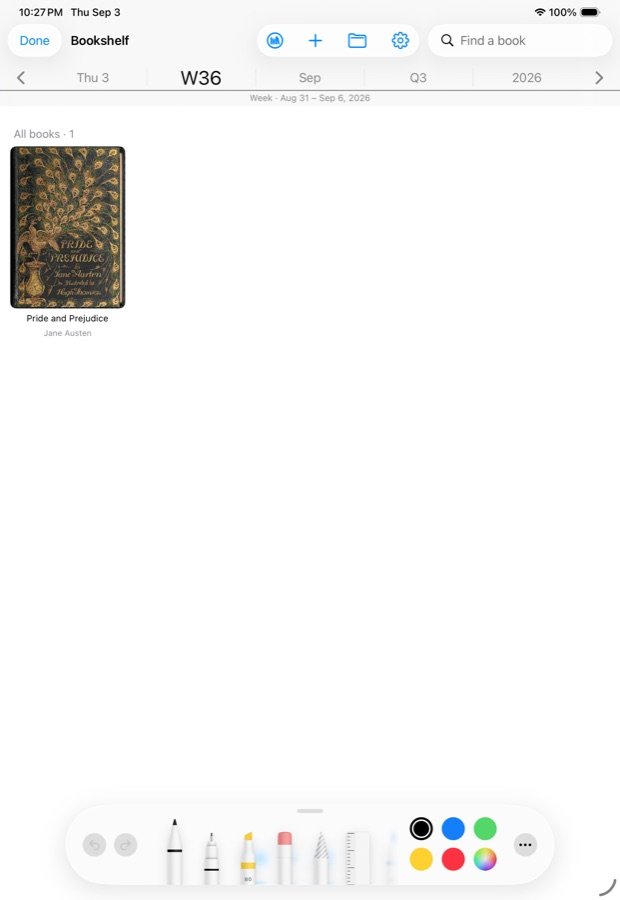
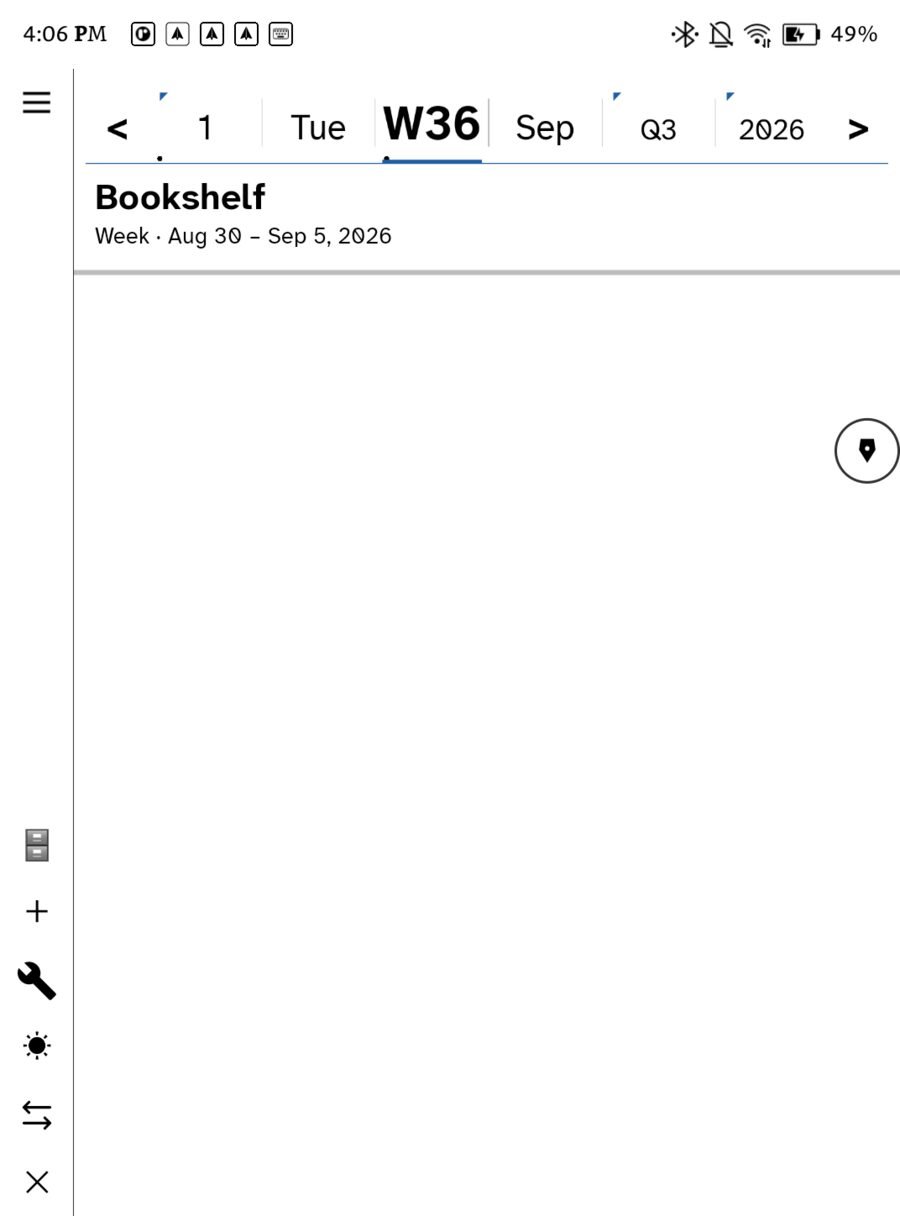
On e-ink, the side buttons turn the page in every book and comic; see Page with the buttons.
What is shared
- Reading position per book, in a file at the root of the hub. The Apple and Android apps read and write the same file.
- Listening position per podcast episode, the same way. See Podcasts and Continue.
- The books themselves, through the library hub — a book fetched on one device is offered on the others.
- Bookmarks from The Net.
Highlights and notes you make on a selection land on the day you made them, so they travel with the day pages.
When the position is sent
Every page turn is saved to the device at once; losing a page turn to a crash would be losing the only thing the file holds. The push to the hub waits for five seconds of stillness — a reader who has stopped turning pages — so a chapter read quickly does not queue a network trip per page. Closing the book, or leaving the app, pushes without waiting.
Opening on the other device
The book opens where this device last left it, and pulls the hub in the background. If the other device has read further, the reader jumps to that spot once the pull lands. The newer position wins per book; a position is never lost because two devices disagree, only superseded.
Read-ahead
For a series — a folder of numbered chapters — the app fetches the next two chapters after the one you are reading, on the hub’s regular pass, so that when finishing a chapter offers the next one it is already on the device. Read-ahead respects the Wi-Fi-only setting and the size ceiling. Anything larger waits for you to tap it.
Finishing a comic
Finishing a comic offers the next chapter in its folder. Chapters are ordered by name, so name them so they sort: 01, 02, 03.
Setting it up
- Settings › Books › Library hub: the WebDAV address, folder, username and password.
- Choose whether large books wait for Wi-Fi, and the size ceiling.
- Repeat on each device. Use Transfer to another device in Settings to carry the addresses and passwords across instead of retyping them. See Backup and restore.
The e-ink and the iPad
The two read the same file, but they do not have to look the same. Fonts and colorways are per device; the place in the book is shared.
Reading with no hub
Everything works on one device with no hub at all. Positions are still saved locally on every turn; they simply have nowhere to go.
In this section: Books & comics
- Adding books and comics
- Reading across devices
- Comics: balloons and panels
Ledgable — cozy and transgressive