Contacts and the CRM
The rolodex, import from device contacts, the CRM tab, saving a CRM person.
Contacts is your rolodex: a person, and everything you have written about them. With a site connected, a second tab shows the site’s CRM. Find it under Desk.
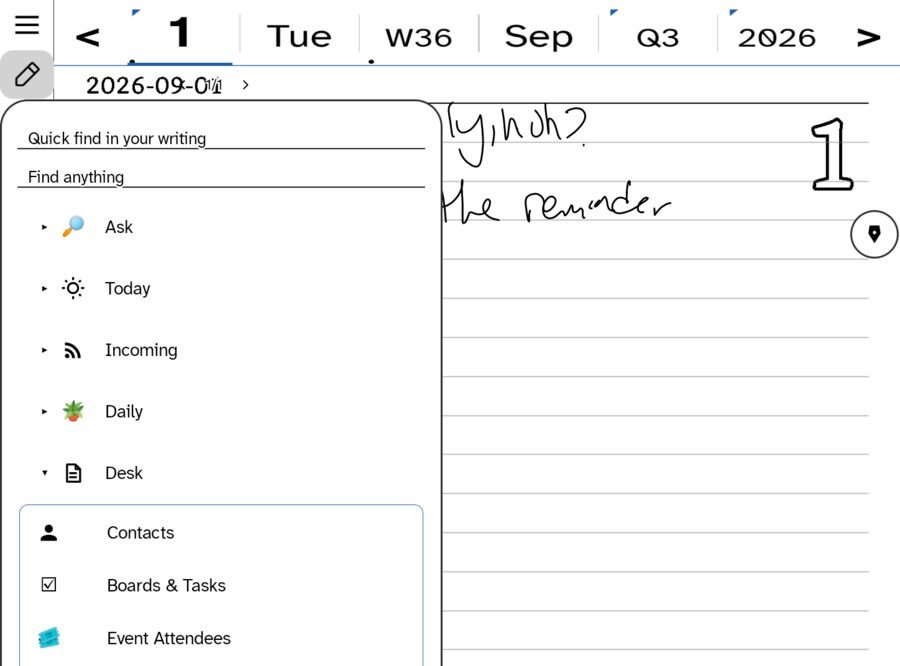
The rolodex
A synced list of people. Tap a row to open their page, swipe to delete, + to add. Deletes are remembered as deletions, so a contact removed on one device is removed on the others rather than coming back.
A contact’s page has:
- A header with photo, call, mail and birthday.
- The tasks and events assigned to this person, gathered from every day file, upcoming first.
- A running notes and history log you can add to.
- All our letters — every letter in or out with them, and Write to start one.
A handwritten note can be filed to a contact from the page you wrote it on.
Import from your device contacts
On iPhone and iPad, Import from Contacts fills the rolodex from the device address book: name, phone, email, organization, birthday, photo. People already in the rolodex are skipped, or linked back to their device record if they were added by hand. You are asked for Contacts access only at this moment.
The reverse works too, without destroying anything: writing back updates a linked contact’s name, organization and birthday, and adds a phone or email only if it is missing. It never removes a number.
The CRM tab
With a site connected that runs a CRM, the Contacts room grows a second tab. It browses the site’s subscribers live, with search, and each row opens to two doors:
- Write — the composer, with To already addressed. A CRM person is someone you write to.
- Profile — their record on the site, in the browser.
- Save to Contacts — mint a rolodex contact from the CRM name and address.
The CRM is never copied into your rolodex on its own. A person joins your contacts because you chose them.
Notes onto the CRM
From the day’s booking roster, an attendee’s card has an ink pad. What you write there is read and posted onto their CRM timeline on the site. See Messages, boards and bookings.
Where contacts are stored
In a small side file on your sync hub, shared by the Apple and Android apps and merged by id, so two devices editing different people never overwrite each other.
Ask about a person
A contact’s menu has Ask and Educate. Ask grounds itself in everything connected to that person in your ledger — letters, notes, tasks — if you have an AI key.
In this section: People
- Contacts and the CRM
- Every contact is a correspondence
Ledgable — cozy and transgressive