Knowledge base › Sync & backup
Using Ledgable on several devices
Same folder everywhere, settings carried across once, what follows you and what stays.
Point every device at the same sync folder, carry your settings across once, and the devices share one ledger. Nothing syncs device to device; each writes to the same files.
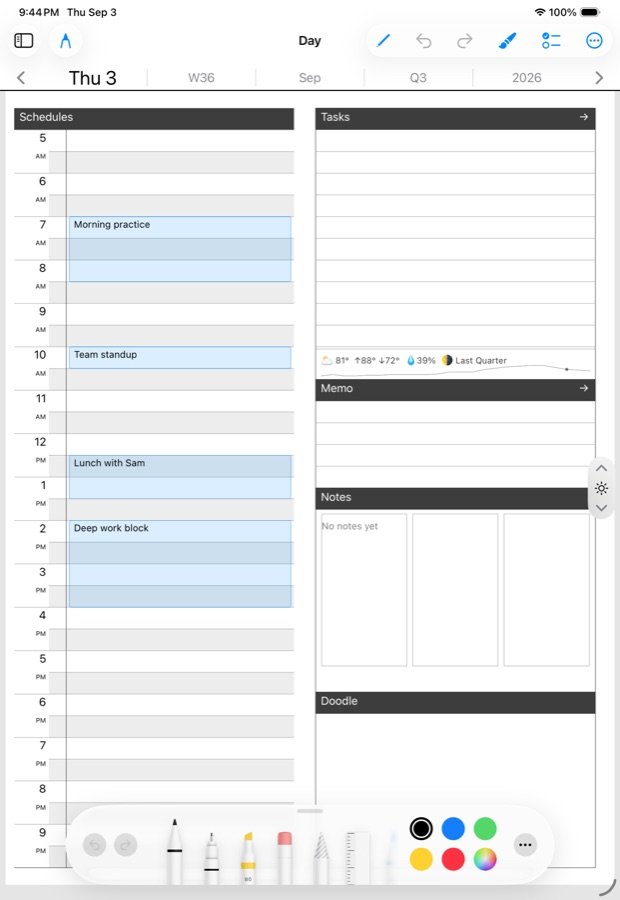
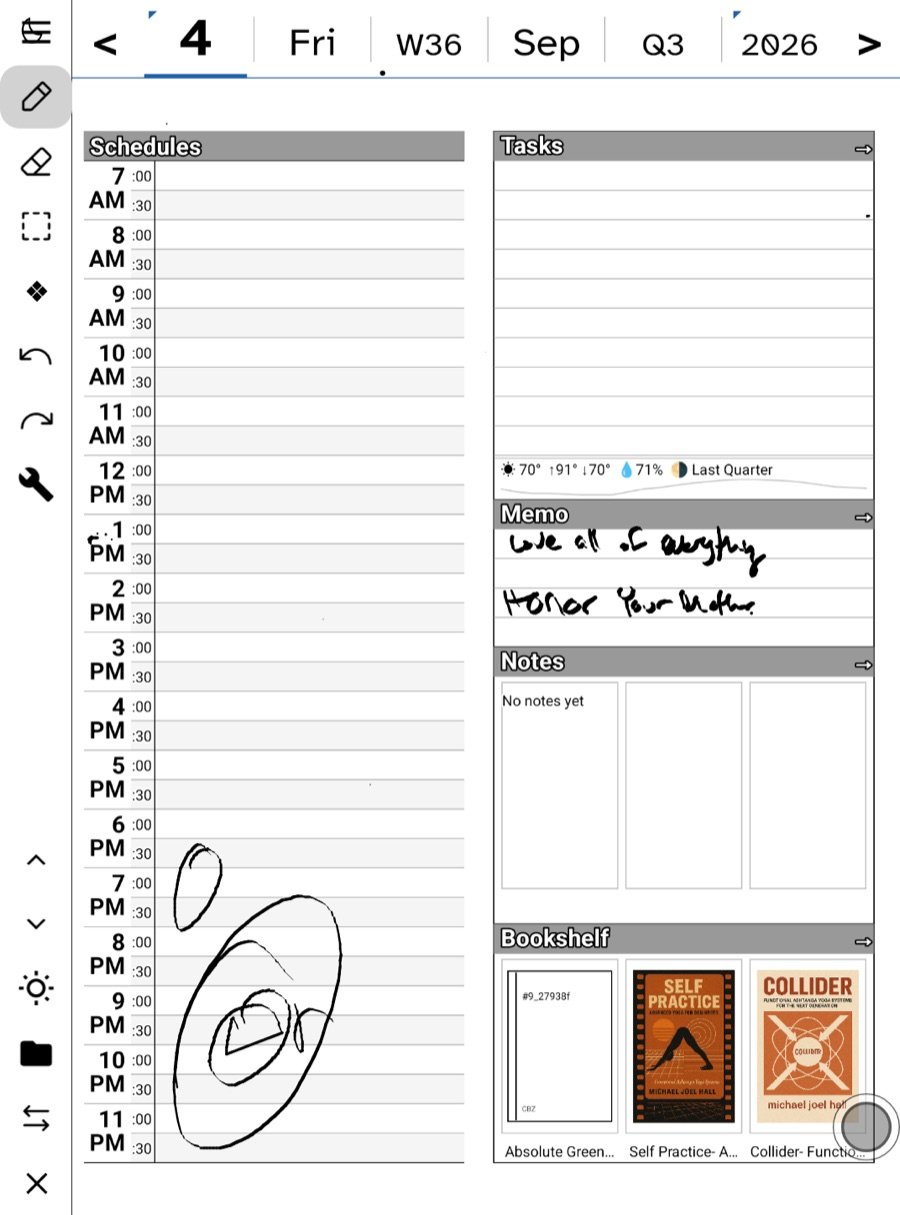
Set up the first device
- Settings › Sync: WebDAV or Google Drive.
- Settings › Feeds, Mail, Books, Sites, AI: whatever you use.
- Settings › Sync › Transfer to another device: export the settings file with a passphrase.
Set up each other device
- Install the app. Import the settings file and enter the passphrase.
- Check the sync folder is the same one. Same address, same folder, same account.
- Sync now. Your days arrive.
The Boox reads the same settings file the iPad wrote, so the order does not matter.
What follows you
- Day pages, notes, tasks and picks — the day files.
- Where you are in a book, and in a podcast episode.
- Contacts, boards, bookmarks, local feeds, reply drafts — small side files at the hub root.
- Books, through the library hub, with Wi-Fi-only and size limits per device.
- Feed read state and stars, through your feed server, not through sync. Local Feeds’ subscriptions ride along as a side file.
- Mail, through your mail provider; the reply drafts you have started ride as a side file.
What stays per device
- Themes, fonts and reader colorways.
- The default send address and the mail lens.
- Notebook pins, for now.
- The fetch cadence, download limits, and Wi-Fi-only.
- Downloads and caches.
Writing on two at once
Write on both in the same day and both sets of strokes survive; the merge is a union. See How sync works for the one caveat about erasures.
Reading on two at once
Turn pages on the iPad, close the book, open it on the Boox: it jumps to the newer place. Positions push after five quiet seconds and on close, so give the first device a moment before opening the second.
Phone, tablet, e-ink, wrist
The phone and the tablet are the same app with the same files. The e-ink build writes the same files and has its own pen tricks. The Watch is not a device in this sense: it renders the phone’s snapshot and hands captures back to the phone, except for feeds and Ask, which it can reach on its own radio.
One site, many devices
Tokens are minted on the site under Ledgable → Access. Mint one per device, so revoking one does not sign out the others.
In this section: Sync & backup
- How sync works
- Choosing a WebDAV host
- Google Drive as your sync
- Backup and restore
- Using Ledgable on several devices
Ledgable — cozy and transgressive