Knowledge base › Sync & backup
How sync works
WebDAV or Google Drive, plain day files at the same path everywhere, and the union merge.
Sync mirrors your day files, unchanged, to a WebDAV server or to Google Drive, and every device reads and writes the same paths. Two devices editing the same day are merged, not overwritten.
What is synced
Worried about what becomes public? Keeping your ledger private walks the three settings.
Your days are plain text files in a dated folder tree on the device:
calendar/2026/05/day-2026-05-28-v2.json
A file’s local path is its remote path. There is no repackaging and no container only the app can open; the remote tree is browsable by hand. Beside the days ride a few small side files at the hub root — reading positions, listening positions, contacts, boards, bookmarks, reply drafts, local feeds — each merged the same way.
Media downloads (podcast episodes, video) are a cache and are not synced. Books move through the library hub, which is a separate setting on the same server if you like.
Choosing a back end
- WebDAV (see Choosing a WebDAV host) — anything that speaks it: your own box, a NAS, a Nextcloud, a rented share. Settings › Sync: address, folder, username, password. You own the disk.
- Google Drive (see Google Drive as your sync) — the same files in your own Drive. Sign in with Google in Settings › Sync. The layout on the far side is identical, so it is no worse for portability.
Use the same address and folder on every device. The Apple and Android apps write the same layout, so a day written on the Boox opens on the iPad because it is the same file, not because a server translated it.
When it runs
On Android, sync runs when a page loads and when it closes. On iPhone and iPad it runs in the background on the app’s fetch cycle and when you leave the app; Sync now runs it by hand. The status line under it reports what the last automatic pass did, which is the one that matters and the one you cannot otherwise see.
Two devices, one day
Both back ends share one merger, so a day edited in two places converges to the same result whichever transport ran. It is a union, not last-write-wins:
- Ink, text boxes and images are combined by their ids. A stroke you erased on one device stays erased on the other, because the erase is recorded as a tombstone and honored.
- Reading events, grams and tasks are combined by id.
- Tracker values take the newer side per value, not per file.
- The result is the same bytes on both sides, so the two stop rather than ping-ponging edits at each other.
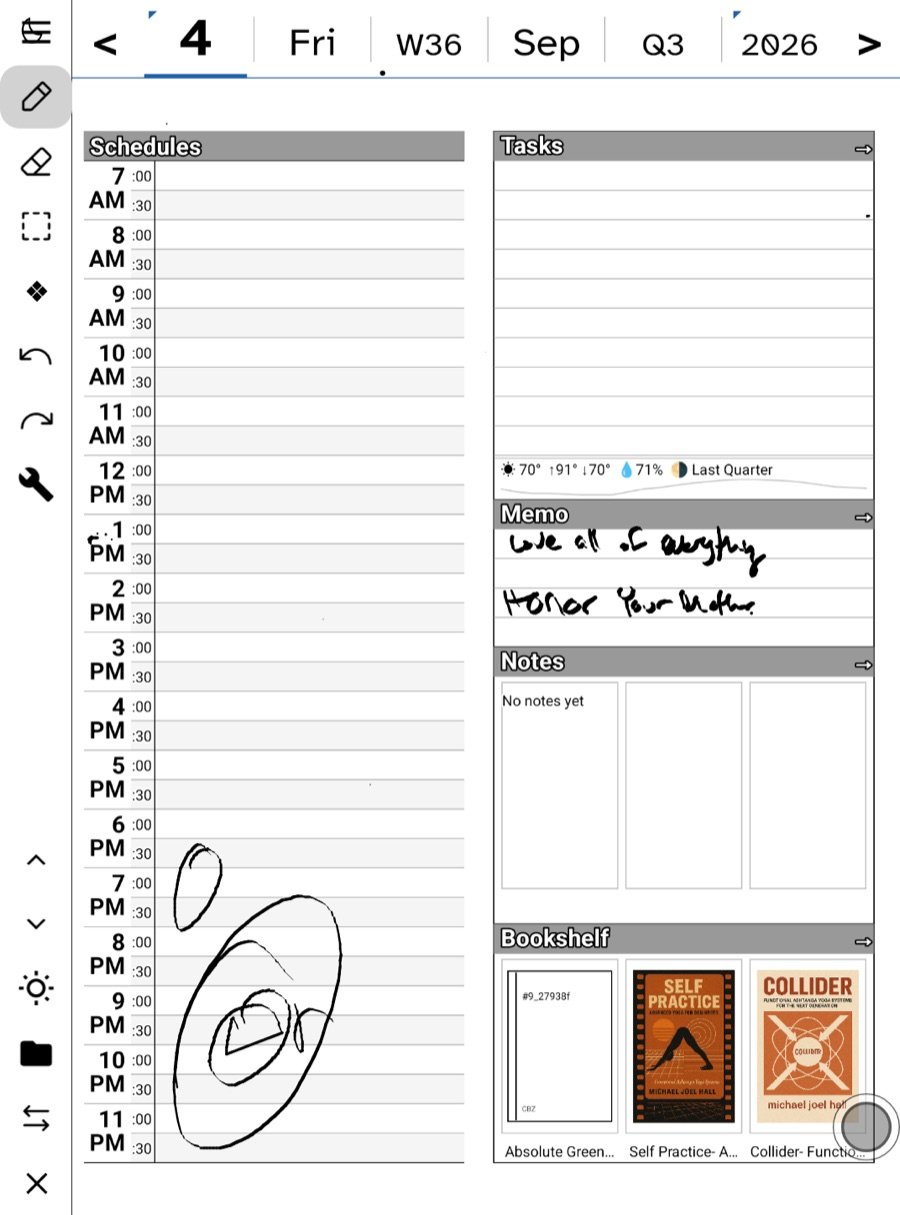
Writing on the tablet in the morning and on the e-ink in the evening keeps both sets of strokes.
The one honest limitation
A union cannot tell “this device never had that stroke” from “this device erased it and recorded no tombstone”. So an erase made in a way that left no tombstone — an older build, a file edited by hand, a crash mid-save — can, rarely, bring the stroke back. The trade is deliberate: for a ledger you mostly add to, a stroke reappearing is a far smaller harm than a whole page quietly discarded.
Credentials
Passwords live in the device keychain and are never written to a settings file in the clear. To carry sync settings to another device, use Transfer to another device; see Backup and restore.
Sync is a backup
Because the remote tree is your files, anything that backs up files backs up your ledger. Point sync at your own server and it is already mirrored to hardware you control, continuously.
Related
In this section: Sync & backup
Ledgable — cozy and transgressive