Knowledge base › Sync & backup
Choosing a WebDAV host
Your own box, a NAS, a rented share or a Nextcloud; what to type, and which big-name drives do not speak WebDAV.
WebDAV is a folder on a server, reached over HTTPS with a username and password. Ledgable writes your day files into it as plain files, so anything that speaks WebDAV can hold your ledger: a box in your house, a NAS, a rented share, or a Nextcloud. Here is how to choose one and what to type.
Three kinds of host
- Your own machine. Nextcloud on a home server or a small VPS is the classic. A NAS does it out of the box: Synology’s WebDAV Server package, QNAP’s WebDAV in the File Station settings. A laptop can serve a folder with rclone serve webdav while it is on.
- Rented storage that speaks WebDAV. Hetzner Storage Box (a few euros a month for a terabyte), Koofr, pCloud, Infomaniak kDrive, and Fastmail’s Files all expose a WebDAV address. You do not run anything; you get a URL.
- Not WebDAV. Dropbox, iCloud Drive and OneDrive do not offer it. Box dropped it. For those, use Google Drive instead, or a host from the two lists above.
What to type
Settings › Sync › WebDAV asks for four things:
- Address — the server’s WebDAV root, with https. Nextcloud’s is
https://your.host/remote.php/dav/files/USERNAME/; a Synology’s ishttps://nas.local:5006/; a Hetzner box ishttps://uXXXXX.your-storagebox.de/. The host’s own help page names it. - Folder — a folder for the ledger, for instance
ledger. Ledgable creates it if it is missing. Use the same folder on every device. - Username and password. If the host offers app passwords (Nextcloud, Koofr, Fastmail do), make one for Ledgable rather than using your main password; you can revoke it alone later.
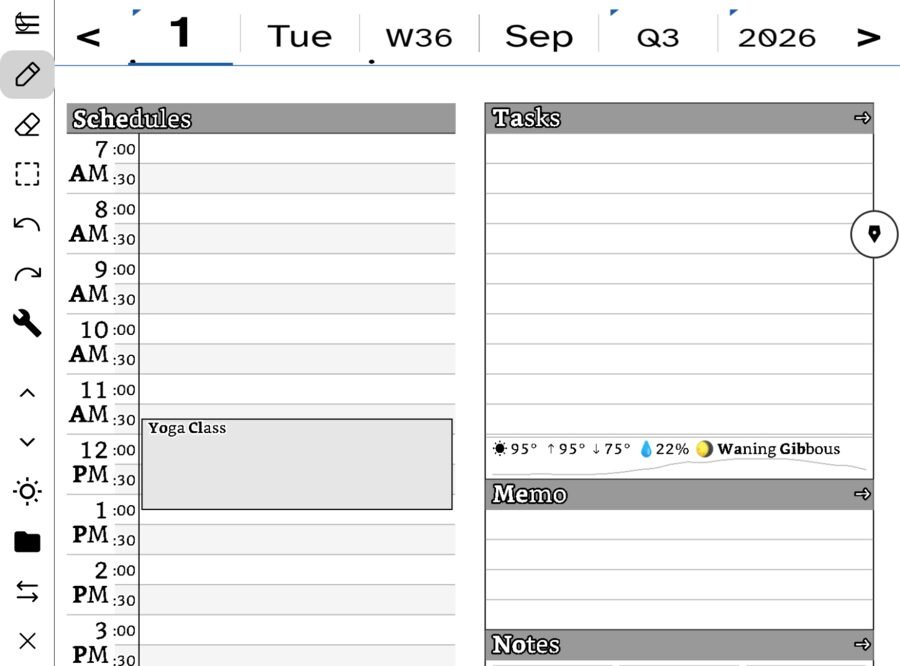
Tap Sync now. The status line under it reports what happened; a wrong address says “not found”, a wrong password says “unauthorized”. Then open the folder in a browser or a file manager: calendar/2026/09/ should be there with today’s file in it.
Books on the same server
The library hub is a second folder on the same server, set under Settings › Books. Days and books never mix, so use different folders, for instance ledger and books.
On a Boox
Boox’s own notes app can sync to one WebDAV account. Ledgable’s sync is separate and does not use that setting, so both can point at the same server without fighting.
Requirements and limits
- HTTPS with a valid certificate. A self-signed certificate on a home box will be refused by iOS; use a real one (Let’s Encrypt is free) or a hosted share.
- The server must allow the app to create folders and to overwrite files. Read-only shares cannot be a ledger.
- Nothing is encrypted on the server beyond what the host does. Your days are readable files by design, so choose a host you trust, or one you own.
Moving hosts later
Copy the folder from the old host to the new one with any WebDAV client, change the address on each device, Sync now. The files are the same files; there is nothing to convert.
In this section: Sync & backup
- How sync works
- Choosing a WebDAV host
- Google Drive as your sync
- Backup and restore
- Using Ledgable on several devices
Ledgable — cozy and transgressive