Knowledge base › Sync & backup
Backup and restore
The ledger, your settings, and names and structure; restoring on a new device.
Your writing is a folder of dated files, so backing it up is copying files — and sync to your own server is already a live copy. Settings › Sync also has explicit backup and restore for the ledger, for your settings, and for names and structure.
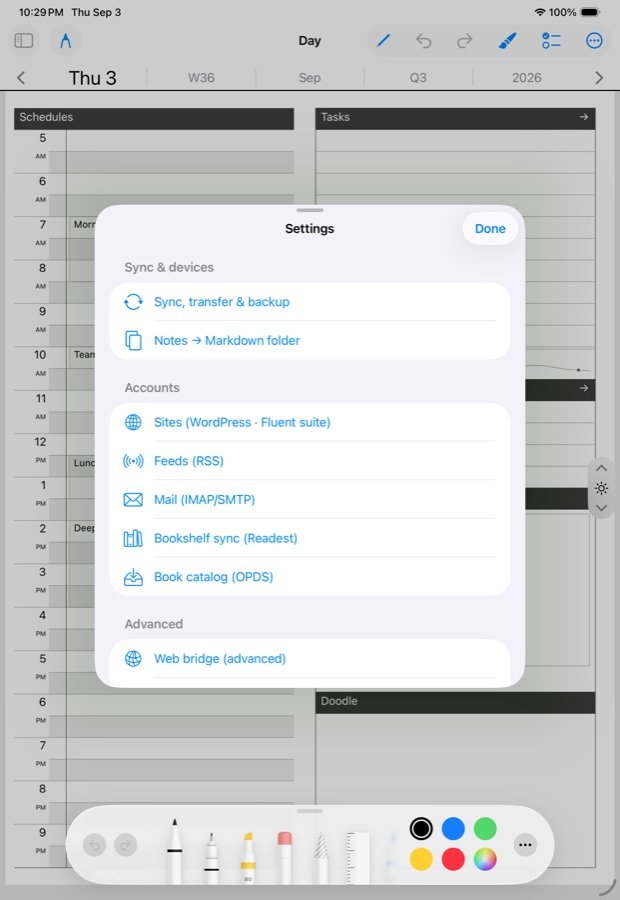
Three things to back up
- The ledger — the day pages, ink and all. Back up ledger… writes one file you can save anywhere; Restore ledger… reads one back and merges it, so restoring never loses what you wrote since.
- Settings — Transfer to another device saves one file with your WebDAV, catalog, feed, mail, bookshelf and site addresses and passwords. Secrets ride encrypted under a passphrase you choose. The same file is read by the Boox, so one export sets up every device.
- Names and structure — what your documents are called (handwritten titles included), your board names, which documents you deleted, and how the Directory is arranged. It does not save the writing itself; the ink lives in the day pages. Importing merges, and names on this device win.
Restoring on a new device
- Install the app.
- Import the settings file. When the app asks for the passphrase, the passwords land too; without it, everything except the secrets is applied and you can add passwords by hand.
- Run Sync now. The day tree comes down from your server.
- Import names and structure if you kept one.
If you had no server, restore the ledger file instead of step 3.
Sync is the everyday backup
With sync pointed at a WebDAV server you own, the tree is mirrored continuously. Running Drive as well is allowed — same files, two places — and the merger keeps them agreeing. Anything that backs up that server, or that Drive, backs up your ledger.
Restoring without the app
The remote tree is readable by hand. A day is one file you can open in a text editor; a restore is a file copy, not an import wizard. Apply this test to anything that holds years of your life: if the maker vanished tonight, what would you still have in the morning? Here it is a folder of dated files and your media, on your disk.
What is not in the backup
- Downloaded podcast and video episodes — a cache, re-fetchable.
- The comic balloon index — rebuilt on open.
- Widget snapshots.
- Notebook pins, which are per device for now.
Re-importing your own file
Importing a backup this device made reports “nothing new”. That is the right answer, not a failure.
Books
Books live in the app’s Documents folder and, if you use it, on the library hub. Back up either.
Related
In this section: Sync & backup
Ledgable — cozy and transgressive