Share handwriting to the community
Post a handwritten page to ledgable.cc's community from the page itself, and answer from the app.
A page you wrote by hand can be posted to the Ledgable community from the page itself, picture and text together. The same door works for any community running the Ledgable plugin, including one you host.
Set it up once
- Make an account at ledgable.cc/community if you have not.
- Open ledgable.cc/pair while signed in. It makes an application password for the app and shows the three lines you need.
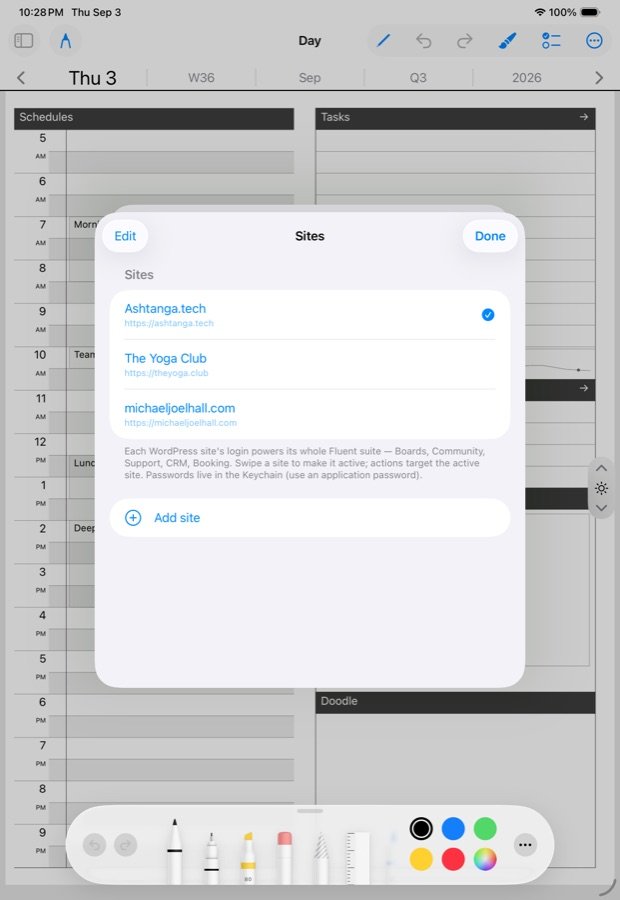
- In the app, Settings › Sites › Add a site:
https://ledgable.cc, your username, that password. Refresh with ↻ and the spaces appear.
Post a page
- On any page, open the menu and choose Send/Export.
- Choose Community, then the space: Show your pages, Help each other, Ideas & requests, or a device room.
- The page goes as a picture with the recognised text beneath it, so it reads on a phone and in search. Provenance rides along: which day, which note, what it points at.
Hold a row in the Notebook and choose Export to post a note without opening it. Capture sections in the wrench takes each zone of the day page as its own image, for posting one panel rather than the whole day.
Answer from the app
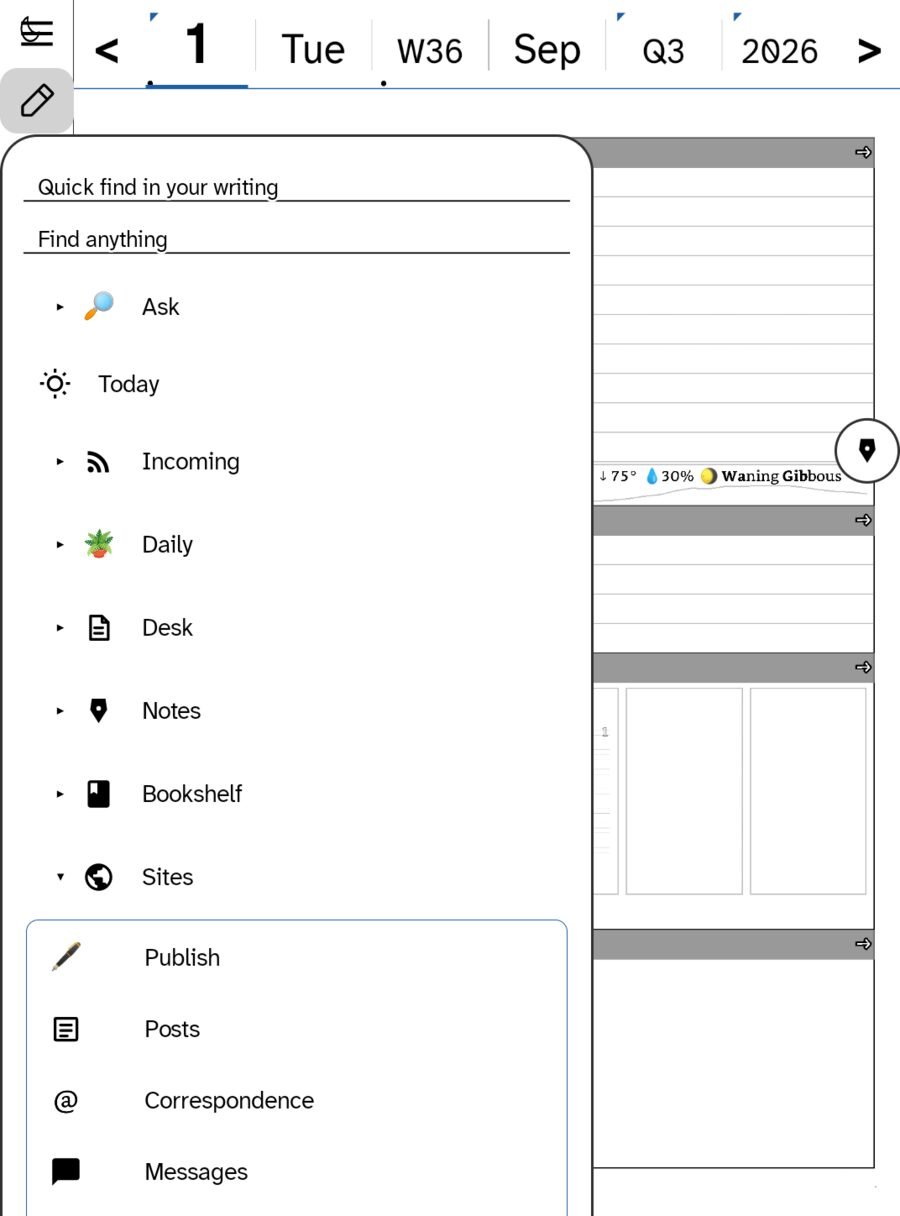
Replies and community answers gather in Correspondence under Desk. Answer them there, by hand or by keyboard, without opening a browser.
Your own site, too
Publishing the same page to your own WordPress is the row above Community on the same sheet, and the full story is Publish to WordPress. A page can go to your site, the community and Bluesky in one visit to the sheet.
In this section: Sharing
- Share on Bluesky
- Share handwriting to the community
- Your own garden
Ledgable — cozy and transgressive