Adding a mail account
IMAP and SMTP, provider presets, and pinning the default send address.
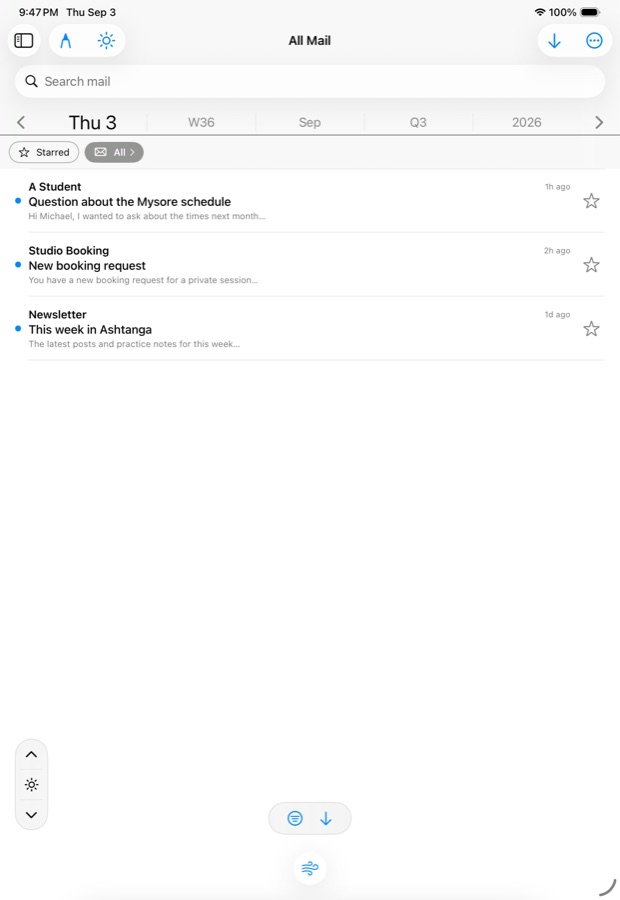
Add a mail account in Settings › Mail with your address, password and the two server addresses; for common providers the servers are filled in for you. Mail then arrives in Incoming beside your feeds, read with the same controls.
Adding one
- Open Settings › Mail and tap Add.
- Pick a preset — Gmail, iCloud, Fastmail, Outlook / Microsoft 365, Yahoo — and the receiving (IMAP) and sending (SMTP) hosts are filled in. For anything else, type them.
- Enter your address and password. If your login differs from your address, there is a separate username field.
- Give it a display name if you like; that is the face the account wears in chips and pickers.
- Save. The password goes into the device’s keychain, never into a settings file.
Many providers will not accept your normal password from a mail app and want an app-specific password made in your account settings instead. If the first fetch is refused, that is the first thing to check.
Several accounts
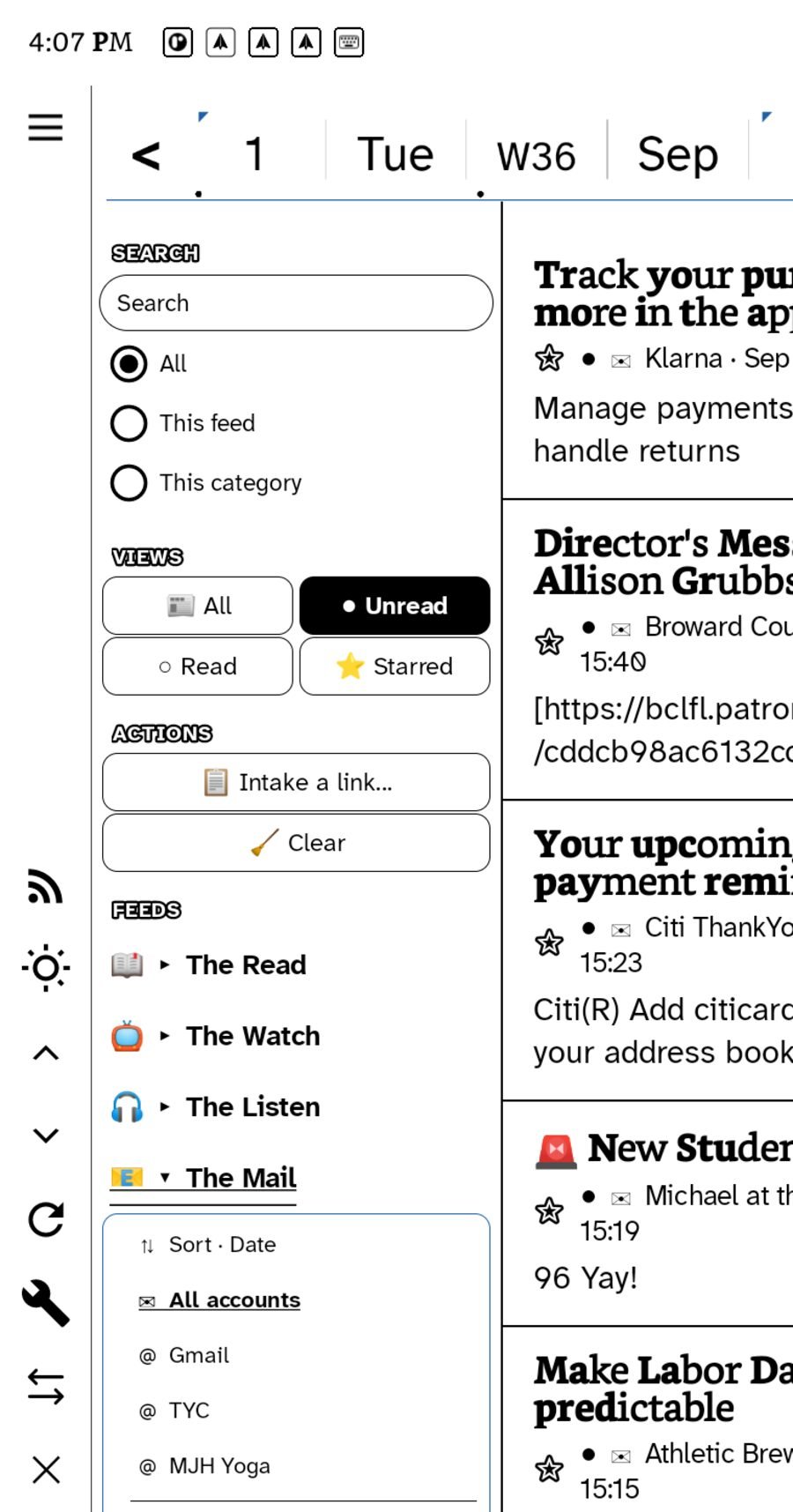
Add as many as you have. In the sidebar, The Mail expands to All accounts plus each account, so you can read them together or one at a time. The almanac strip narrows any of them to a period.
The default send address
A fresh letter leaves from one of three places, in this order: the account whose inbox you have narrowed to, if you have narrowed; otherwise the address you have pinned as the default; otherwise the first account. To pin a default, open the composer and hold the From line. With one account the From line is a statement; with several it is a chooser; with none it points you at Mail settings.
Fetching
Mail is fetched when you open it and on the same cycle as feeds — 30 minutes by default, set in Settings, or Off. Letters fetched at six read on the train at eight with no signal. There is no push; mail is plain IMAP and the app polls it.
What is kept
Recent mail is kept for reading. Anything you starred, replied to, or sent is kept forever on the device, body included, so it stays readable and searchable after the fetch window has moved on. Unstar a letter you never answered and its body is let go on the next sweep.
Attachments
Outgoing letters take attachments from the document picker, up to 20 MB in total, and the composer says how much you have used. Incoming attachments open in place.
Removing an account
Tap the account in Settings › Mail and choose Delete. Its password is cleared from the keychain with it. Letters you starred or replied to stay in your kept pile.
What mail does not do here
There are no folders to file into and no rules. Mail is a source in the same reader as everything else; what you do with a letter is star it, reply, pick it, file its links to Later, or clear it. See Letters and picks.
In this section: Mail
- Adding a mail account
- Replying by hand or keyboard
- Send a page as email
- Letters and picks
Ledgable — cozy and transgressive