Knowledge base › Thinking with it
Why you would pick something
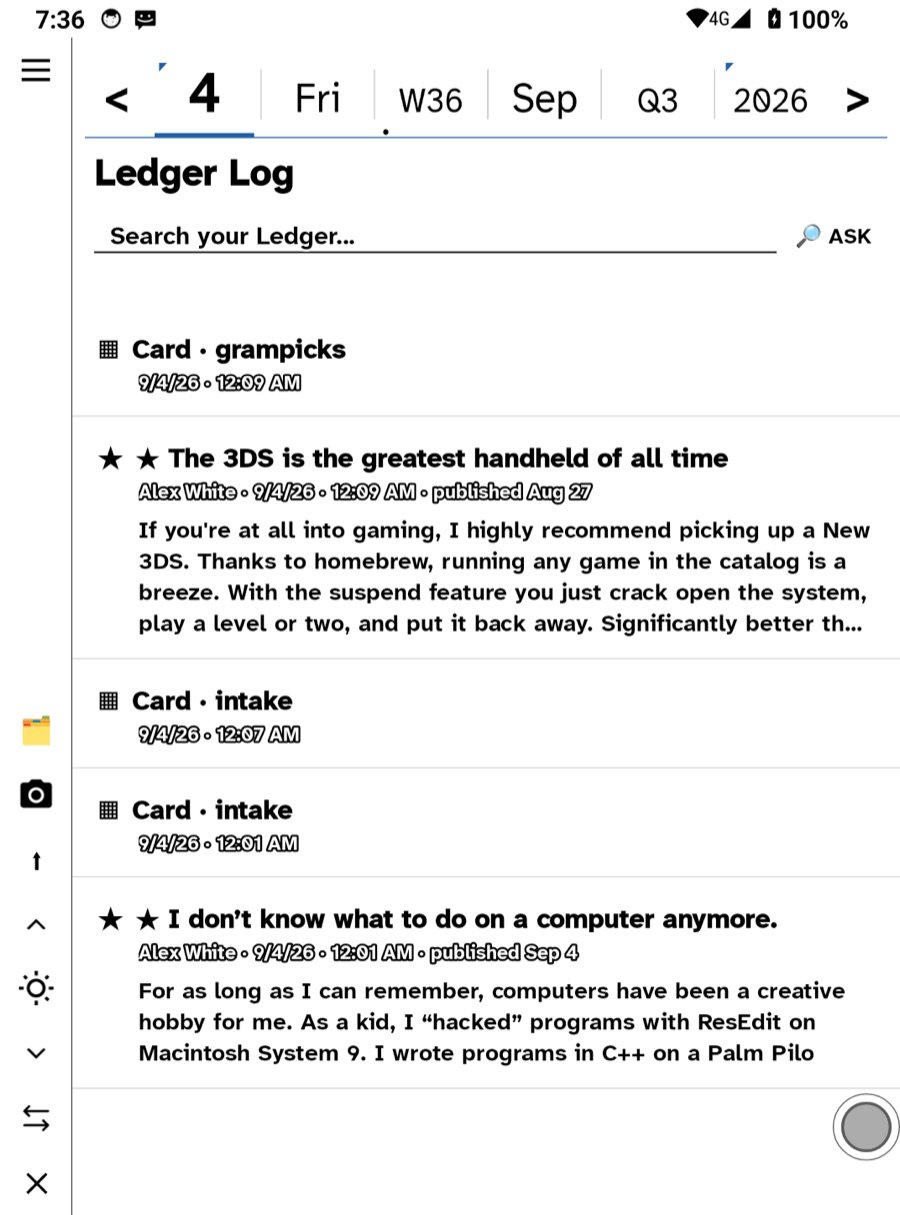
A pick is the smallest unit of thinking: a piece with its source, on a page you own, dated.
You pick something because you will want it later next to something you have not written yet. A pick is a piece pulled out of what you read and put on a page you own, with a thread back to where it came from. It is the smallest unit of thinking in Ledgable.
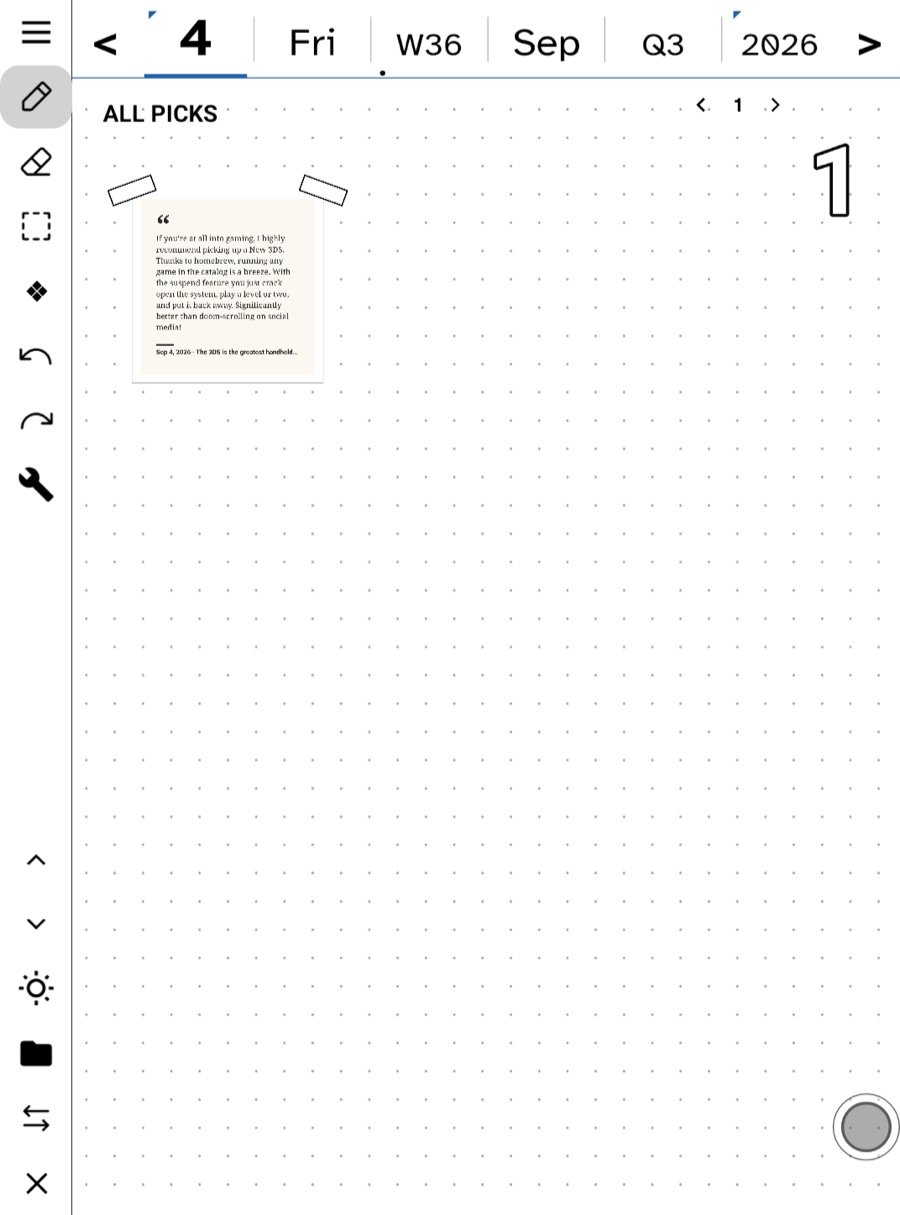
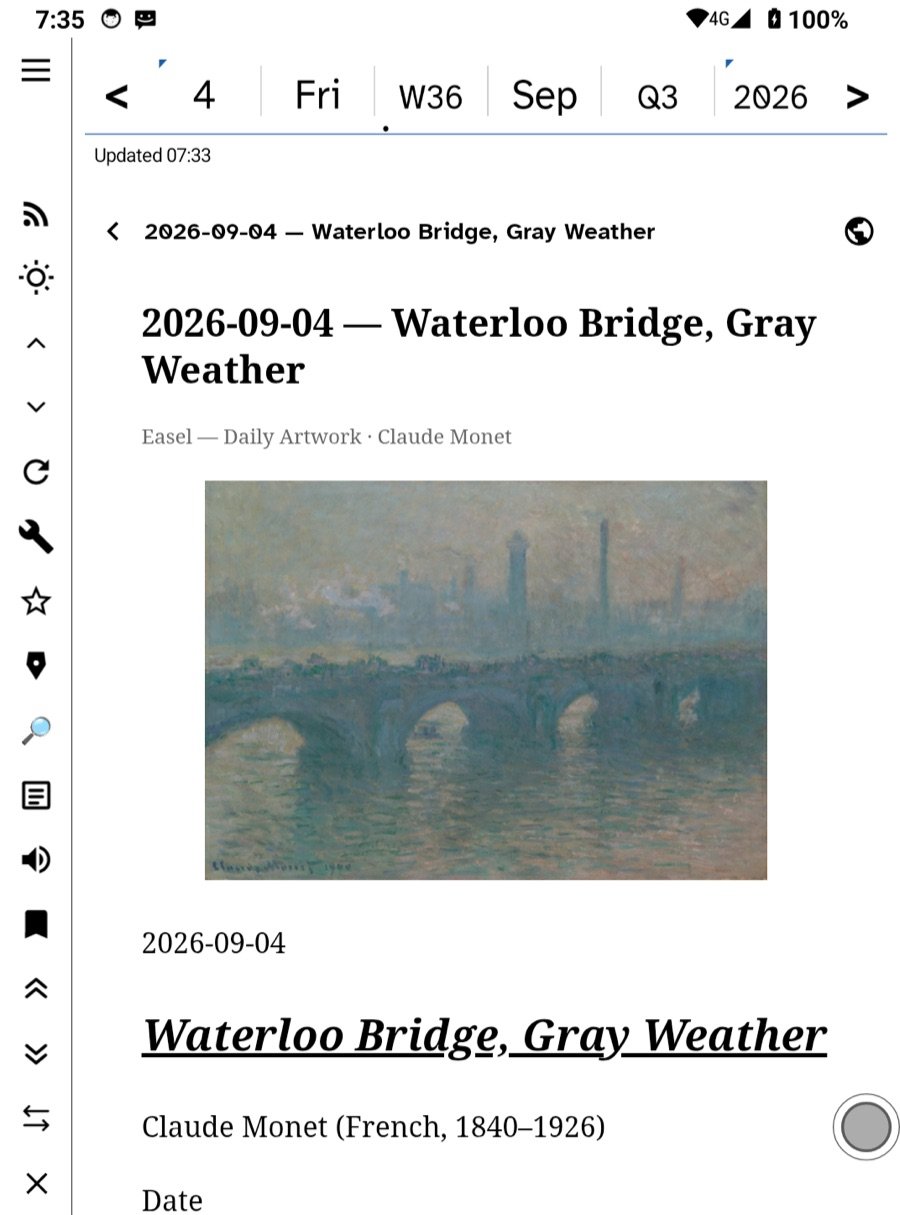
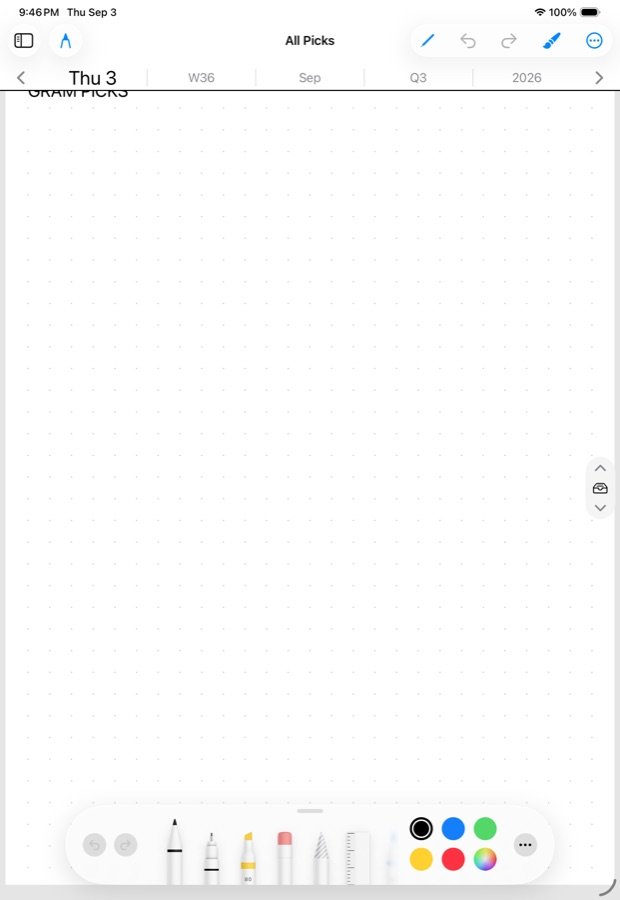
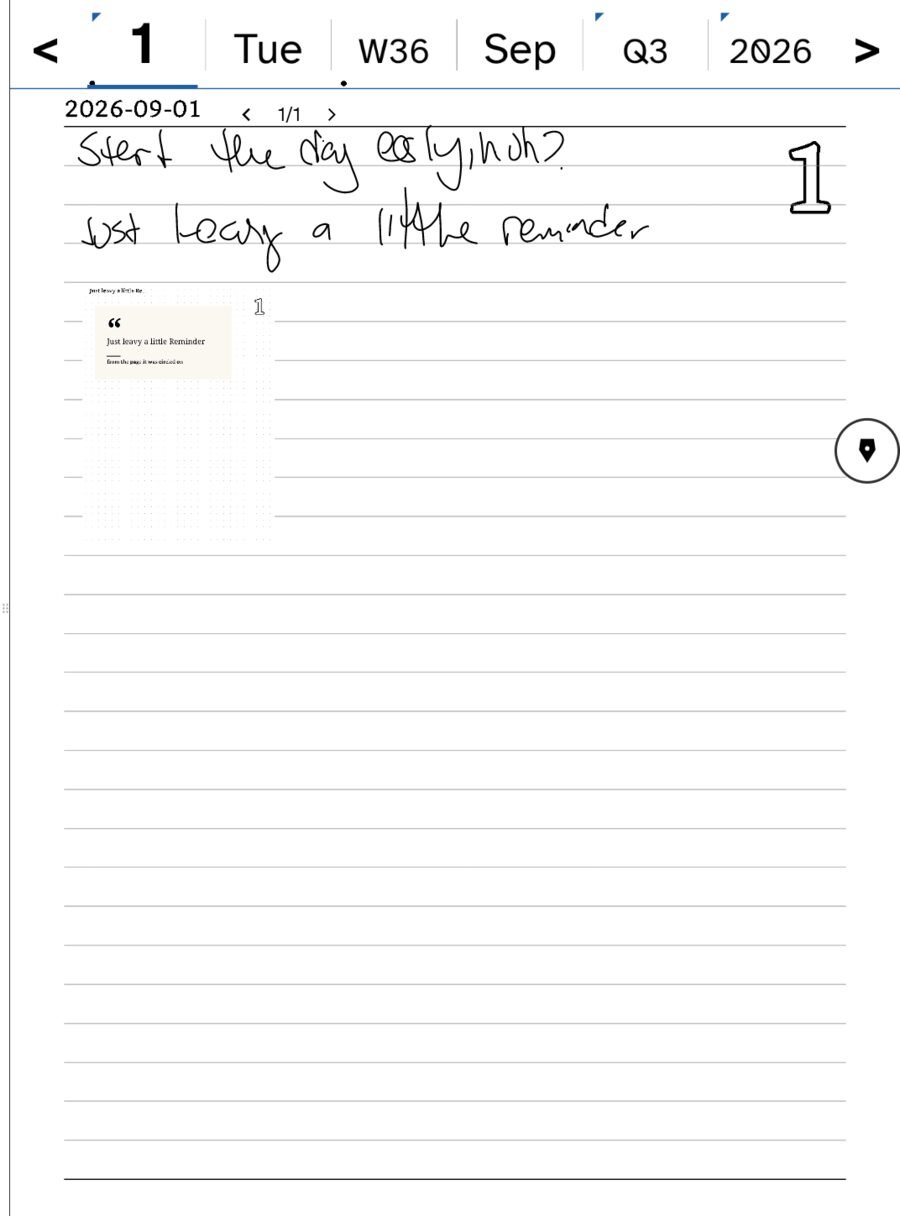
What a pick is
A quote card, a link card, a crop of a page or a comic panel, a photo, a line from a letter, a moment in a podcast. Each carries its source. Picks land on today’s All Picks first, the pile you sort from, and go from there onto a note, a Pickings board, a Synthesize page or a task.
Why pick instead of star
A star says this mattered today and keeps the whole thing. A pick says this sentence, this panel and puts it in your hand. Stars are a reading log; picks are material. Most days you star a few things and pick from one or two of them.
Why pick instead of copy
- A pick remembers where it came from. Six months on, tap the card and you are back at the paragraph.
- A pick is dated. It lives on the day you found it, so it sits beside what you were thinking that day.
- A pick can be moved. Drag it from All Picks onto a board about the topic, and later onto the page where you finally write the thing.
- A pick is a picture and a text at once, so it reads on e-ink, on a phone, and in search.
How to pick, everywhere
- Select a passage in an article or a book and choose Pick.
- Hold a link in The Net and choose Pick.
- Send to All Picks on a letter.
- Hold a comic panel or any part of a page and pick the crop.
- Tap Pick on the Watch; it waits on the wrist until the phone is near.
- Share a link or an image into Ledgable from any other app and choose the gram lane.
Then
Once a day, walk Today → All Stars → All Picks → today’s note and sort the pile. Some picks stay where they landed. Some go onto a Pickings board for a topic you are circling. The ones that keep turning up become Roots.
In this section: Thinking with it
- Why you would pick something
- A Pickings board for a topic
- Tags and links
- Creative emergence
- Learn more elsewhere
Ledgable — cozy and transgressive