Letters and picks
Star to task, Send to All Picks, Links to Later, save the sender.
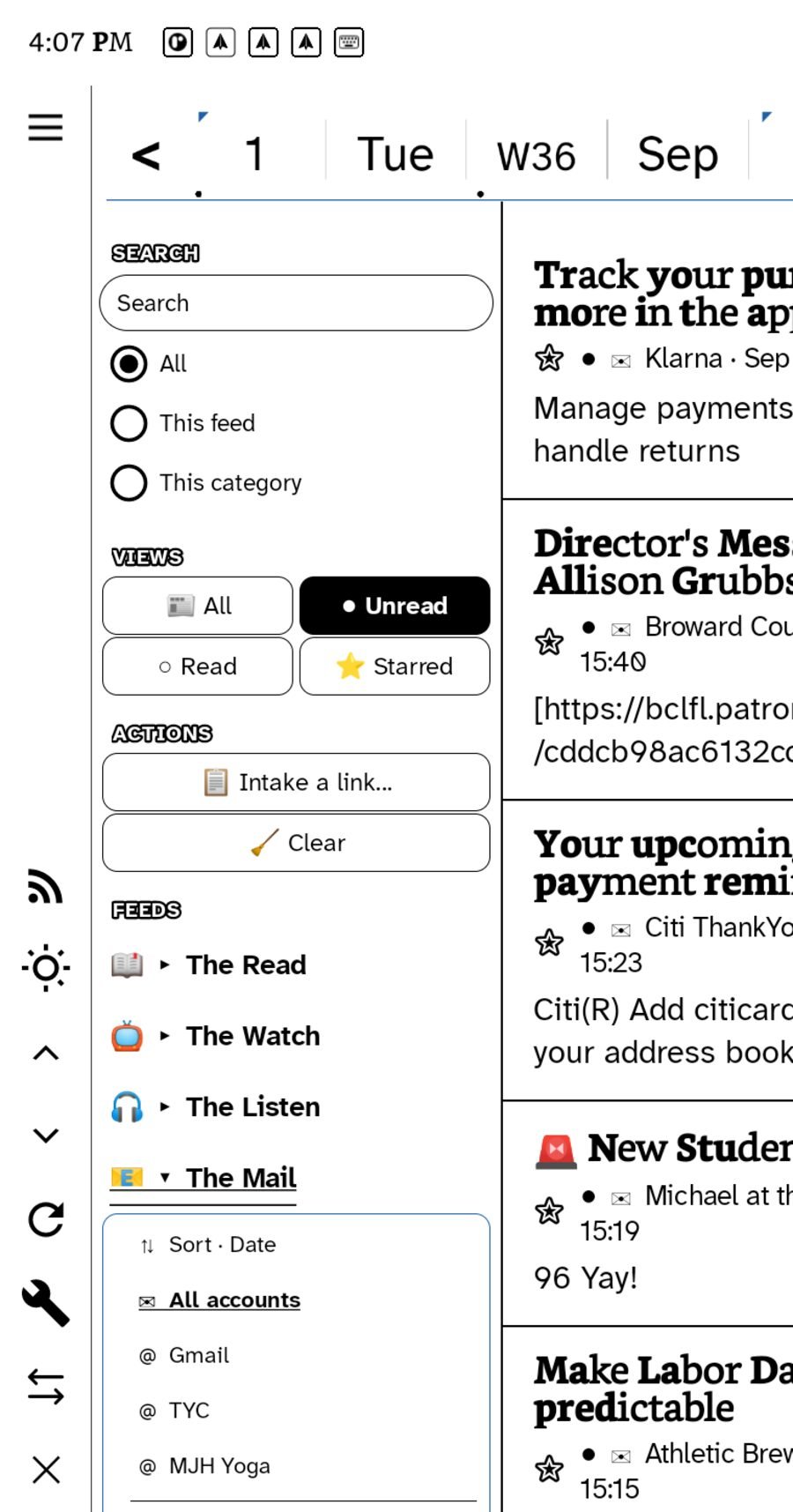
A letter in Ledgable is an object you can act on: star it into a task, send it to All Picks, file its links to Later, or save its sender to Contacts. These verbs sit on every letter in the inbox.
Star → task
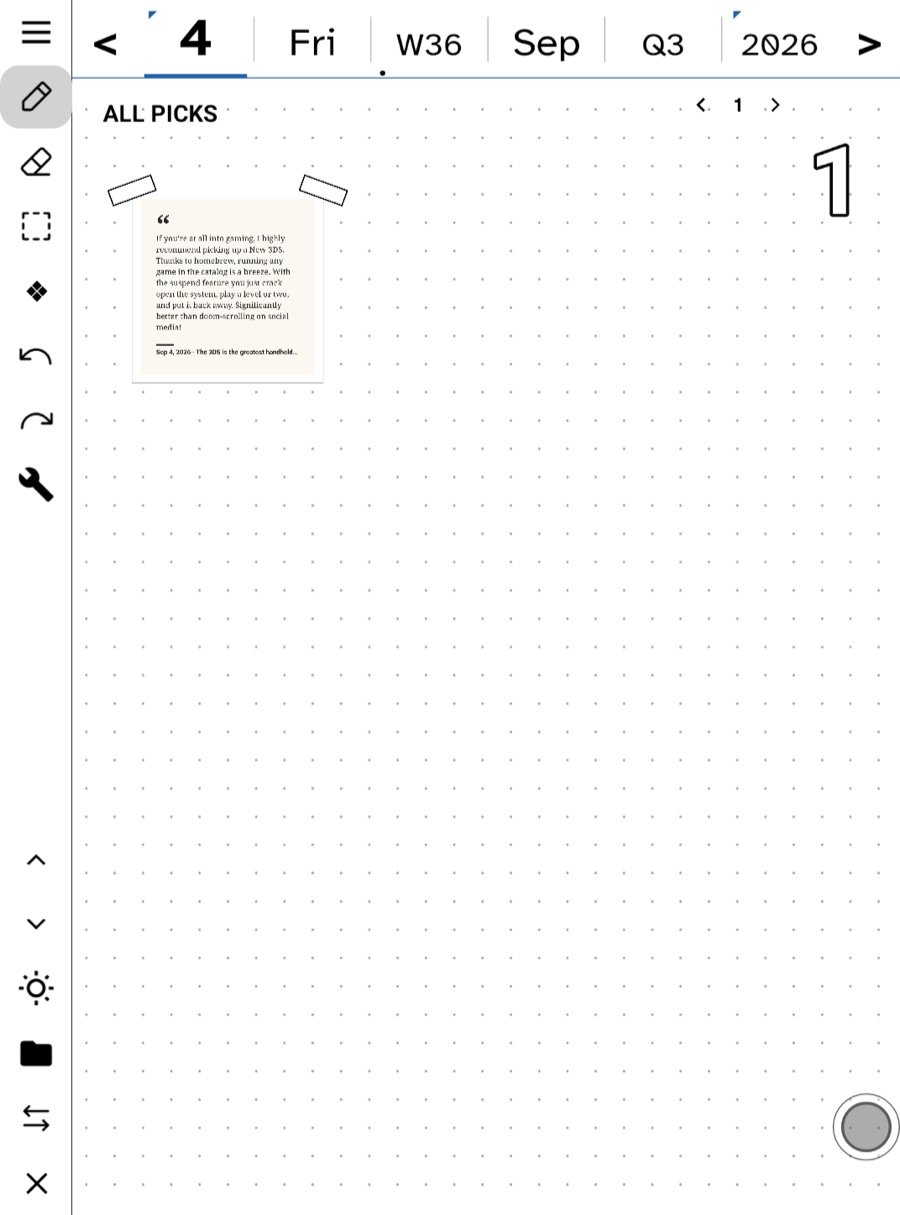
Starring a letter does two things. It keeps the letter whole on the device, forever, so it survives the fetch window. And it makes a to-do from it, linked back to the letter — the task came from the email, and opening the task opens the email. The letter also lands as a card on today’s page, with the sender and the opening words on its face.
◈ Send to All Picks
Puts the letter’s card onto today’s All Picks — the pile you sort from. From there it can go onto a note, a board, or a Synthesize page like any other pick. Sending the same letter twice does not make two cards.
🔖 Links → Later
Every web link in the letter, filed to the Later List in one move. A newsletter with twelve links becomes twelve entries you can read in the feed reader, star, or pick from. The same verb works on an article and on a page in The Net.
👤 Save sender to Contacts
Adds the sender to your rolodex with their name and address. If they are already there, nothing doubles.
🧵 All our letters
Every letter in or out with this person, as one thread, with Write on the door. See Every contact is a correspondence.
Annotate
The same composer the reader and the feed use: a note, a photo or a voice memo about this letter, placed on today’s page and linked to it. Ask and Educate are in the same menu if you have an AI key.
Reply
Type, handwrite, or draft on a board first. See Replying by hand or keyboard.
The inbox views
All · Unread · Read · Starred, the same four states as a feed. Search is scoped to everything, this account or this view. Clear marks the visible pile read except what you starred, and Undo puts the sweep back until you leave.
The mail widget and the Watch
The Mail widget shows what is waiting; tap a row to open that letter. The Watch shows unread subjects, reads them aloud on request, and marks read with a tap or a swipe.
Correspondence from your site
Comments, community replies and Bluesky replies are not mail; they gather in Correspondence under Desk. See The Correspondence room.
In this section: Mail
- Adding a mail account
- Replying by hand or keyboard
- Send a page as email
- Letters and picks
Ledgable — cozy and transgressive