Knowledge base › Widgets & Watch
Apple Watch
Capture, the spoken lens, Today, Ask, Feeds, Mail and Listen on the wrist.
The Watch app is seven pages, honest about what a wrist is for: capture, listen, glance, and ask. It installs with the phone app.
The pages
- Capture — one big button. Tap: record. Tap again: the take lands on today’s page as an audio gram with a transcript, via the phone. No options. If the phone is away, the recording waits on the wrist and lands when you are back in range; it survives the watch app closing and reboots.
- Spoken — the ledger that reads to you. One list: Continue book · The Read · Mail · Listening. Each opens a speaking screen with the text on show, a word-by-word highlight (a one, two or three word window, your choice), play and pause, and the Crown to scroll. It keeps talking when your wrist drops. Finishing a piece marks it read through the phone.
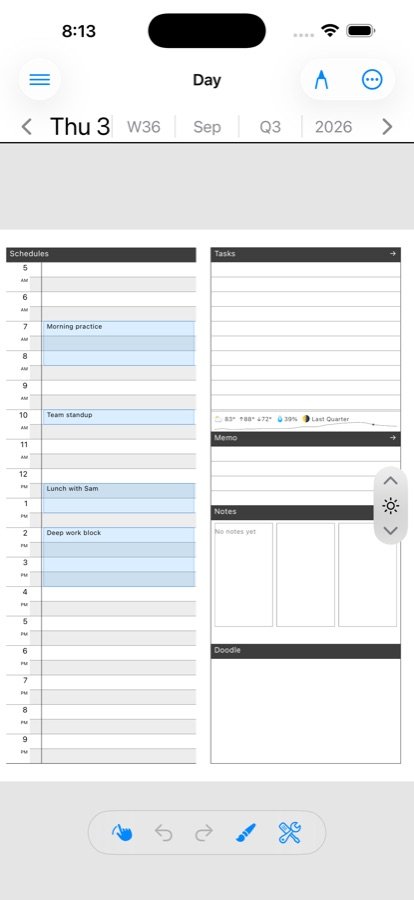
- Today — tasks you can tick, relayed to the day page on the phone, and the day’s timed events, read-only.
- Ask — a big mic. Dictate a question; the answer is spoken back and shown. Through the phone it is grounded in your ledger; with the phone away, the watch can ask directly if you have chosen in Settings to hold your AI key on the wrist. Each answer names which way it went.
- Feeds — the 25 newest unread articles, straight from your feed server over the watch’s own Wi-Fi or cellular. Tap for the readable text, ★ to star (goes straight to the server), Pick to queue a picking that becomes real when the phone is next reachable (“2 waiting for the iPhone”). The last good list is kept, so the page opens with articles offline. Without a mirrored account it falls back to the phone’s snapshot of headlines.
- Mail — unread subjects, read-only. Tap a row for the whole header and Mark read; swipe does the same. The speaker reads the pile aloud — sender, then subject, newest first — for triage by ear on a walk.
- Listen — the episodes downloaded on the phone. Tap a cloud row to pull one over; tap a local row to play from the watch.
What needs the phone
Today, Mail and the spoken texts render the phone’s snapshot. Captures upload through the phone. Feeds and Ask reach the network on their own; a picking made on the wrist is only created once the phone is reachable.
Setting it up
- Nothing, for the snapshot pages. Open the phone app once so it publishes a snapshot.
- For phone-free feeds, the phone mirrors your feed account to the watch on its own. Only the feed server the app is verified against supports this.
- For phone-free Ask, turn on sending your AI key to the watch in Settings › AI. It travels over the encrypted pairing channel into the watch’s own keychain; switching it off clears any key already on the wrist.
- Allow the microphone when Capture first asks.
Read-aloud and audio
Reading survives the screen sleeping. With headphones routed, the reading runs as long-form audio; on the speaker it is a plain foreground session. Tap the answer, or the same button, to stop the voice.
Related
In this section: Widgets & Watch
- Home screen widgets
- Apple Watch
Ledgable — cozy and transgressive