Knowledge base › Thinking with it
Tags and links
Write #word or [[Name]] anywhere, in ink or type; Jump to a tag, Pull the thread, the Links row.
Write #word anywhere and the page is tagged; write [[Name]] and the page links to whatever carries that name. Both work in handwriting as well as typed text, because your ink is recognised as you write.
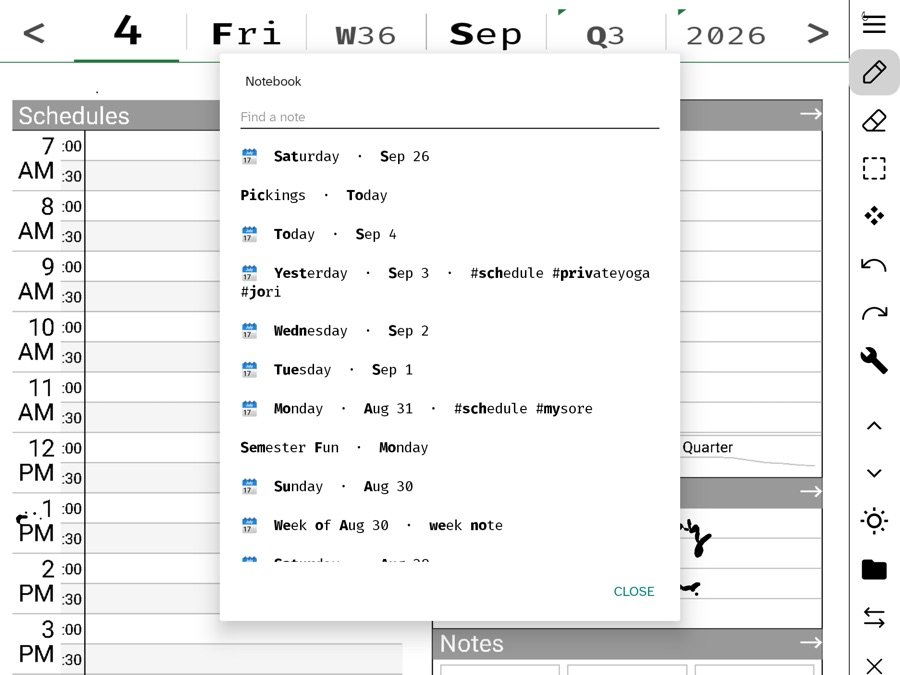
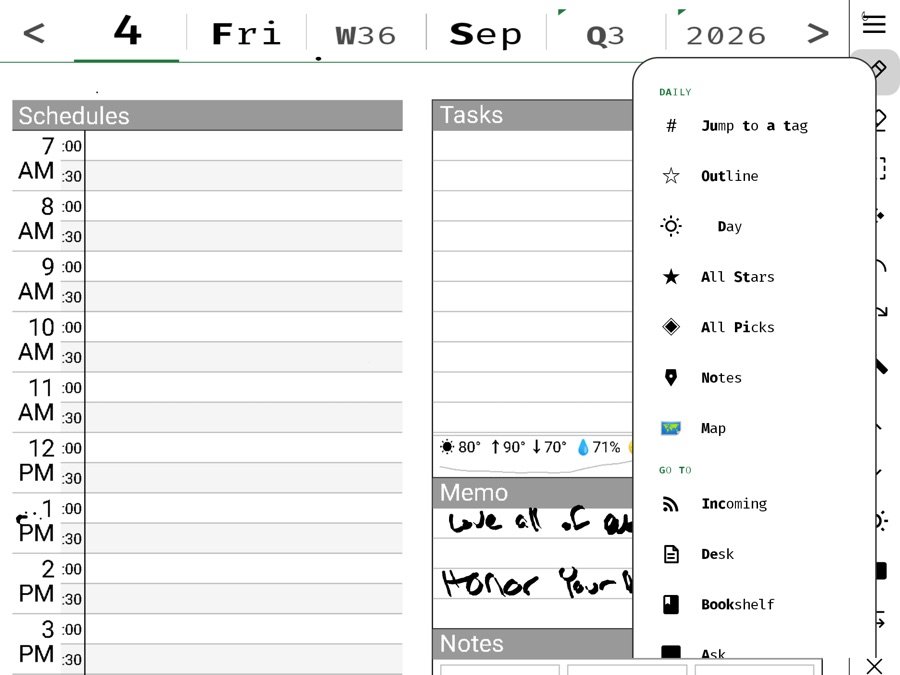
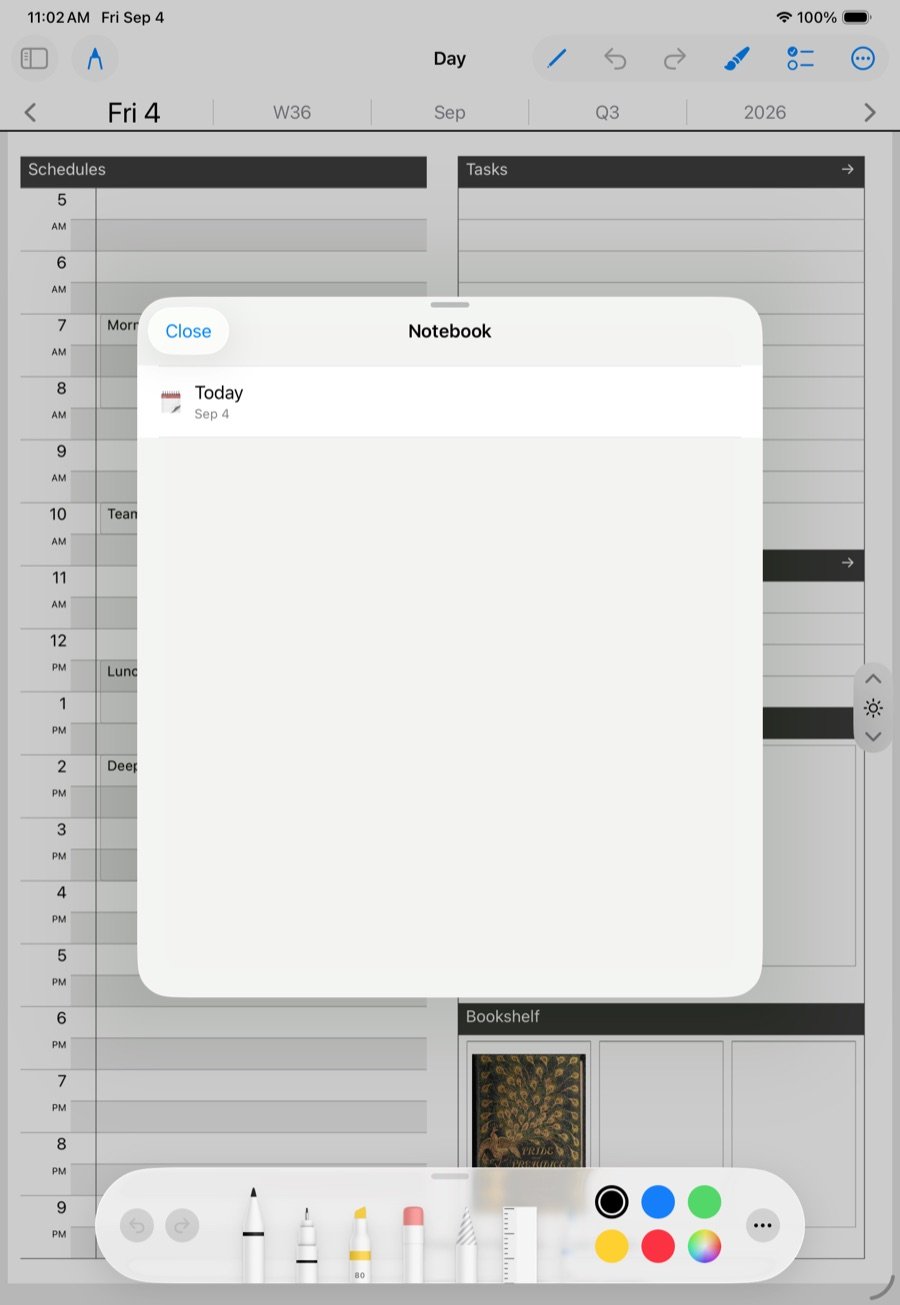
Tags
- Write
#mysoreon a day page, a note, a board. That page now belongs to the tag. - Jump to a tag, in the day’s folder menu, lists every tag with a page count. Tap one to walk its pages.
- The Notebook shows a note’s tags on its row, and its # foot row narrows the list to one tag.
- The week view gathers days by the tags they share, so a week reads as its subjects rather than its dates.
- Pull the thread on a tag opens every page that carries it, oldest first: the subject across time.
Links
- Write
[[Collider]]on a page and it links to the note named Collider, or to the idea of it if no note exists yet. - The Notebook’s Links foot row shows which pages mention a name, and what links back to each.
- Links are recorded from typed text and from handwriting, deliberately, because handwriting is where they most need to work.
- A pick’s source is a link too. Every card can be followed back; every article you pick from knows which pages hold its pieces.
The two together
Tags gather by subject; links point at a particular thing. Use a tag when you want the pile, a link when you mean the one. A board named Attention with #reading on it is reachable both ways, and the same board will show up under Pickings in the Directory and by name in search. Many doors to the same page is the design.
What you never have to do
File. There are no folders. A page lands on its day; tags, links, names, templates and search are lenses over the same pile, and every lens is optional. A page with no tag and no link is still on its day and still found by search.
Learn the idea
This is the Zettelkasten move: small pieces, densely linked, filed by nothing but their connections. Sönke Ahrens’s How to Take Smart Notes is the standard introduction, and this conversation with him is a good hour on why linking beats filing.
Watch: Zettelkasten notes with Sönke Ahrens
In this section: Thinking with it
Ledgable — cozy and transgressive