All Stars and All Picks
What a star and a pick are, and the walk from Today to the day's note.
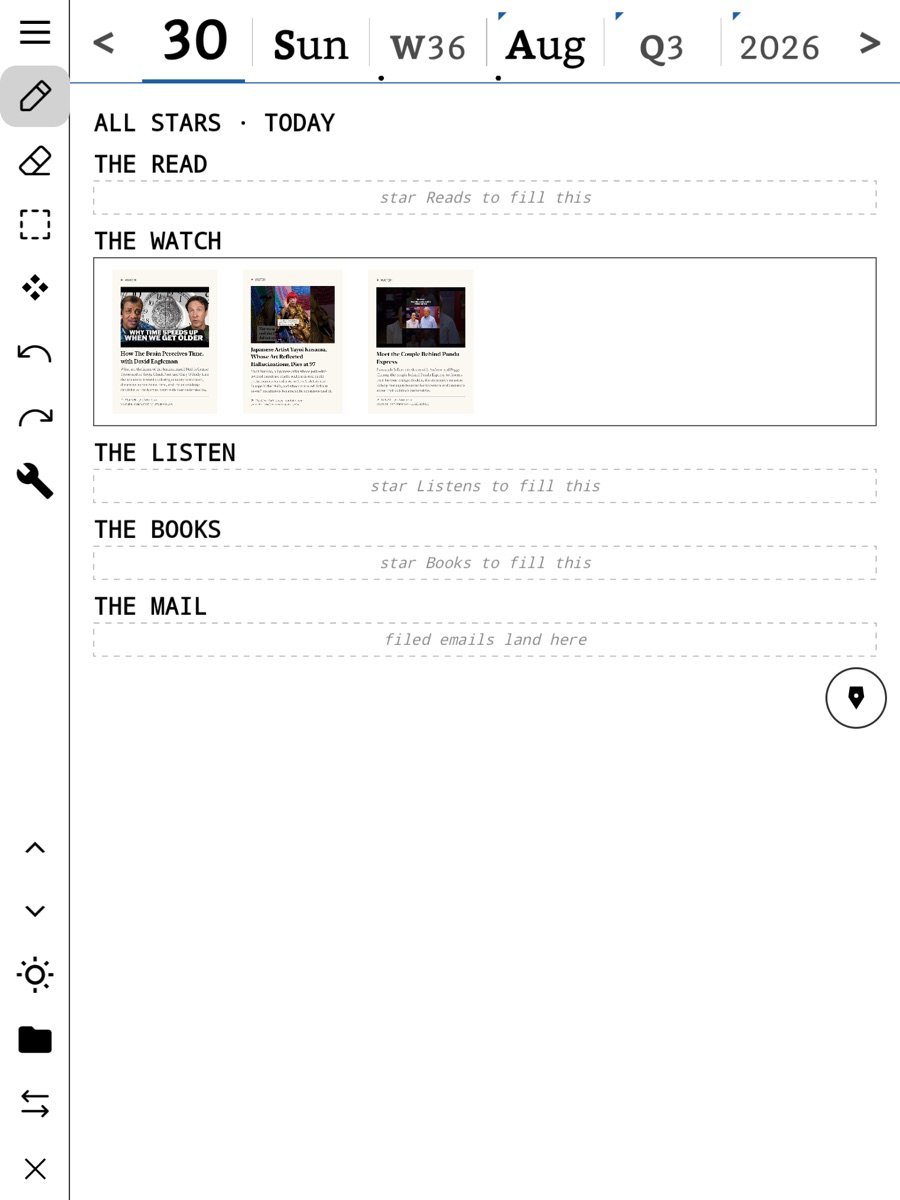
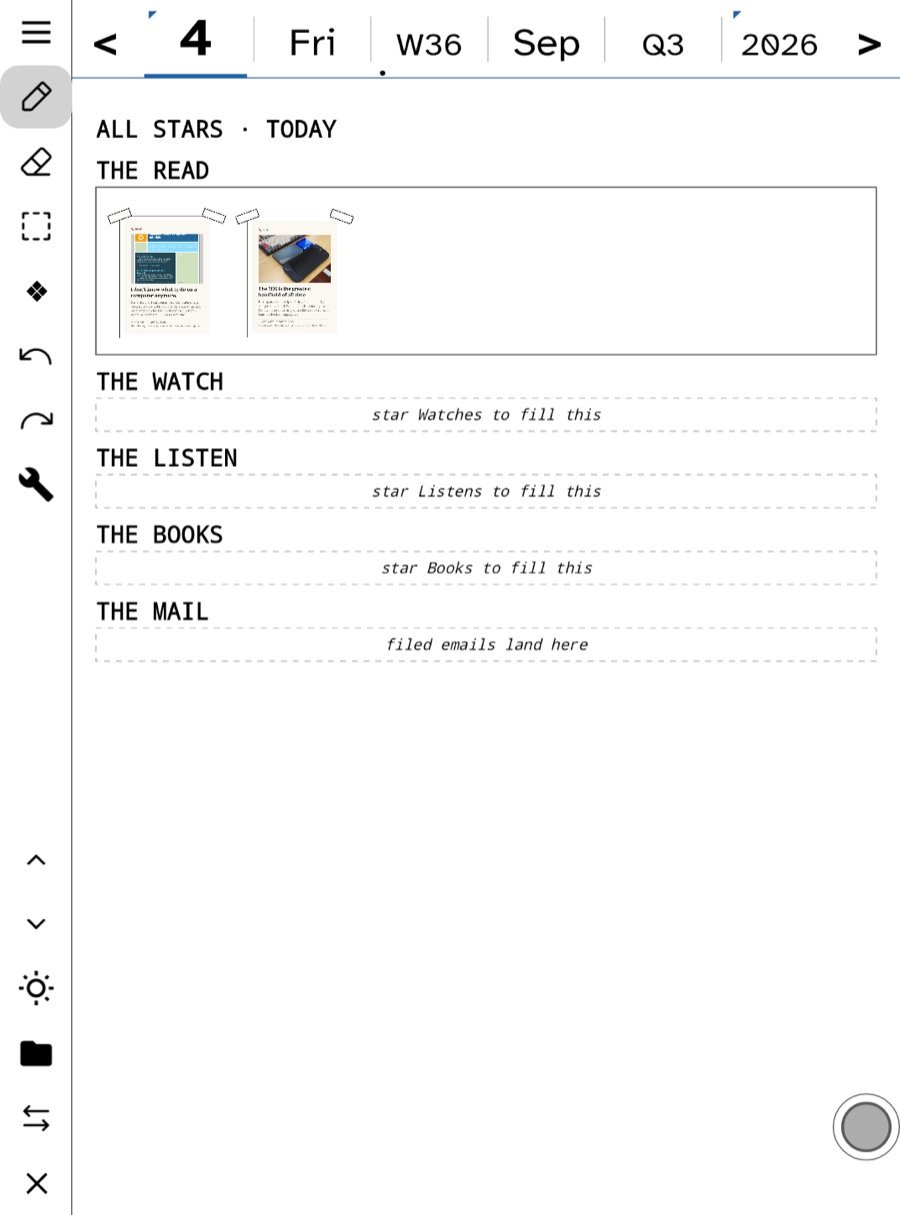
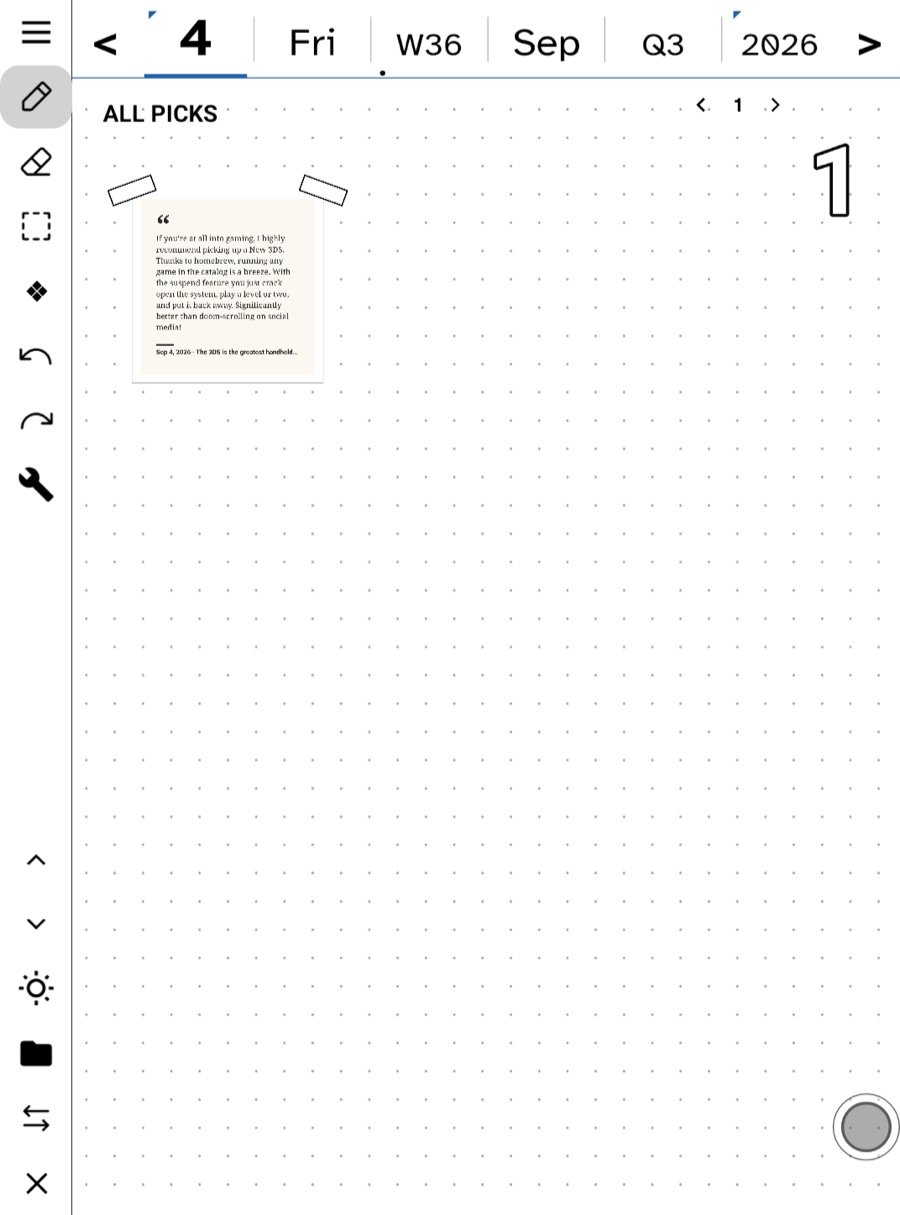
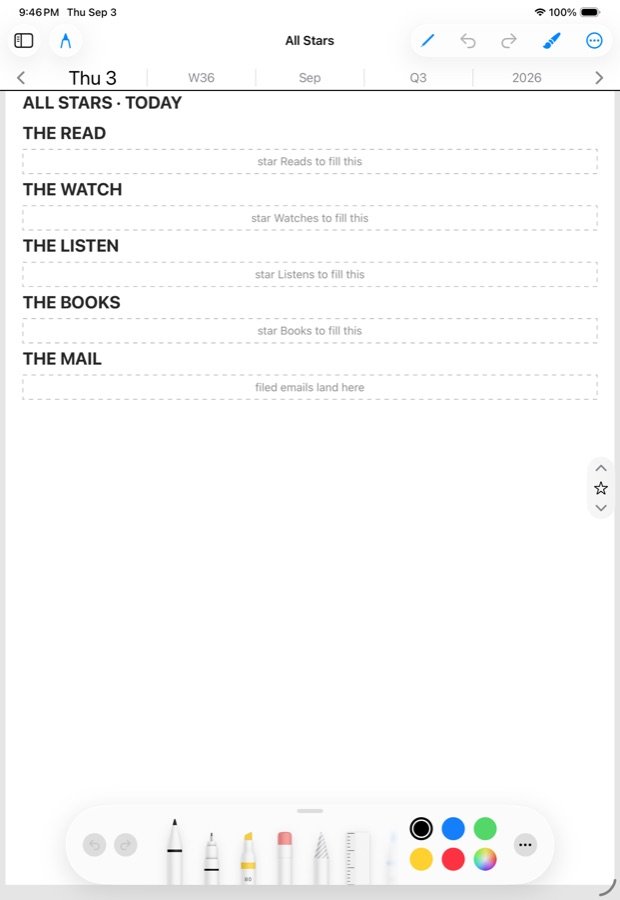
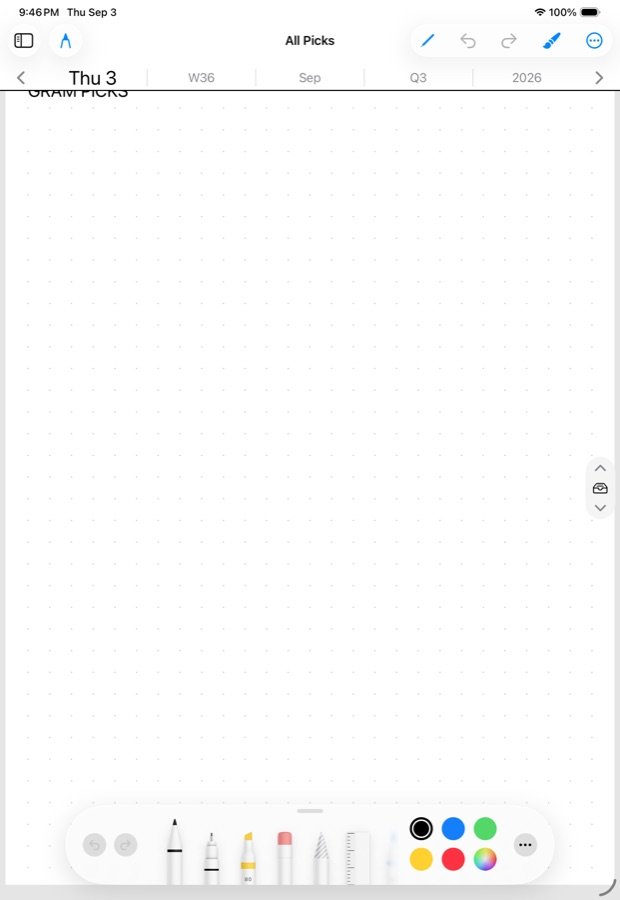
A star marks something you read; a pick is a piece you pulled onto your own page. All Stars gathers the day’s stars, All Picks gathers the day’s picks, and the walk from Today through both to the day’s note is how reading becomes writing.
A star
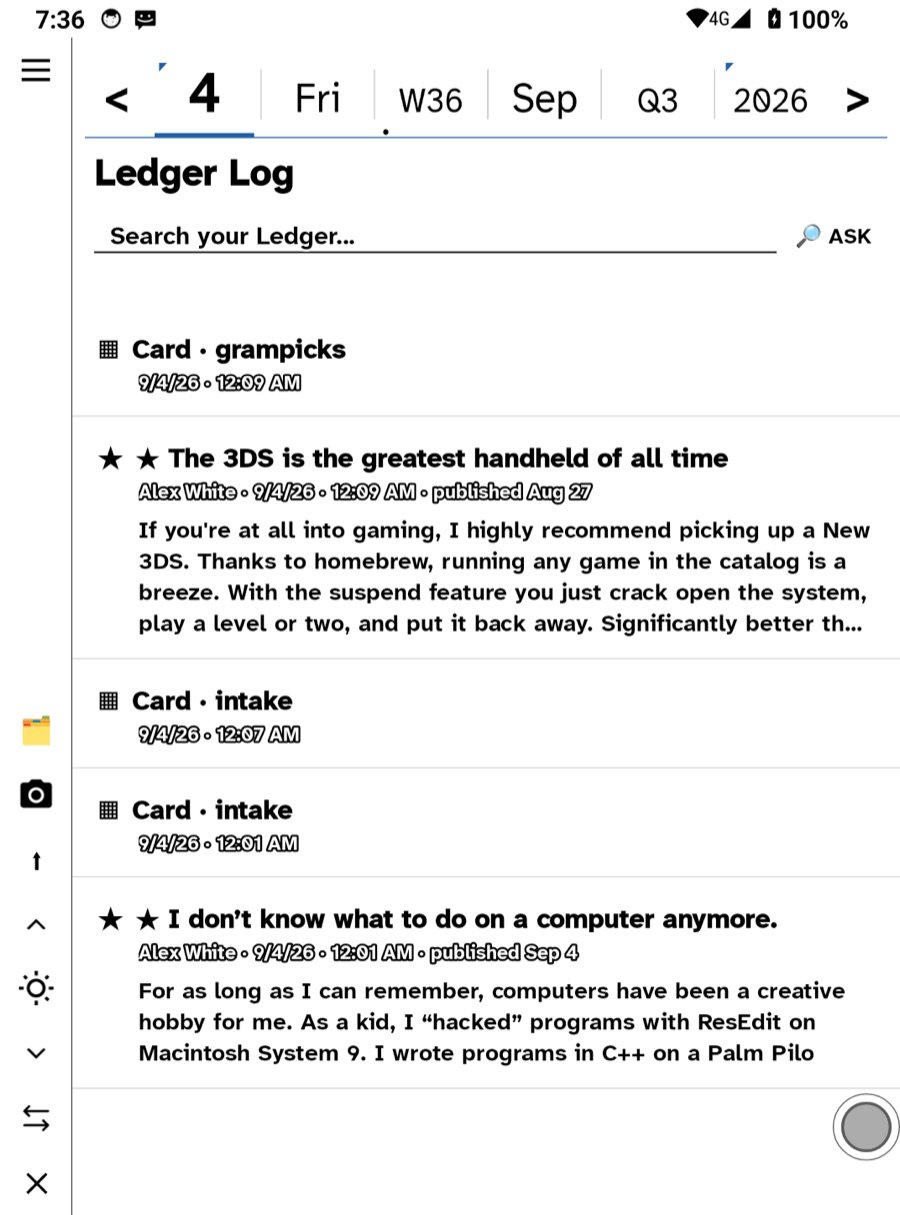
Stars live on things that arrived: a feed article, an email, a Bluesky post, a podcast episode. Starring is not a bookmark. It says “this one matters today”, and the app acts on it:
- The starred thing is kept whole on the device, so it survives the fetch window and stays readable and searchable.
- A starred email becomes a to-do linked back to the letter, and lands as a card on today’s page.
- A starred article joins the day’s reading log and appears in All Stars for that day.
- Stars sync through your feed server, so a star on the Watch is a star on the iPad.
Stars are meant to be expensive. Star a few things a day, not everything you glance at; All Stars is a short list that ends, not another feed.
A pick
A pick is a gram — a picture, a quote, a link card, a crop of a comic page, a photo — that you have taken and placed. Picks go to All Picks first. That is the pile you sort from. From there a pick can be sent onto a note, a Pickings board, a Synthesize page, or a task.
Ways to make a pick:
- Select a passage in an article or book and choose Pick.
- Hold a link in The Net and choose Pick.
- Send to All Picks on a letter in your inbox.
- Tap Pick on an article on the Watch; it waits on the wrist until the phone is in range.
- Crop any part of a page or a comic panel.
A pick remembers where it came from. Every card carries its source, so six months later you can follow it back.
The walk
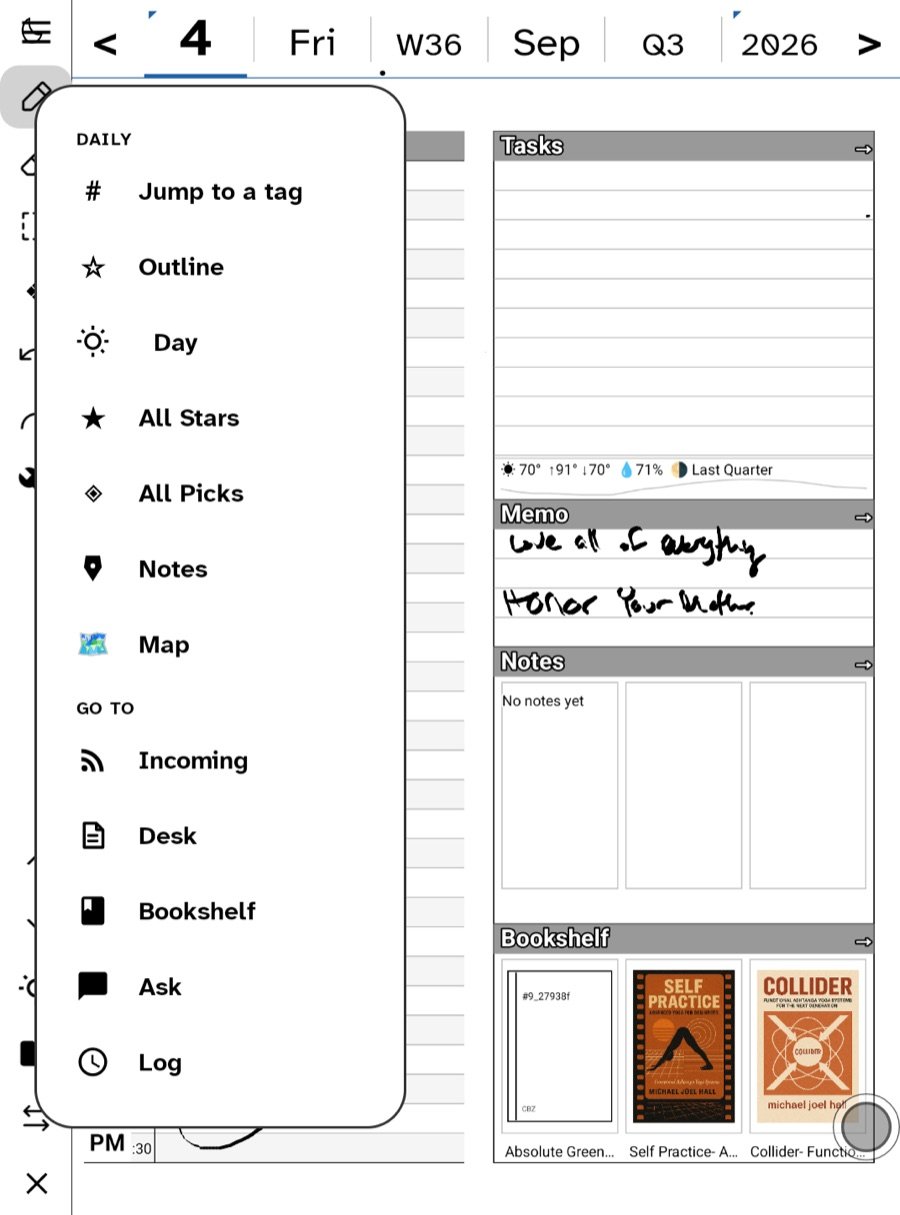
Under Daily, the day is a walk of pages in a fixed order: Today → All Stars → All Picks → today’s note. Section down on the rail steps through them. Read what you starred, sort what you picked, then write. The same shape repeats at every level of the almanac: the week page walks to All Stars for the week, All Picks for the week, and the week’s note, and month, quarter and year do the same. At those levels All Stars is paged by kind — The Read, The Watch, The Listen, The Books, The Mail — and you cannot write on the two station pages; they are views over the days. On iPad the day walk is here and the wider ladder is following.
The Daily digest
Daily also holds the digest — The Read, The Watch, The Listen, The Books — a short list per section that ends. Anything you star there comes back to you in All Stars.
Where to find old ones
All Stars and All Picks are views over the days. Move the almanac strip and they follow it. The Directory groups picks by day with counts; the Notebook lists every board and note.
Related
In this section: The day page
- The zones: Schedules, Tasks, Memo and Notes
- The almanac strip
- All Stars and All Picks
- Templates and paper
Ledgable — cozy and transgressive