Connecting your feeds
Miniflux, the hidden beta server types, and Local Feeds with no server at all.
Connect a feed server in Settings › Feeds, or add feeds to the device with no server at all. Both can run at once.
With a server
A feed server keeps your subscriptions, read state and stars in one place, so every device you read on agrees. Ledgable is built against Miniflux, which you can run yourself or use hosted.
- Open Settings › Feeds.
- Enter your server’s address and your API token. Miniflux uses only a token, no username.
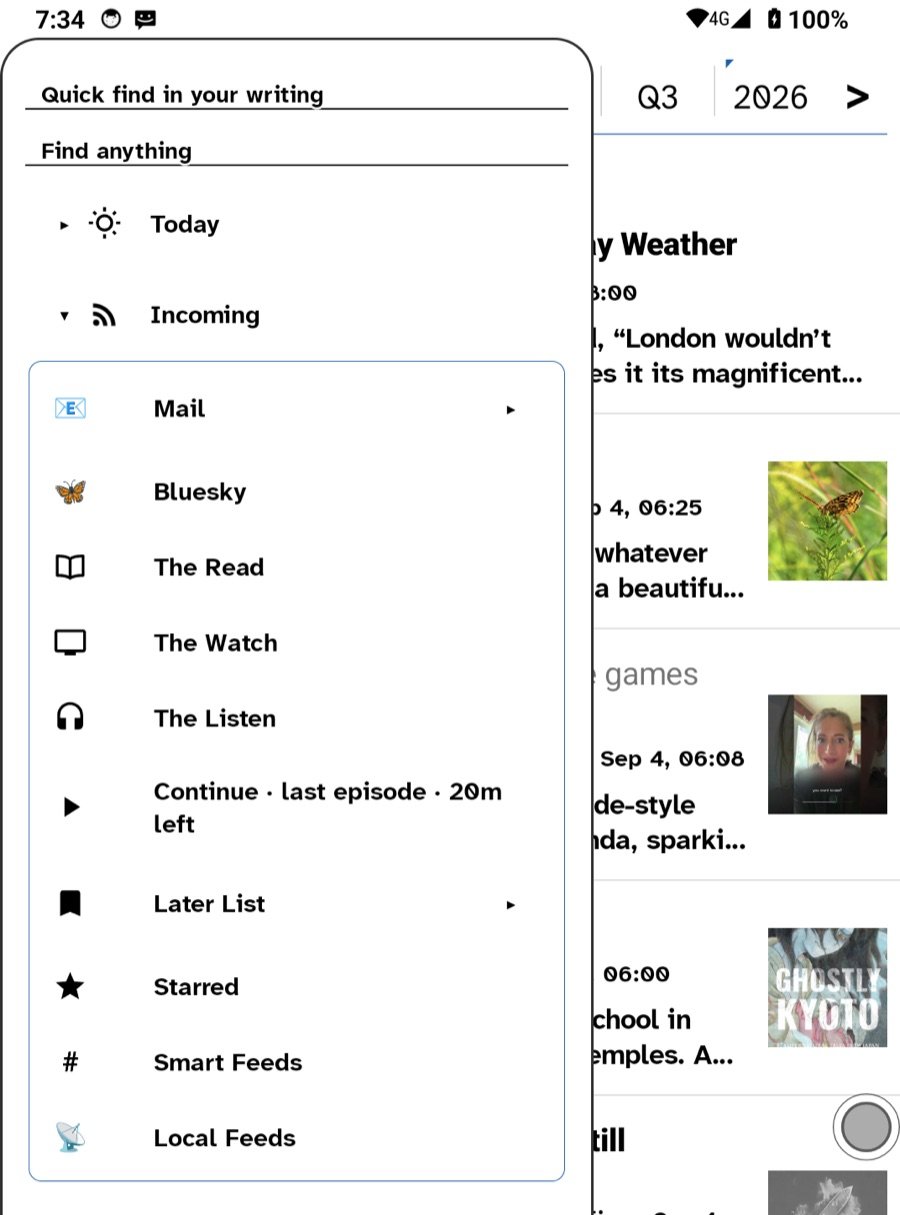
- Tap to test. The sidebar’s Incoming folder fills with The Read, The Watch and The Listen, then your categories and feeds.
Three other server types are built in but hidden from the picker, because only Miniflux has been checked against a live server: Fever (FreshRSS, Tiny Tiny RSS, Selfoss and others), the Google Reader API (FreshRSS, BazQux and others) and Feedbin. They are beta; ask on the Support page if you want to try one. These take a username and password rather than a token, and Feedbin needs no address.
Without a server: Local Feeds
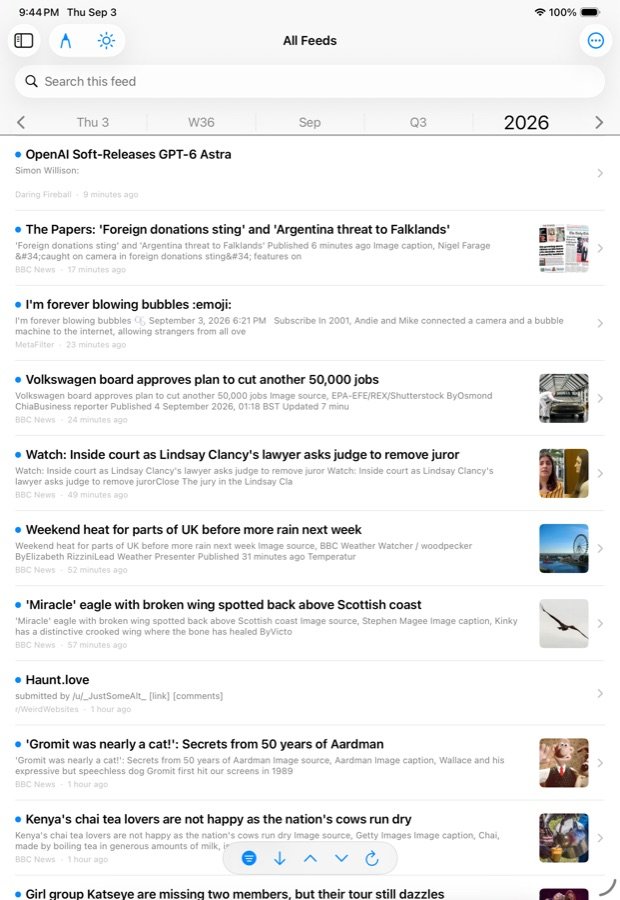
Local Feeds are fetched by the device and belong to nobody’s server. Add a feed’s address and read it. They sync between your own devices as a small side file, so a feed added on the Boox appears on the iPad, but no account anywhere has a record of them. Podcasts you subscribe to from the podcast finder land here when there is no server.
How feeds read
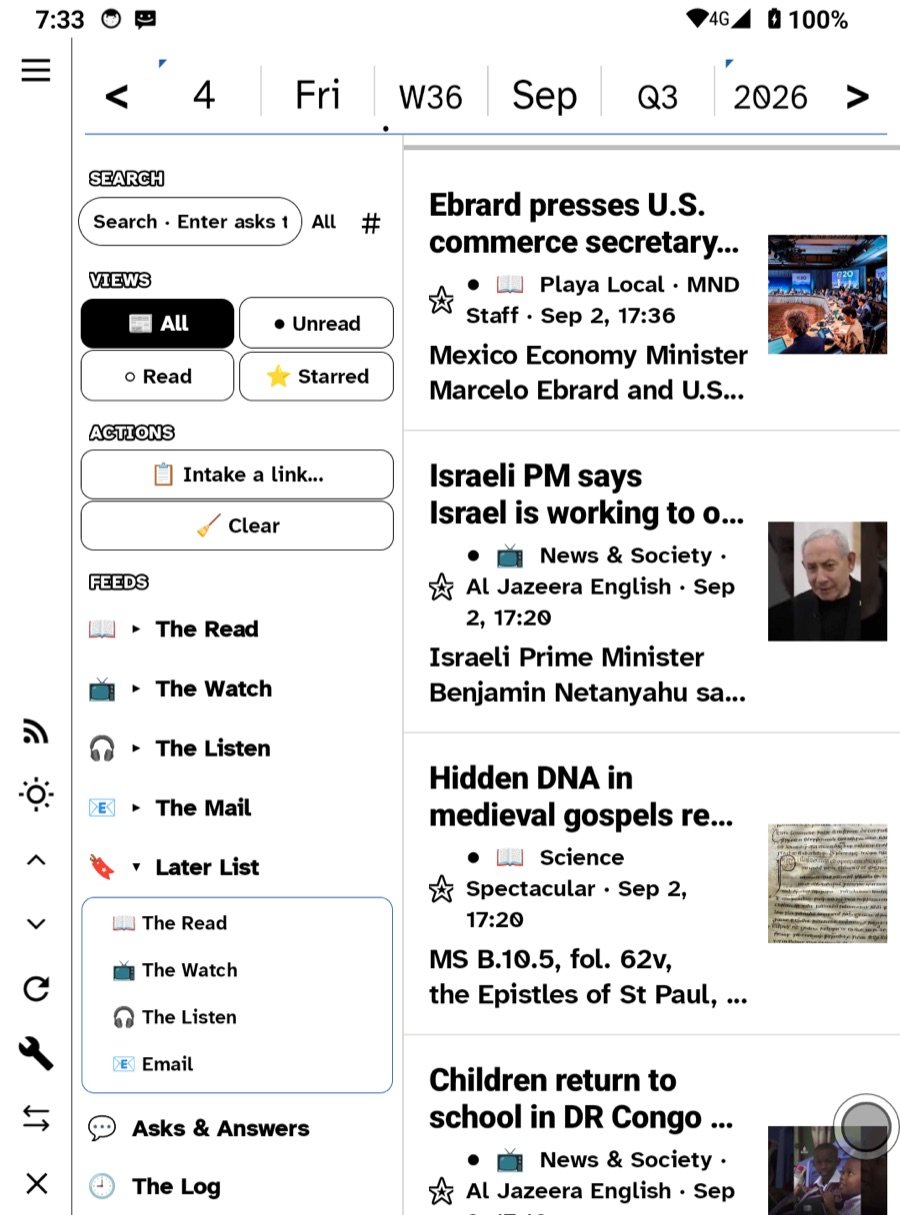
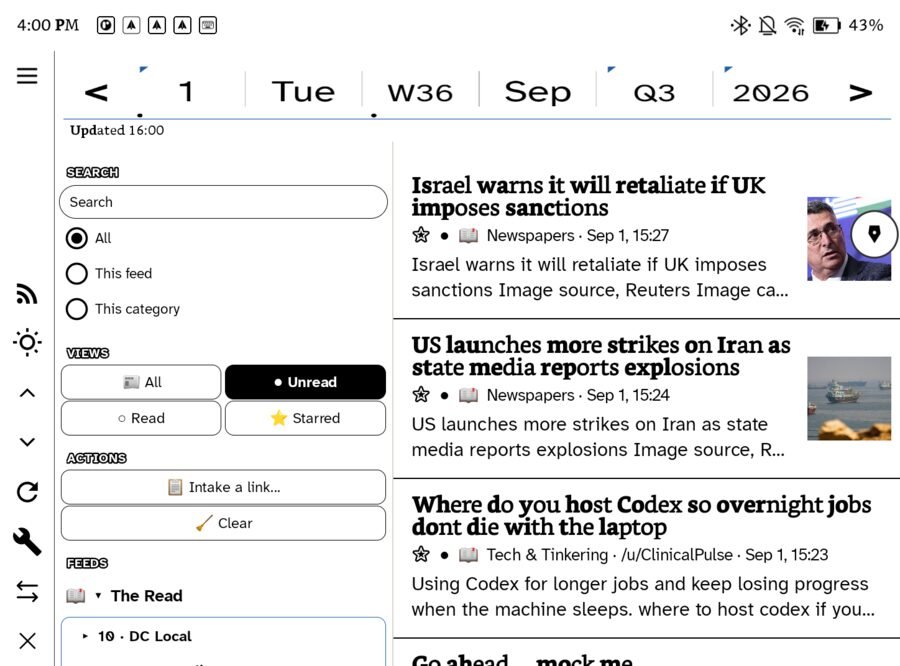
Every incoming surface wears the same controls: a search scoped to everything, this feed or this category; the four views All · Unread · Read · Starred; and two actions, Intake a link to paste something in and Clear to mark the lot read (with Undo). Expanding a folder in the sidebar opens that folder’s unified feed — all of The Listen, or all of one category.
The Later List is a feed too, under The Listen. Anything you hold and send to Later loads there, in the same reader with the same controls, and the list has its own feed address you can copy into another reader.
Reading offline
Feeds are fetched on a cycle — 30 minutes by default, set in Settings, or Off — and the readable copy of each new entry is kept, so what arrived at six reads on the train at eight. Opening a feed shows the cached rows at once and folds fresh ones in.
Notifications
Once a server is configured, the app asks once for permission to tell you when new articles arrive. Nothing else notifies, and there is never a badge count on the icon.
Where feeds go next
Star an article and it joins the day’s All Stars. Select a passage and pick it onto a note. Hold a link to send it to Later. On the Watch, feeds read straight from the server over the wrist’s own radio; see Apple Watch.
Related
In this section: Reading
- Connecting your feeds
- Podcasts and Continue
- The Net: the browser
- Page with the buttons
Ledgable — cozy and transgressive