Knowledge base › Sites & publishing
Messages, boards and bookings
Community chats, site boards you can drag, and the day's booking roster.
Messages, Site Boards and the booking roster read your site’s own records — chats, cards and who is booked in — and each needs its plugin on the site. Where a plugin is missing, the surface says so instead of appearing broken.
Messages
Group chats and direct messages from your site’s community, under The Net. Open a thread and it refreshes every few seconds while you are in it. Send text, or send handwriting: the ink goes into the message as a picture. Threads show inbound handwriting the same way.
Site Boards
Every board on the site, opened into columns you can drag between:
- Drag a card to a column and it moves on the server.
- Tap a card for the whole task: people, labels, comments, due date, priority — with editing.
- Reply on a card with text or handwriting.
- Big boards show a first batch per column with “N more” on tap, so a support board with hundreds of cards still opens.
- A board’s tag says what the board is for; the featured image on a card face can be shown or hidden.
Local ⇄ Site flips between the site’s boards and the on-device task board. It is one boards system with two sources; the on-device one is the List/Columns view of your own tasks.
Cards from any board with a due date also appear on the day’s timeline, bucketed to do / doing / done, and tapping one opens its board.
Correspondence onto a board
If a board is set as the inbox board, Sync correspondence makes a card per new reply and skips ones already there.
The booking roster (Event Attendees)
Under Desk: everyone booked in today, each a card with name, photo, time and status.
- Tap an attendee to see them and jump to their CRM profile.
- The card has an ink pad. Write a note about the session; it is read and posted straight onto their CRM timeline on the site, and the person joins your ledger’s connections for that day.
- The almanac strip widens the roster to a week or a month, capped at about six weeks of days.
Per class type you can opt in to a prompt before a session — record it, and pull up its notes. Opt-in per class, so a personal appointment never nags, and at most once a day.
Which site
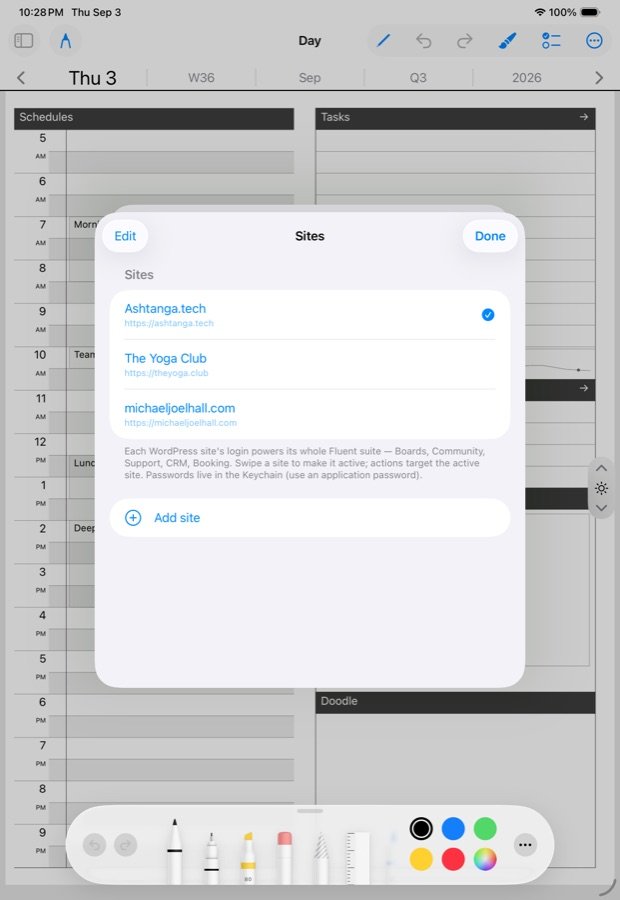
With several sites connected, each of these surfaces remembers its own home site, so messages can live on one site and bookings on another without a global switch.
What you need on the site
Messages need the community messaging plugin; boards need the boards plugin; the roster needs the booking plugin and the CRM. The Ledgable plugin bridges to them. See Connecting a site.
Related
In this section: Sites & publishing
- Reclaim your years from Meta
- Publish to WordPress
- Keeping your ledger private
- The Correspondence room
- Messages, boards and bookings
- Run your own ledger and share
Ledgable — cozy and transgressive