Share on Bluesky
Write a post by hand, syndicate a page through your site, and answer replies in Correspondence.
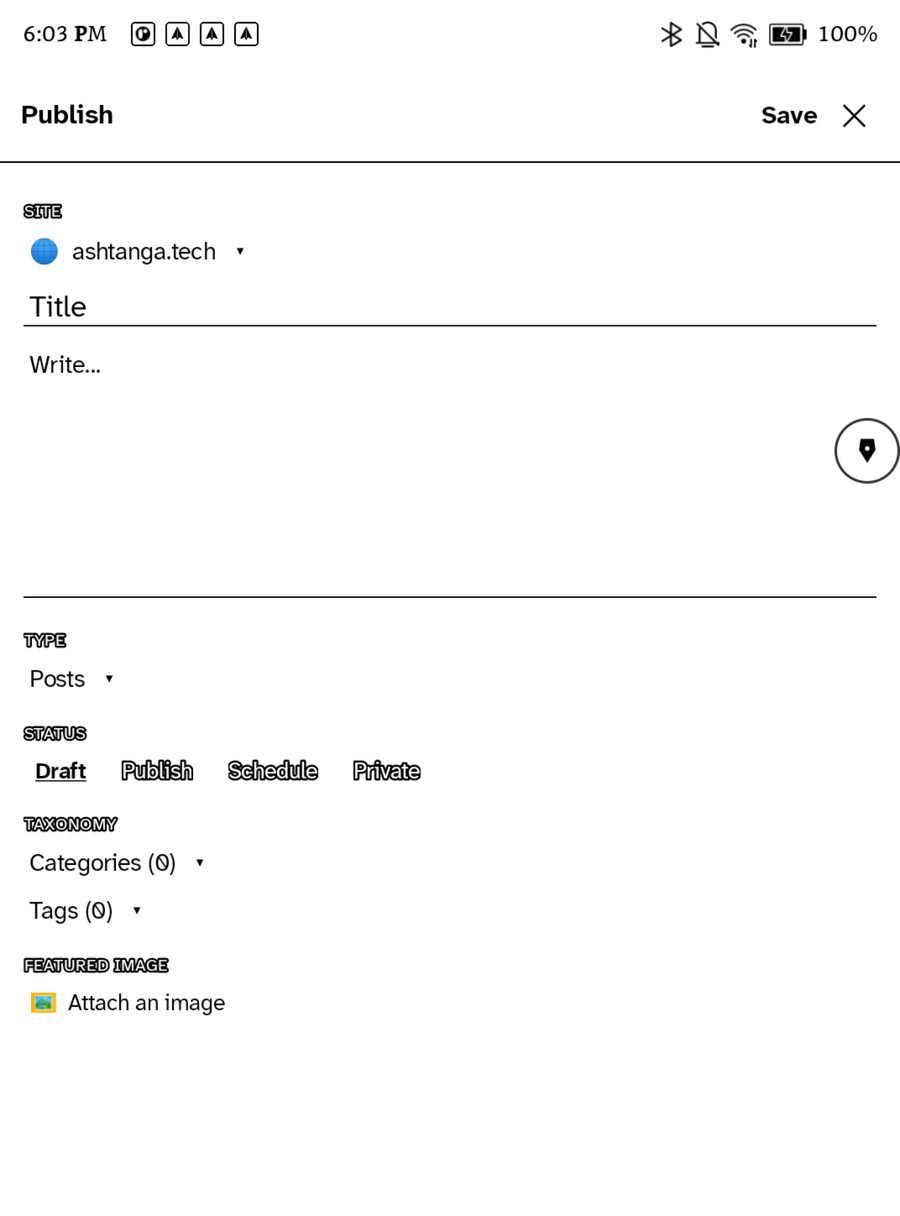
Ledgable posts to Bluesky through your own website, never directly, so every post exists on your domain first and on Bluesky second. Three ways: write a post by hand, syndicate a page you published, and answer replies by hand.
Set it up once
- In Bluesky, make an app password (Settings › Privacy and security › App passwords). It is shown once; it lets an app post as you without your real password.
- In WordPress, open Ledgable › Integrations, enable Network, and enter your Bluesky handle and the app password under Bluesky.
- In the app, the site is already connected under Settings › Sites, so the Bluesky bridge is ready.
Watch: How to create an app password on Bluesky
Write a post by hand
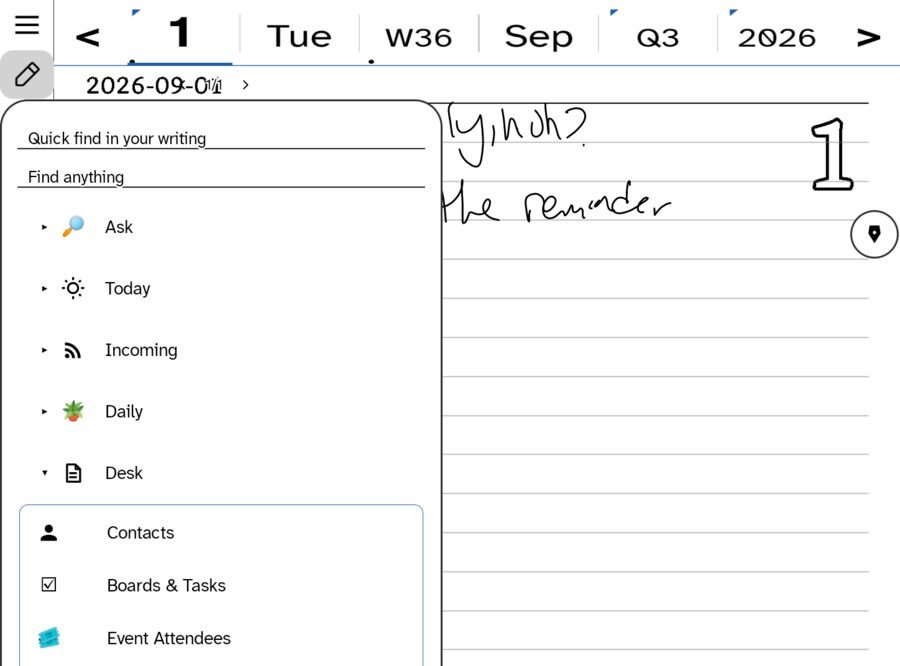
On Android, Incoming › Bluesky › Share on Bluesky… opens a writing pad. Write with the pen; each line is recognised and appended as text, and the counter shows how much of the 300 characters is left. Send, and your site posts it.
Syndicate a page
When you publish a handwritten page to your site, turn on the Bluesky switch on the WordPress row of the Send/Export sheet. The post is tagged, your site’s syndication job picks it up on one of its next passes, about every half hour, and posts it to Bluesky with a link back to the full page. Entries marked public on the site do the same.
Replies come home
Replies to those posts arrive in Correspondence under Desk, beside comments on your site and community answers. Open one and answer by hand: the same pad, the same counter, posted as a reply. See The Correspondence room.
Read Bluesky without the app
Incoming has a Bluesky folder, read through the same bridge, with a batch of seen posts marked as you go. Any public account is also a feed: bsky.app/profile/handle/rss works in Local Feeds.
Related
In this section: Sharing
- Share on Bluesky
- Share handwriting to the community
- Your own garden
Ledgable — cozy and transgressive