Knowledge base › Sites & publishing
Keeping your ledger private
Sync is not publishing; the three site settings that decide who sees a page, all closed by default.
Writing in Ledgable is private by default. Sync goes to a server or a Drive only you can reach, and your site only ever receives the pages you deliberately send it. Three settings then decide who can see a page once it is on a site, and each of them starts closed.
Sync is not publishing
- Sync (WebDAV or Google Drive) is where your day files live. Everything you write goes there, as plain files, and nothing there is published anywhere. See How sync works.
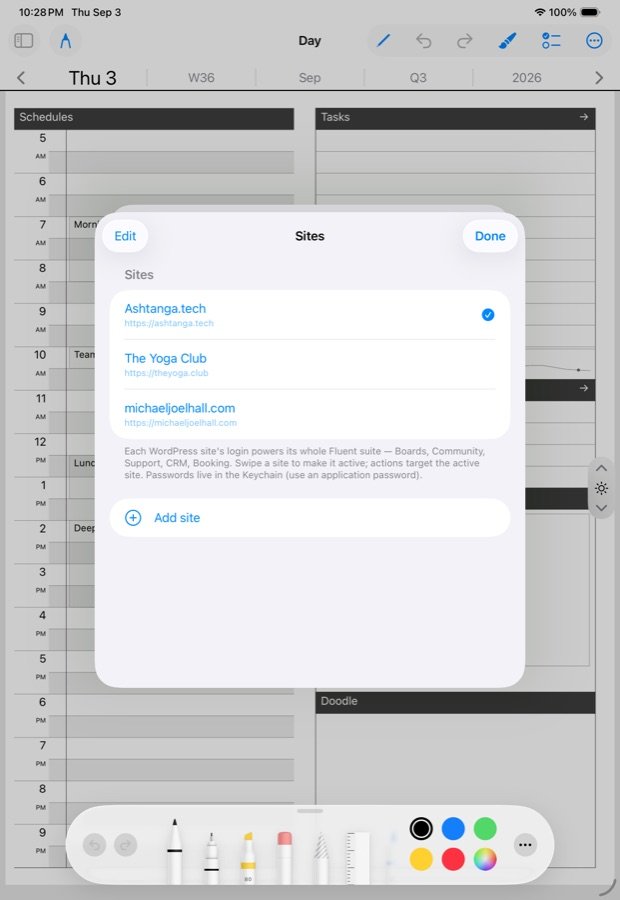
- The site gets a page only when you send it: Send/Export › WordPress from a page, or the plugin’s capture routes on a site you have connected. Nothing syncs from the app to your WordPress on its own.
Three settings on the site
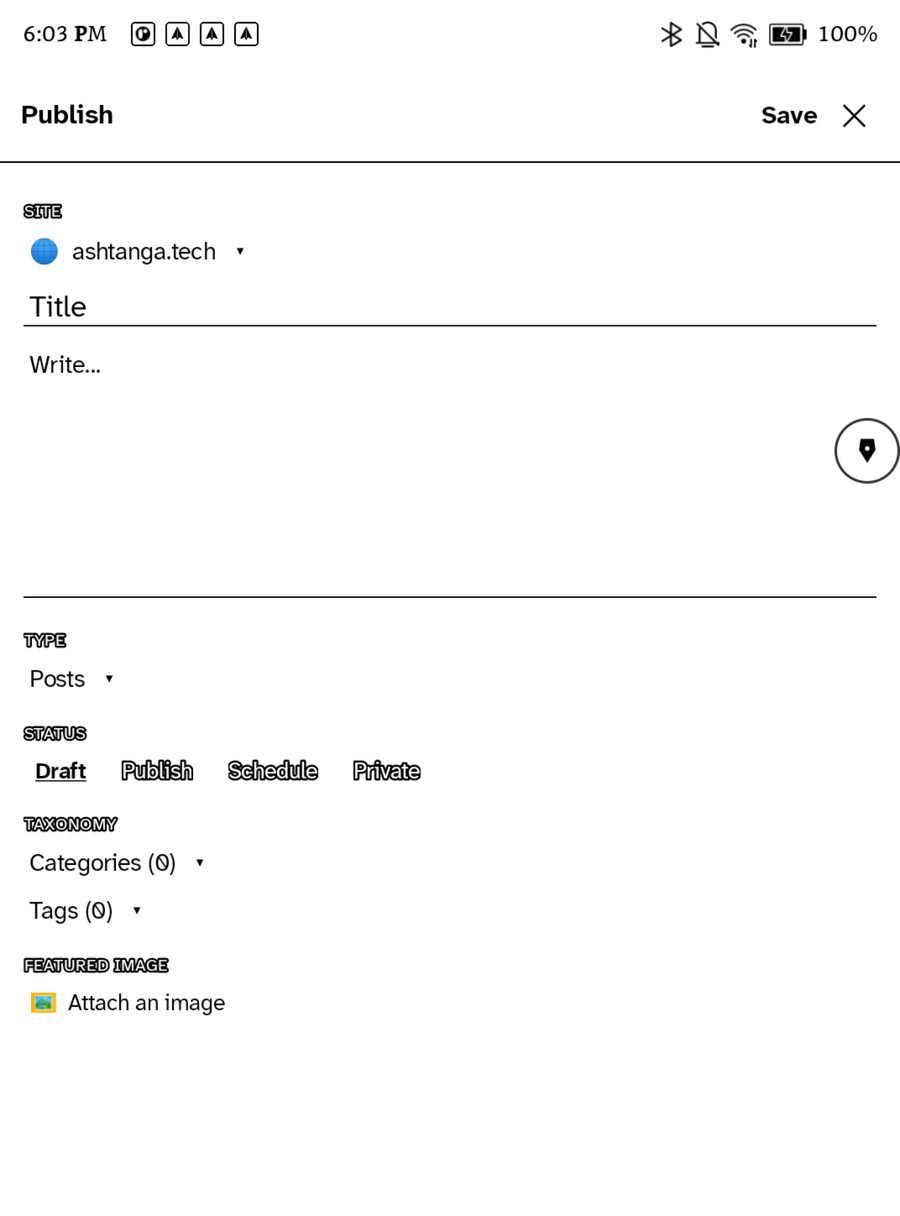
- The page’s own status. Publishing from the app starts on Draft; you choose Draft, Private, Publish or Schedule per page. Pages that arrive through capture land with the status set under Ledgable › Device capture › Status for captured entries, which is Private until you change it. A private WordPress post is visible only to you, signed in.
- Who can read the ledger. Ledgable › Ledger › Who can read it: Only people who can read the ledger, Any logged-in member, or Anyone. This gates the whole
/ledger/page. - Network visibility. Ledgable › Network has a default and a ceiling. Nothing travels past the ceiling, and a per-entry setting can only narrow it, never widen it. The feed, webmentions and the directory carry only entries that pass, and every item is re-checked against the ceiling before it is published. The network module is off on a fresh install.
The private recipe
- Leave the network module off, or set its ceiling to private.
- Set Who can read it to “Only people who can read the ledger”.
- Keep captured entries on Private, and keep publishing from the app on Draft or Private unless you mean a page to be public.
With that, the site is a private mirror you read while signed in and the public sees nothing. Open any one setting later for the pages you want in the world.
What is never private
A page you post to a community space, to Bluesky, or send as email has left your hands by your own act. Those doors are separate from publishing and always ask.
Related
In this section: Sites & publishing
Ledgable — cozy and transgressive